What Is the Best Software for Mobile App Development?

What is the best software for mobile app development? For most teams building for both iOS and Android, the best starting choice is Flutter or React Native with Expo. Beginners who do not code may get to a prototype faster with an AI app builder or visual low-code platform. For apps that need top-tier performance or immediate access to new phone features, use native tools: Xcode for iOS and Android Studio for Android.
There is no single winner for every app. The right software depends on what you are building, who will build it, and how much control you need.
| Your goal | Best software category |
|---|---|
| Launch an idea without coding | AI builder or no-code platform |
| Build iOS and Android from one codebase | Flutter or React Native with Expo |
| Create a highly polished iPhone or Android app | Xcode or Android Studio |
| Build a mobile game with advanced 3D graphics | Unity or Unreal Engine |
| Meet enterprise security and governance needs | Enterprise low-code tools or native development |
The choice matters because switching platforms late can mean months of rework. It also affects your budget, app speed, access to device features, backend options, and publishing process. Android accounts for roughly 70% of smartphones worldwide, while iOS remains essential for many markets, so most app teams must plan for both from the start.
This guide compares the major options in plain English, including AI builders, low-code platforms, cross-platform frameworks, native IDEs, and game engines.
Key Categories: What Is the Best Software for Mobile App Development?
When asking what is the best software for mobile app development, it helps to understand that the tools divide into five main categories. Each serves a distinct skill level, project scope, and budget:
- AI App Builders: Software that converts natural language prompts or visual design files into functional full-stack mobile applications.
- Cross-Platform Frameworks: Software toolkits that allow developers to write a single codebase and deploy native-like applications to both iOS and Android simultaneously.
- Native Integrated Development Environments (IDEs): Official platform tools created by Apple and Google designed specifically for single-platform development with direct hardware and API access.
- Low-Code and Visual Platforms: Drag-and-drop or visual interface platforms that accelerate development while generating standard code underlying the design.
- Game Engines: Specialized 2D and 3D rendering engines tailored for complex animation, physics simulation, and interactive gaming experiences.
Understanding these categories helps narrow down the choices rapidly. Instead of getting overwhelmed by dozens of individual tools, you can match your team’s technical ability with the right category.
What Is the Best Software for Mobile App Development for Non-Technical Beginners?
For non-technical founders, marketers, or entrepreneurs with no coding experience, prompt-driven AI tools and visual drag-and-drop builders are the fastest way to turn an idea into a working app. Traditionally, creating an app required learning complex languages or hiring expensive development agencies. Today, prompt-driven AI app platforms allow you to describe application screens, workflows, and database tables in plain English.
Tools like Huxly – AI Mobile App Builder for iOS and Android enable creators to describe app ideas using simple text prompts, convert Figma interface frames into real code, and test running builds inside browser-based simulators. AI builders generate complete applications—including database connections, user authentication, and logic—in minutes rather than months.
Visual low-code tools such as FlutterFlow or CatDoes offer another practical path for beginners. They combine drag-and-drop UI builders with the ability to export clean, standard code (such as Flutter code). This visual approach eliminates the steep learning curve of syntax while preventing project gridlock when custom tweaks are required later on.
What Is the Best Software for Mobile App Development for Cross-Platform Teams?
If your goal is to build an application for both iOS and Android on a practical startup or mid-sized team budget, cross-platform software frameworks offer the best balance of speed, performance, and cost efficiency.
Building separate native apps requires maintaining two distinct codebases written in different languages (Swift for iOS and Kotlin for Android). That effectively doubles your engineering team size and development costs. Cross-platform frameworks resolve this challenge by sharing 70% to 90% of the application code across both operating systems.
For most cross-platform teams, the primary choice comes down to Flutter or React Native. Both enable developers to build performant, visually appealing mobile applications with native UI widgets, making them ideal for budget-conscious startups and growing enterprise engineering departments alike.
Comparing Top Cross-Platform Frameworks: Flutter, React Native, and Expo

Choosing between the top cross-platform tools requires looking closely at programming languages, rendering architectures, and ecosystem support. As evaluated in the detailed breakdown Best Mobile Frameworks 2026: Flutter vs React Native Tested | The Editorial, cross-platform engineering has reached impressive maturity.
Flutter – Build apps for any screen is Google’s open-source UI toolkit powered by the Dart programming language. Flutter code compiles directly into ARM or Intel machine code as well as JavaScript, delivering smooth performance on any device. Rather than relying on platform-native UI widgets, Flutter controls every single pixel on the screen using its own drawing engine. This guarantees complete visual consistency across both iOS and Android devices. It is used in production by major organizations like Google Pay, BMW, eBay Motors, and Alibaba.
React Native, created by Meta, relies on JavaScript and TypeScript. Instead of drawing custom UI pixels, React Native bridges JavaScript logic directly to real iOS and Android native components. Teams building with React Native power apps like Instagram, Shopify, Discord, and Coinbase. React Native applications leverage the modern Hermes JavaScript engine and the New Architecture (Fabric renderer and TurboModules), effectively eliminating legacy performance bottlenecks.
Here is how the top cross-platform frameworks stack up side by side:
| Feature | Flutter | React Native (with Expo) | Kotlin Multiplatform (KMP) |
|---|---|---|---|
| Primary Language | Dart | JavaScript / TypeScript | Kotlin |
| Rendering Mechanism | Custom engine (Skia/Impeller) | Native OS UI components | Native OS UI components |
| Code Reuse | 80% – 95% UI & logic | 70% – 90% UI & logic | Shared business logic, native UI |
| Hot Reload Support | Excellent (stateful) | Excellent (Fast Refresh) | Varies by UI implementation |
| Popular Apps | Google Pay, BMW, eBay Motors | Instagram, Shopify, Coinbase | Netflix, Cash App, VMware |
| Ideal For | Custom visual designs & canvas UI | Teams with web/React experience | Existing native teams sharing logic |
Kotlin Multiplatform (KMP) presents an appealing third cross-platform route. Used by companies like Netflix, Cash App, and VMware, KMP allows developers to share core business logic and backend networking in Kotlin while writing separate, fully native interfaces using Jetpack Compose on Android and SwiftUI on iOS.
Simplifying Workflows with Expo and Visual Builders
While pure React Native offers great power, configuring build setups, local native modules, and platform updates can be tedious. That is where Expo — Build native apps with React transforms the developer experience. Over 80% of React Native developers rely on Expo, which boasts over 48,000 GitHub stars and more than 4 million npm downloads weekly.
Expo provides an open-source development SDK featuring over 100 production-ready native libraries (covering cameras, secure storage, push notifications, and sensors) alongside cloud services called Expo Application Services (EAS). Key advantages of using Expo include:
- No Local Native Setup: Developers can write cross-platform apps on Mac, Windows, or Linux without configuring Xcode or Android Studio initially.
- Over-The-Air (OTA) Updates: Deploy quick bug fixes directly to end users’ devices in seconds without waiting for app store review cycles.
- Continuous Native Generation (CNG): Native iOS and Android folders are generated automatically on demand, eliminating complex native configuration errors.
- Automated Cloud Builds: EAS handles signing, compiling, and submitting builds to the App Store and Google Play automatically.
Visual tools like FlutterFlow offer a similar workflow boost for Flutter. Designers and developers can drag and drop UI elements, build complex database workflows visually, and export clean, production-ready Dart code at any time, avoiding proprietary vendor lock-in.
Native IDEs vs Low-Code and AI App Builders
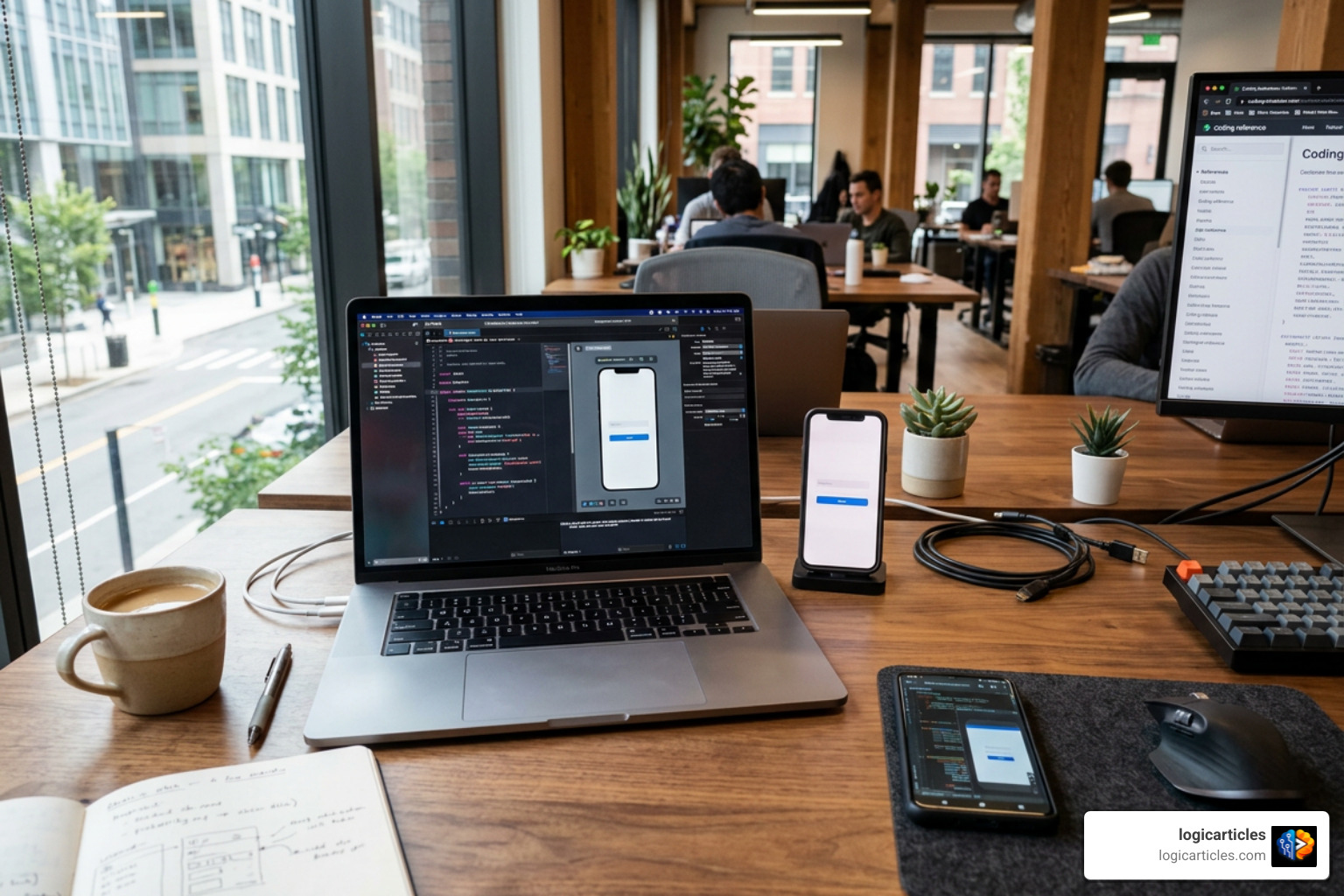
Despite the efficiency of cross-platform and low-code builders, native mobile development using official platform IDEs remains the benchmark for raw performance and system integration.
Apple’s Xcode is the official IDE for building iOS, iPadOS, macOS, and watchOS applications using the Swift language and SwiftUI layout framework. Xcode includes live canvas previews, integrated TestFlight beta distribution, and immediate support for every new iOS feature on launch day. However, Xcode strictly requires macOS hardware to run.
Google’s Android Studio is the official IDE for Android development. Built on JetBrains’ IntelliJ IDEA foundation, Android Studio utilizes Kotlin—Google’s preferred primary language—alongside Jetpack Compose for declarative UI building. It provides deep memory profiling, flexible Gradle build scripts, and extensive emulator options to support the vast range of Android screen sizes and hardware configurations.
Choosing native tools makes sense when your app requires:
- Low-level hardware connections (such as custom Bluetooth protocols, advanced background GPS tracking, or specialized camera sensor access).
- Instant access to brand-new operating system APIs on the exact day Apple or Google announces them.
- Maximum graphical frame rates and heavy local processing without abstraction overhead.
Cloud Backends and Database Integrations
A mobile frontend software tool is only half the equation; almost every application requires a secure cloud backend to handle user authentication, database storage, and business logic.
Google’s Firebase is a popular Backend-as-a-Service (BaaS) choice across cross-platform frameworks, native IDEs, and visual app builders. Tools like Firebase Studio integrate browser-based cloud workspaces with automated setups for Cloud Firestore, Firebase Authentication, and serverless Cloud Functions. Firebase enables teams to add user logins, real-time data sync, and analytics with minimal setup.
Supabase has emerged as a widely adopted open-source alternative to Firebase. Built on top of PostgreSQL, Supabase gives app developers full SQL database power, real-time subscriptions, file storage, and instant authentication APIs. Both Firebase and Supabase integrate smoothly into cross-platform tools like Flutter and Expo, as well as AI builders like Huxly, providing rapid database creation without manual server management.
Specialized Software for Mobile Games and Enterprise Apps
When building mobile games or applications with heavy enterprise security demands, mainstream app builders and standard frameworks are usually not the right fit.
For mobile games, Unity is the undisputed industry leader. Powering blockbuster titles like Pokémon GO, Monument Valley, and Genshin Impact, Unity provides a robust 2D/3D development engine using C#. It features advanced physics, asset management, and cross-platform publishing across mobile, console, and desktop platforms. For high-end AAA mobile titles requiring cutting-edge graphical realism, Unreal Engine (powered by C++ and visual Blueprint scripting) offers unmatched rendering power, though with a steeper hardware requirement and learning curve.
For large enterprise teams, software choices revolve around security compliance, audit logging, role-based access control, and integration with legacy databases. Enterprise low-code platforms like OutSystems and Mendix allow internal IT departments to build securely managed mobile apps rapidly while adhering to strict corporate governance rules.
Hidden Costs, Hardware Requirements, and Trade-Offs
When selecting the best mobile app development software, focusing solely on monthly software subscription prices can lead to surprises later. The true cost of mobile app development includes platform publishing fees, hardware prerequisites, and developer overhead.
Here are the key hidden factors to account for before committing to a tool:
- Apple Developer Program Fee: Publishing apps on the Apple App Store costs $99 per year. An active membership is mandatory even if your app is distributed for free.
- Google Play Console Fee: Distributing apps via Google Play requires a one-time registration fee of $25.
- Mac Hardware Requirement: Xcode only runs on macOS. If you plan to compile native iOS apps locally, edit iOS configurations, or test on local iOS simulators, you must own a Mac. Cloud build services (like Expo EAS) can compile iOS builds in the cloud, but local native troubleshooting still benefits from a Mac.
- Developer Workstation Specs: Running heavy IDEs like Android Studio alongside local device emulators requires a capable computer—ideally equipped with at least 16 GB of RAM and a fast SSD.
- Platform Royalties and Cloud Fees: Game engines like Unity and Unreal Engine introduce revenue-sharing models or royalty fees after reaching specific revenue thresholds (e.g., Unreal’s 5% royalty after $1,000,000 in gross lifetime revenue). AI builders and cloud services also charge for monthly compute credits or database bandwidth as your app grows.
To compare these trade-offs clearly, the table below highlights how each main category evaluates across overall cost, required coding skill, development speed, and overall performance:
| Category | Primary Tools | Skill Level Required | Typical Monthly Cost | Time to Prototype | Performance Level |
|---|---|---|---|---|---|
| AI App Builders | Huxly, CatDoes | Beginner / None | $20 – $100/mo | Hours | Good |
| Visual Low-Code | FlutterFlow, Mendix | Beginner to Intermediate | $30 – $70+/mo | Days | High |
| Cross-Platform | Flutter, React Native / Expo | Intermediate (Code) | Free (Open-source) | Weeks | Very High |
| Native IDEs | Xcode, Android Studio | Advanced (Code) | Free (Open-source) | Months | Maximum |
| Game Engines | Unity, Unreal Engine | Advanced (Code/3D) | Free to Revenue Share | Months | Maximum (3D) |
Frequently Asked Questions About Mobile App Development Software
Do I need a Mac computer to develop iOS applications?
You do not strictly need a Mac during the early design and logic building stages if you use cross-platform cloud services or web-based AI app builders. Platforms like Expo (with EAS Cloud Build), Huxly, or FlutterFlow allow you to develop code and submit completed builds to the Apple App Store entirely via cloud virtual machines.
However, if you plan to write native iOS Swift code directly, test apps locally on physical Apple hardware, or debug complex iOS native plugins using Xcode, owning a Mac operating system is mandatory.
Is native app development always better than using cross-platform software?
Not always. While native development using Swift/Xcode and Kotlin/Android Studio provides immediate access to new platform features and absolute peak performance, it requires double the engineering effort to maintain two separate applications.
For 90% of business applications, e-commerce stores, social tools, and productivity utilities, modern cross-platform software like Flutter or React Native achieves identical real-world performance while dramatically cutting development costs and time to market.
Can non-technical founders build and publish an app without writing code?
Yes, non-technical founders can build fully functional mobile prototypes and even launch production apps using AI builders and visual low-code software. Tools like Huxly allow creators to generate screens, wire up databases, and submit signed app binaries to TestFlight, the App Store, and Google Play without editing raw source files.
When choosing a no-code tool, ensure it allows source code export (such as exportable Flutter or React Native code) so your project can smoothly transition to traditional developers as your business expands.
Conclusion
Determining what is the best software for mobile app development comes down to matching your current technical skills, budget, and performance goals with the right tool category:
- Choose AI App Builders or Visual Low-Code Tools if you are a non-technical founder who needs to test a business idea fast without writing code.
- Choose React Native (with Expo) or Flutter if you are building a commercial cross-platform app for iOS and Android on a practical startup budget.
- Choose Xcode and Android Studio if you are an experienced developer building hardware-intensive, low-latency, or platform-exclusive native apps.
- Choose Unity or Unreal Engine if your primary goal is to build an interactive 2D or 3D mobile game.
Instead of spending weeks analyzing features on paper, the most effective strategy is to pick the top candidate tool in your category and spend a single day building a simple, working prototype. Hands-on testing will quickly reveal whether a tool’s workflow fits your project vision.
To explore more comprehensive tool reviews, software comparisons, and development guides to help you make informed tech stack decisions, visit our software review hub.