Understanding the AI Lesson Plan Generator for Teachers

Lesson planning is both an art and a science, but spending hours formatting complex layout tables, searching for state standard alignment codes, and typing out routine instructional procedures is rarely why anyone entered the teaching profession. Automated digital tools leverage artificial intelligence to handle the repetitive mechanics of instructional design, allowing teachers to dedicate significantly more energy to direct student interactions, individualized mentoring, and active classroom management.
How Automated Lesson Planning Works
An AI lesson plan generator for teachers works by converting specific classroom parameters—such as target grade level, subject area, lesson duration, skill focus, and official curriculum standards—into structured, cohesive pedagogical frameworks. Rather than requiring educators to master intricate prompt engineering techniques, modern educational generators utilize structured, guided workflows. Teachers simply input key criteria into intuitive standard fields, and the underlying AI algorithms process these parameters using large language models tailored for education.
These platforms process inputs in real time, generating complete, well-organized lesson drafts in just 30 to 60 seconds. Instead of producing unstructured walls of generic text, purpose-built instructional engines return clean, formatted outputs containing clear learning objectives, engaging warm-up routines, direct instruction sequences, guided and independent practice exercises, formative assessments, and targeted accommodations for diverse learning styles.
Key Features of an AI Lesson Plan Generator for Teachers
When evaluating digital instructional tools, several core capabilities distinguish specialized educational software from generic conversational chat interfaces:
- Curriculum Mapping: Direct integration with recognized state, national, and international standards (such as Common Core, NGSS, TEKS, and the UK National Curriculum).
- Structured 8-Section Templates: Automated document organization covering Essential Questions, Learning Objectives, Warm-Up Sets, Direct Instruction, Guided Practice, Independent Practice, Formative Assessment, and Differentiation.
- Active Learning Integration: Embedded pedagogical methodologies such as Socratic Seminars, Jigsaw cooperative learning, Mock Trials, Think-Pair-Share routines, and Gallery Walks.
- Unit and Pack Design: The capability to generate complete multi-week unit schemes, accompanying presentation outlines, printable student worksheets, and rubric-backed evaluation tools.
Utilizing a specialized lesson planning generator ensures that generated educational content respects appropriate developmental pacing, instructional sequencing, and classroom time constraints rather than merely summarizing raw academic information.
Core Benefits and Workload Reduction for Educators
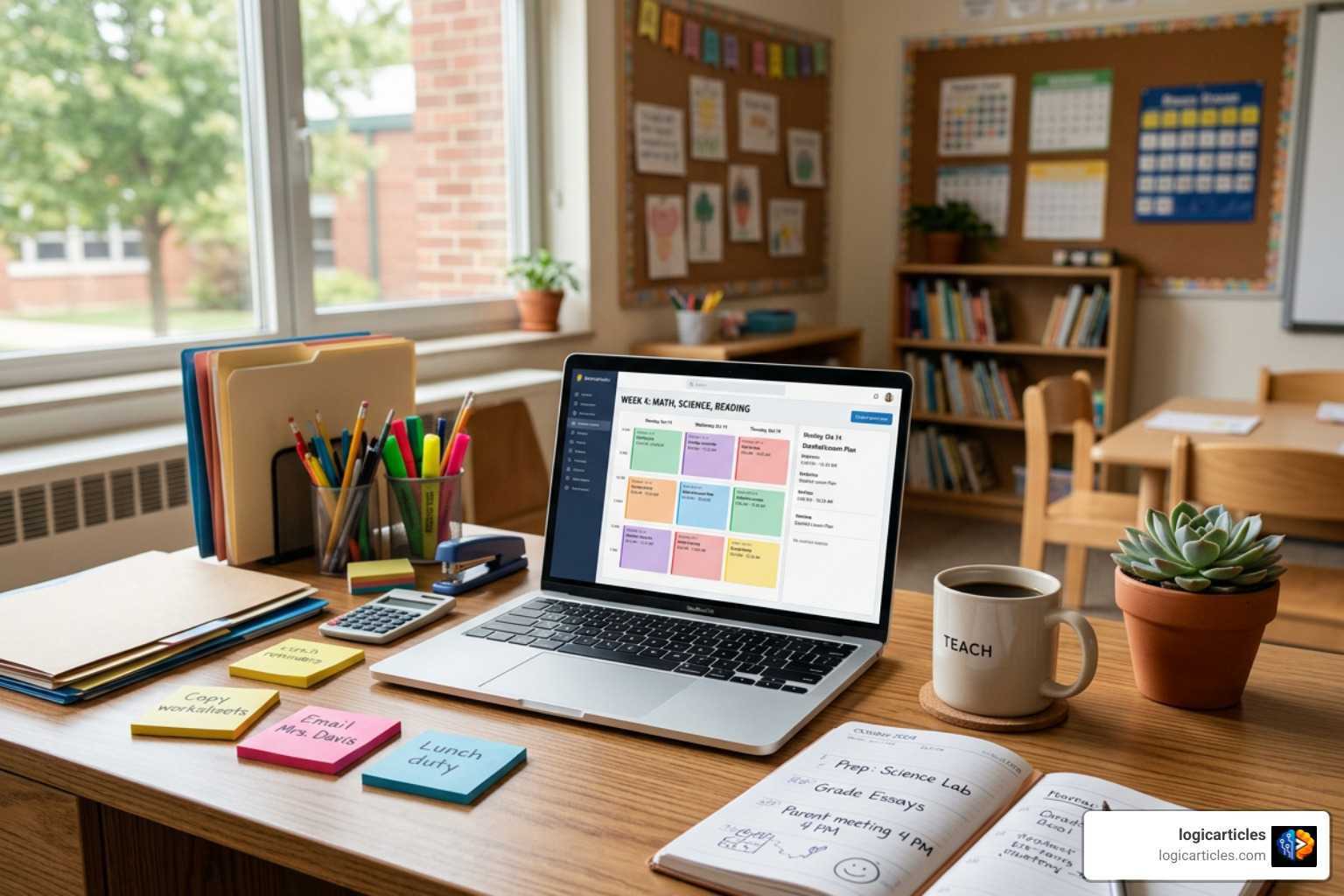
Administrative burden and excessive preparation schedules remain major drivers of educator burnout across all school levels. Because full-time teachers average nearly 49 hours of work per week—frequently exceeding contract expectations by 10 or more hours—streamlining daily drafting tasks directly restores personal well-being and long-term professional sustainability.
Saving Time on Classroom Preparation
Traditional lesson preparation across fragmented digital platforms, textbooks, and state documents typically requires between 2.5 and 5 hours for a comprehensive, multi-day instructional package. Purpose-built planning platforms dramatically condense this timeline while maintaining high educational quality:
- Purpose-built automated planning tools generate a complete multi-document teaching package—including lesson plans, presentation slides, practice activities, and answer keys—in under 10 minutes, cutting preparation time by up to 95%.
- Dedicated educational generators cut overall planning and resource creation time by up to 80% across standard weekly planning sessions.
- Educators using automated planning software routinely save 5 or more hours every week, which can be redirected toward interactive teaching, detailed grading feedback, and student support.
These efficiency gains extend far beyond routine day-to-day scheduling. Designing emergency substitute teacher folders, creating engaging back-to-school icebreaker units, or organizing complex interdisciplinary project schemes becomes a quick administrative task rather than an exhausting evening-long project.
Supporting Diverse Learners and Differentiation
A central challenge in modern classrooms is adapting a standardized curriculum to meet widely varying learning needs within the same student cohort. Specialized planning platforms excel at generating real-time differentiation options tailored to varied learning profiles:
- Special Education (SEN) & Accommodations: Rapid creation of custom graphic organizers, simplified multi-step directions, visual cues, and chunked learning tasks tailored to individualized learning plans.
- English Language Learners (ELL): Immediate generation of vocabulary glossaries with contextual native-language support, structured sentence frames, and scaffolded reading materials.
- Gifted and Talented Extensions: On-demand generation of tiered extension activities, critical thinking prompts grounded in Bloom’s Taxonomy, and self-directed student research tasks.
Comparing Curriculum Alignment, Customization, and Export Options
Different digital planning solutions prioritize distinct aspects of the lesson design process. The comparison table below highlights standard feature differences between generic chatbot tools and specialized instructional AI generators:
| Feature Category | Basic / Generic AI Tools | Specialized AI Lesson Generators |
|---|---|---|
| Generation Speed | 30–60 seconds | 30–60 seconds (or <10 mins for multi-doc packs) |
| Formatting | Unformatted Markdown prose | Structured 8-section layout / slide decks |
| Standards Mapping | Manual prompting required | Native drop-downs (CCSS, NGSS, TEKS, International) |
| Pedagogical Strategies | Basic lecture / Q&A | 50+ Active Learning methods (Jigsaw, Debate, etc.) |
| Export Formats | Copy/Paste text | PDF, DOCX, Google Docs, Slides, PPTX, HTML |
| Modular Editing | Re-prompts entire response | Section-by-section chat editing |
Selecting the Right AI Lesson Plan Generator for Teachers
Selecting the optimal software platform depends on your specific instructional context, grade level focus, and subject matter goals. If active student participation and student-led inquiry are your core priorities, choosing a platform that natively supports structures like Socratic Seminars, Four Corners, or problem-based learning ensures lessons move far beyond passive lectures.
Platforms built specifically for educators embed Bloom’s Taxonomy into objective writing and assessment design. They also provide modular, section-level editing controls, allowing you to modify individual warm-ups, direct instruction steps, or exit tickets without altering or corrupting the rest of the formatted plan.
Standards Support, Grade Levels, and Export Formats
Most education-focused generators accommodate the complete Pre-K through Grade 12 academic spectrum, while also extending to early childhood and post-secondary educational settings:
- Standards Supported: Full integration with recognized learning frameworks including the Common Core State Standards, Next Generation Science Standards (NGSS), Texas Essential Knowledge and Skills (TEKS), International Baccalaureate (IB), Advanced Placement (AP), UK National Curriculum, and Australian ACARA frameworks across dozens of regions.
- Export & LMS Integration: Direct, polished output to Microsoft Word (.docx), PDF, Google Docs, PowerPoint (.pptx), Google Slides, and Learning Management Systems (LMS) such as Google Classroom, Canvas, or Microsoft Teams.
Best Practices, Safety, and Limitations in AI Planning

While artificial intelligence significantly speeds up initial drafting, professional human oversight and pedagogical judgment remain essential for delivering effective, authentic instruction in the classroom.
Ensuring Accuracy and Maintaining Teacher Judgment
Automated systems lack personal knowledge of individual student personalities, unique classroom dynamics, local community contexts, or subtle social-emotional factors. Educators should apply a professional review process to every generated draft:
- Verify Fact Accuracy: Carefully review all generated dates, mathematical formulas, scientific definitions, and textual references, particularly when preparing specialized subject content or historical analysis.
- Inject Your Professional Voice: Spend 5 to 10 minutes refining generated activities to incorporate your unique teaching style, personal anecdotes, real-world connections, and targeted checks for understanding.
- Verify Standard Codes: Double-check automatically assigned standard codes against your school district’s official curriculum documentation prior to formal administrative submissions.
Data Privacy and Classroom Safety
Protecting student privacy and maintaining school compliance are critical considerations when adopting digital planning tools in educational environments:
- GDPR & Privacy Compliance: Professional educational tools operate on secure servers where user prompts, instructional materials, and class data are strictly isolated and never utilized to train public machine learning models.
- Safety and Content Filters: High-quality teacher platforms implement rigorous moderation filters to ensure all generated reading passages, activity prompts, and external resources remain fully age-appropriate and safe for classroom use.
Frequently Asked Questions About AI Lesson Planning
What grade levels and subjects do AI lesson planners support?
Dedicated educational generators support the entire academic spectrum. They cover core subjects including Mathematics, General Science, Biology, Chemistry, Physics, English Language Arts, World History, and Social Studies, as well as specialized electives like Visual Arts, Physical Education, Music, Foreign Languages, Computer Science, and Career and Technical Education (CTE). Grade coverage spans early childhood education (Pre-K and Kindergarten) through elementary, middle school, high school (including AP and IB courses), and university-level instruction.
Are there free options available for teachers?
Yes, many automated lesson planning platforms offer accessible free tiers, daily generation quotas, or initial welcome credits without requiring a credit card up front. Paid subscription tiers (typically ranging from $5 to $10 per month) unlock expanded functionality, such as unlimited lesson generations, presentation slide deck exports, automated AI grading rubrics, and collaborative department or district-wide sharing features.
How do AI-generated plans differ from generic text outputs?
Generic artificial intelligence chatbots typically produce unstructured text blocks that require extensive manual copying, pasting, and reformatting before classroom application. Purpose-built lesson plan generators automatically output clean, print-ready schedules, neatly separate teacher guides from printable student worksheets, integrate standard curriculum databases directly into dropdown menus, and offer modular section-by-section editing without disrupting document formatting.
Conclusion
An ai lesson plan generator for teachers is not a replacement for professional pedagogical expertise and human connection—it is a powerful, highly efficient digital assistant. By automating time-consuming mechanics such as lesson layout formatting, standards alignment matching, and resource draft creation, these modern tools return valuable hours back to educators every single week.
Embracing structured, AI-assisted planning workflows empowers teachers to concentrate on what matters most in education: inspiring students, facilitating interactive classroom discussions, providing individualized feedback, and cultivating meaningful learning environments. To discover more innovative ways modern technology can elevate your educational workflow and productivity, explore our curated resources on the logicarticles AI tools category.