Why Choosing the Right Accounting Software Can Make or Break Your Solo Business

Finding the best accounting software for small business with no employees doesn’t have to be complicated. Here’s a quick answer if you’re short on time:
| Software | Best For | Starting Price |
|---|---|---|
| QuickBooks Online | Best overall features | $38/month (free tier available) |
| Wave | Best free option | Free (Starter plan) |
| Zoho Books | Best free for under $50K revenue | Free |
| FreshBooks | Best for client billing and time tracking | $23/month |
| ZipBooks | Easiest for beginners | Free |
| Quicken Business & Personal | Best for managing multiple side hustles | $4.99/month |
| Investrio | Best AI-powered option for solopreneurs | $29/month |
Running a one-person business means wearing every hat. You’re the salesperson, the delivery team, and the bookkeeper.
Most accounting software is built for businesses with teams, payroll, and dedicated finance staff. That’s not you. You need something lean, simple, and affordable — ideally free.
The good news: there are genuinely great tools designed specifically for solo operators. Some are completely free. Others cost less than a lunch per month and save you hours of admin work.
This guide cuts through the noise and compares the top options side by side — so you can pick the right tool and get back to running your business.
Key Features of the Best Accounting Software for Small Business with No Employees
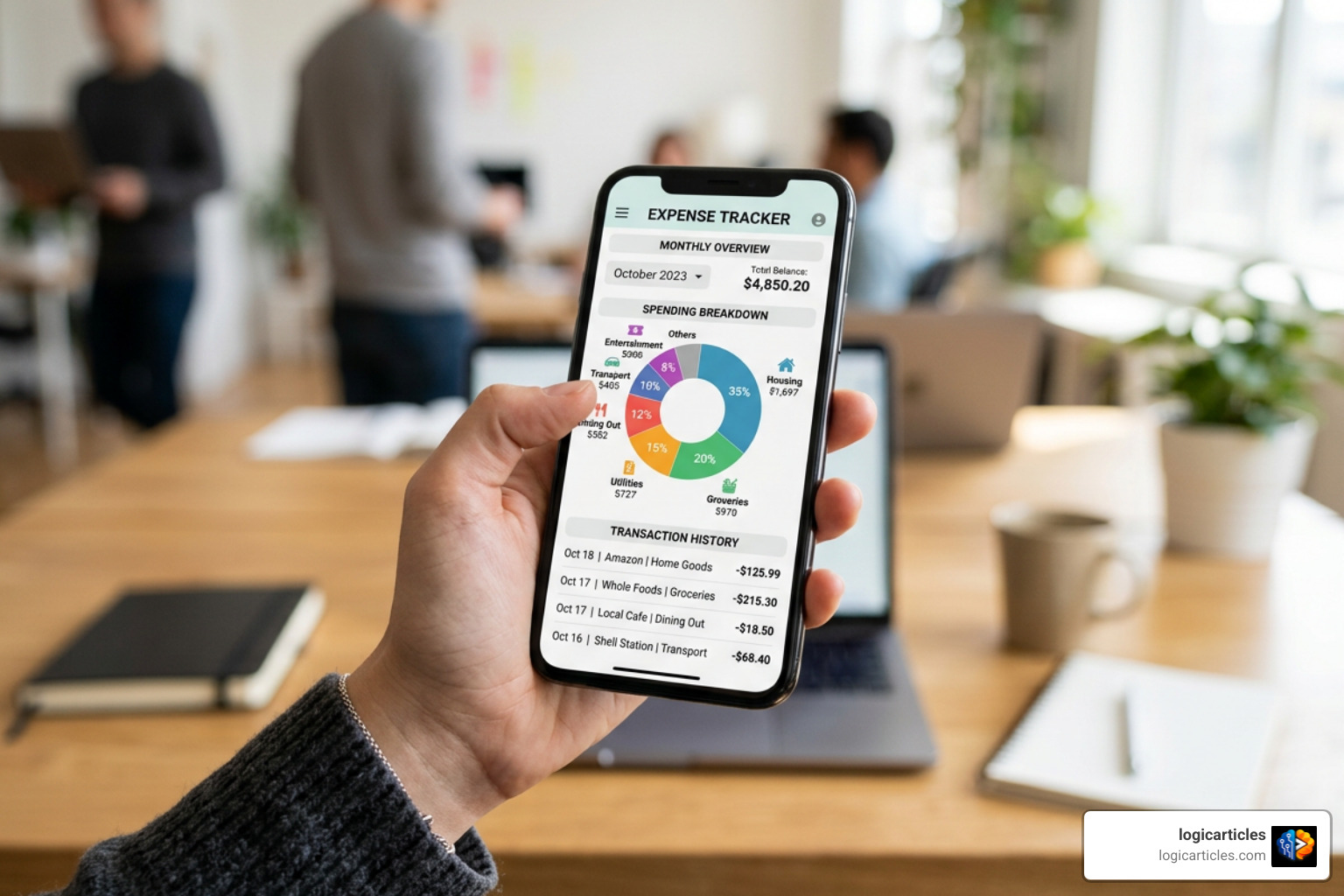
When running a business of one, your time is your most valuable asset. Spending hours wrestling with complex accounting jargon like general ledgers or debit/credit journal entries takes away from generating revenue. Choosing the right software isn’t just about finding something that calculates numbers — it’s about eliminating repetitive financial tasks so you can focus on core client work.
The fundamental core operational features to look for in solopreneur accounting platforms include:
- Automated Income and Expense Categorization: The software should connect securely to your business bank accounts and credit cards to automatically pull in transactions and tag them appropriately.
- Professional Invoicing and Customization: You need the ability to build, send, and manage professional digital invoices, set up recurring billing schedules, and offer clients instant online payment options.
- Receipt Capture and Document Storage: A dedicated smartphone app that lets you snap a photo of a physical paper receipt and automatically match it to a pending bank transaction saves immense stress during tax season.
- Tax Schedule C Preparation: Platforms built for self-employed pros categorize expenses into standard tax schedule lines throughout the year, calculating estimated quarterly tax obligations in real time.
- Cash Flow Tracking and Financial Reporting: Easy-to-read dashboards providing real-time Profit & Loss (P&L) statements, expense summaries, and cash flow forecasts let you understand your financial health at a glance.
By focusing on these core capabilities, you avoid overpaying for unnecessary team features like payroll management, team permissions, or complex inventory tracking. Platforms tailored specifically for solopreneur financial management streamline these exact workflows so you never miss a tax deduction or delayed payment.
Choosing the Best Accounting Software for Small Business with No Employees on a Budget
As a solo business owner, keeping overhead costs low is critical to maintaining profitability. Fortunately, software providers offer a range of affordable entry-level solutions designed specifically for single-person operations.
For micro-businesses earning under $50,000 in annual revenue, Zoho Books offers a completely free tier supporting up to 1,000 invoices and 1,000 expense records per year. Similarly, Wave’s free Starter plan provides unlimited invoices, estimates, customers, and expense entries for a single user without forcing you onto a paid monthly subscription.
However, even when operating with zero employees, state and federal authorities require accurate compliance records. For instance, single-member LLCs or sole proprietors operating in states like Washington, California, or New York often face mandatory quarterly compliance reports even when no wage payroll was disbursed. Utilizing specialized free solopreneur tax calculators alongside your basic bookkeeping software ensures you fulfill state zero-filing requirements locally and privately without taking on expensive $40/month payroll subscriptions.
Comparing Free vs Paid Options: Best Accounting Software for Small Business with No Employees
Choosing between a permanently free tool and a paid subscription comes down to your transaction volume, client billing model, and long-term business goals. Below is a detailed feature breakdown comparing standard free platforms against paid plans:
| Feature / Capability | Free Tiers (e.g., Wave, ZipBooks Starter) | Paid Plans (e.g., QuickBooks, FreshBooks) |
|---|---|---|
| Monthly Subscription Cost | $0 forever | $23 to $38+ per month |
| Invoicing Limits | Unlimited (Wave) or limited clients (ZipBooks) | Unlimited invoices and client billing |
| Bank Feed Automation | Included (may require manual sync updates) | Real-time direct bank feeds and smart rules |
| Payment Gateway Integration | Standard processing fees apply (e.g., Stripe, PayPal) | Embedded payments with flexible rate discounts |
| Advanced Cash Flow & Forecasting | Basic P&L and Balance Sheet reports | Deep reporting, cash runway tracking, and AI insights |
| Accountant Collaboration | Exportable CSVs or limited guest invites | Full multi-user accountant access portals |
| Time Tracking & Milestones | Rare or limited to third-party add-ons | Built-in billable time and project tracking |
While a free platform provides everything a freelance contractor or boutique consultant needs to maintain clear records, stepping up to a paid tier like QuickBooks Online Simple Start ($38/month) or FreshBooks ($23/month with frequent 70% off promotions) unlocks deeper reporting, automated bank reconciliations, and dedicated integration ecosystems.
Comparing Top Accounting Platforms for One-Person Operations
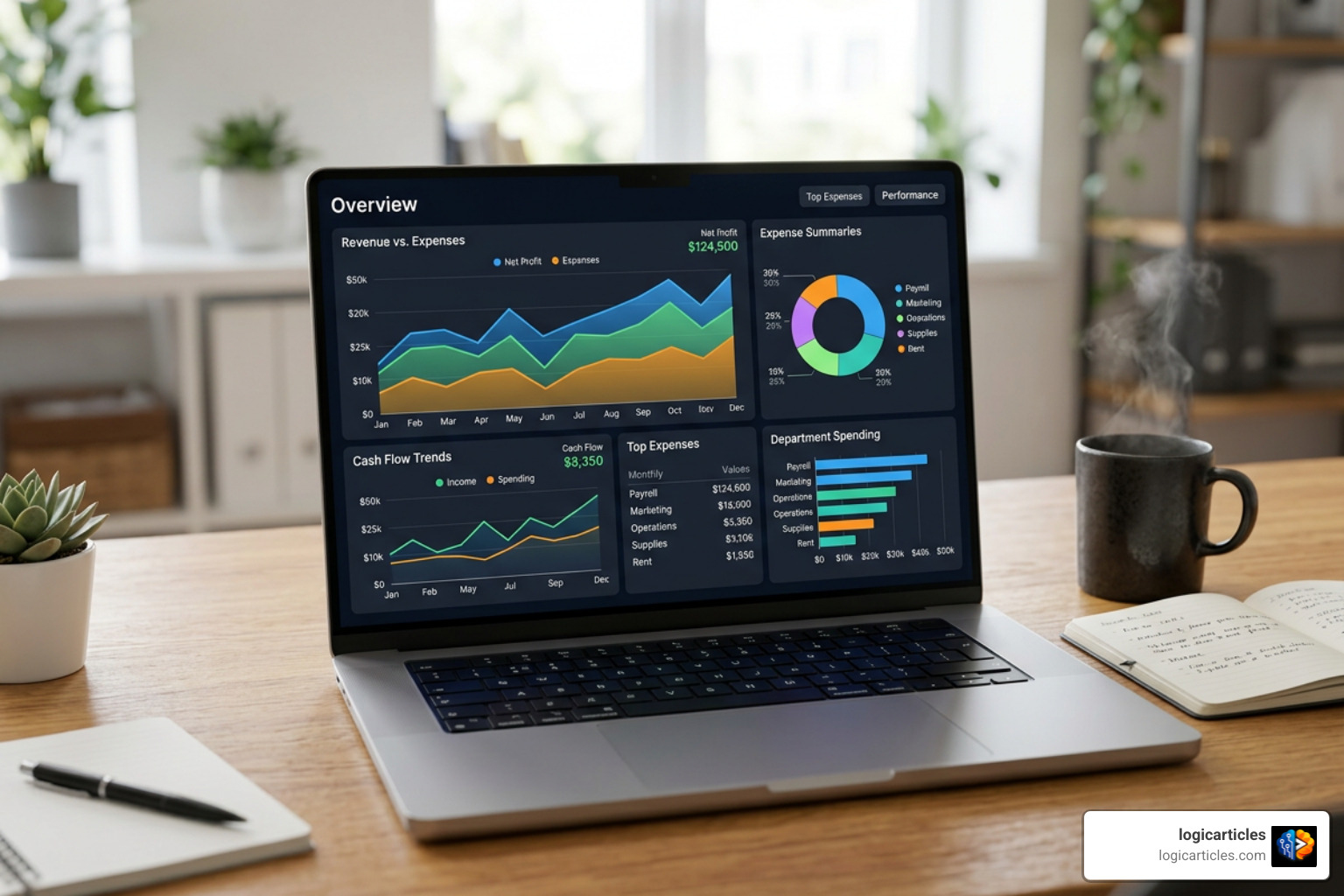
Evaluating software options requires looking closely at how each platform handles real-world bookkeeping tasks for self-employed professionals.
Wave remains one of the most widely adopted free tools, used by over 2 million small business owners with a 4.4 out of 5-star rating on G2. Its major advantage is providing a true double-entry accounting engine under the hood while maintaining a simple, user-friendly interface. You can create unlimited customized invoices, run financial statements, and track expenses at zero cost, paying only standard credit card and bank transfer transaction fees when clients pay invoices online. For those wanting dedicated customer support and auto-categorization features, Wave also offers a Pro plan at $19/month or $190/year.
When comparing Wave directly to QuickBooks, many solopreneurs find themselves weighing cost against feature depth. QuickBooks Free and self-employed platforms offer robust transaction tagging and industry-standard tax integration. However, while QuickBooks is trusted worldwide as a benchmark for small business accounting, its paid plans (such as QuickBooks Online Simple Start at $38/month) can feel overly complex or expensive for straightforward freelance models.
For solo professionals looking for dedicated options tailored to independent workflows, self-employed accounting platforms offer zero-cost invoicing and cash flow management, while QuickBooks free accounting tools let solo operators organize expenses without upfront financial commitments.
Evaluating Ease of Use and Daily Setup for Non-Accountants
Simply owning a business doesn’t turn you into a trained accountant. You shouldn’t need a degree in finance or an understanding of double-entry ledger mechanics to keep accurate business records.
Modern accounting apps eliminate complexity by translating ledger entries into everyday business language. When you send an invoice or log a receipt, the software records the necessary accounting transactions in the background.
For non-accountants seeking the absolute easiest day-one setup, platforms like ZipBooks and FreshBooks stand out. ZipBooks features clean, clutter-free screens with intuitive menu options, making it easy to master within minutes. FreshBooks organizes workflows around client projects, making it ideal for service providers who bill clients based on hourly rates or project milestones.
Meanwhile, emerging platforms featuring automated solopreneur bookkeeping integrate AI financial assistants that act like a digital CFO. These platforms automatically categorize bank imports, flag missed tax deductions, and send proactive cash flow alerts, reducing weekly financial admin from hours down to minutes.
Managing Multiple Businesses and Side Hustles Under One Account
A common challenge for modern solopreneurs is running multiple income streams under one roof. You might run a consulting agency while managing a digital store or freelance photography business on the side.
Most traditional accounting software platforms, including QuickBooks Online, require a separate paid monthly subscription for every individual legal entity or business account you manage. Over time, managing three side hustles this way can lead to high monthly software costs.
If you run multiple distinct operations, look for platforms built with multi-entity flexibility:
- Quicken Business & Personal: Allows users to manage up to 10 separate businesses or side hustles alongside personal investments and household budgets within a single subscription starting at $4.99/month (billed annually).
- ZipBooks Accountant Tier: Enables multi-account management from a single login dashboard, letting you toggle between different business entities without paying full subscription fees for each separate profile.
- Wave: Supports adding multiple business profiles under a single master user account, allowing you to switch between entities instantly for zero monthly base fees.
Using all-in-one business and personal apps ensures you keep separate bookkeeping records for every project while maintaining a unified view of your net worth and cash runway.
Tax Readiness, Deduction Tracking, and Cash Flow Automation
Tax season is often the most stressful time of year for sole proprietors. Without regular expense tracking, solopreneurs run the risk of overpaying on self-employment taxes or scrambling through piles of receipts every April.
Effective accounting tools transform tax preparation into a passive, year-round background process. By automatically categorizing every transaction into IRS Schedule C categories (such as home office costs, advertising, travel, and professional services), the software maintains tax-ready records automatically.
Automation plays a huge role in stabilizing your monthly cash flow:
- Automated Invoice Reminders: Set up gentle, pre-scheduled email notifications sent to clients 3 days before and 5 days after an invoice due date to prevent delayed payments.
- Instant Mobile Receipt Capture: Snap photos of paper receipts at point-of-sale directly inside your mobile app to extract vendor names, tax amounts, and dates automatically.
- Recurring Billing: Auto-charge monthly retainer clients using saved payment methods to keep cash flow steady and eliminate routine billing tasks.
- Tax Deduction Discovery: AI-driven expense tools scan your transaction logs continuously to highlight easily overlooked tax deductions, such as business mileage or software subscriptions.
Mobile App Capabilities and Payment Processor Integrations
As a solo business owner, you are rarely tied to a desktop office chair all day. Whether meeting clients, traveling, or working remotely, having a fully functional mobile accounting app is essential.
Top-tier mobile apps from FreshBooks, Wave, and Zoho Books let you generate professional quotes, convert approved estimates directly into invoices, and check live profit figures directly from your smartphone.
Equally critical is seamless payment gateway integration. Linking your bookkeeping tool directly with payment processors like Stripe, PayPal, Venmo, or Apple Pay dramatically shortens your billing cycle. In fact, providing clients with direct “Pay Now” links on digital invoices enables fast, direct bank or credit card transfers that clear within two business days, keeping your cash flow healthy and predictable.
Frequently Asked Questions about Solopreneur Accounting Software
Do small business owners with no employees need double-entry accounting?
No, small business owners do not need to understand double-entry accounting to maintain accurate records. Modern accounting platforms handle double-entry mechanics — balancing debits and credits behind the scenes — automatically whenever you record income or log an expense. While standard double-entry structure is helpful for exporting clean reports to your professional CPA or tax preparer, your day-to-day workflow requires only simple transaction tagging and invoicing.
Can a solo business owner manage multiple businesses in one accounting tool?
Yes, but it depends on the platform you choose. Tools like Quicken Business & Personal allow you to manage up to 10 distinct side hustles or business operations within one single account. Wave also lets you switch between multiple business profiles under one master login at no extra cost. However, platforms like QuickBooks Online require purchasing a separate subscription for each individual business entity.
Is free accounting software safe for handling sensitive financial data?
Yes, reputable free accounting software platforms adhere to strict financial security standards. Leading free tools like Wave and Zoho Books protect bank connections and business data using 256-bit SSL encryption and maintain PCI-DSS Level 1 Service Provider compliance — the exact same security protocols utilized by commercial banking institutions worldwide.
Conclusion
Finding the best accounting software for small business with no employees comes down to choosing a platform that matches your specific business model, transaction volume, and administrative preferences.
If your primary goal is keeping overhead costs at absolute zero while maintaining clean financial records, Wave, Zoho Books, or ZipBooks offer incredible value without monthly subscription fees. If you manage multiple side hustles alongside personal budgets, Quicken Business & Personal provides an affordable combined hub. For service providers who require deep time tracking, client proposals, and advanced cash flow automation, paid tools like FreshBooks or QuickBooks Online are worth the investment.
At logicarticles, we focus on helping independent professionals streamline operations and boost daily efficiency. Exploring our curated guides on productivity software resources will help you automate routine administrative tasks, organize your financial workflows, and give you back precious hours to focus on growing your core business.