Key Features to Look For in a Free AI Report Generator

Choosing the right tool starts with understanding what makes a project document clear and readable. A standard project report should never look like an endless wall of plain text. Stakeholders, project leads, and academic evaluators expect recognizable structural boundaries, quantitative progress metrics, and actionable takeaways.
When evaluating automated tools, look for platforms that support essential core report sections. These include an executive summary (or abstract), an explicit methodology section detailing tools and procedures, and structured key findings paired with strategic recommendations. High-quality systems ensure that incoming notes are categorized logically into these standard divisions.
Visual hierarchy is equally critical. Tools with strong document controls automatically generate scannable headers, formatted tables, bulleted lists, and structured data summaries. Choosing a dedicated tool like a Free AI Report Generator allows you to turn raw metrics directly into organized data breakdowns without spending hours adjusting document margins manually.
Structured Layouts and Standard Report Sections
A professional project document requires a predictable flow. The top free generators provide specialized templates built around established corporate and academic standards:
- Title Page and Document Meta: Including project name, author, date, and version history.
- Abstract / Executive Summary: Synthesizing complex project goals into a quick high-level overview.
- Methodology and Scope: Contextualizing how data was gathered and defining operational parameters.
- Progress Metrics and Milestone Updates: Displaying completion percentages, resource allocation, and budget trackability.
- Risk Analysis and Next Steps: Highlighting project blockers, upcoming deliverables, and recommended actions.
Academic and Professional Citation Support
For students and researchers, structural layout is only half the battle. Project reports written for academic evaluation must follow strict attribution guidelines. Select free tools natively integrate citation generators capable of formatting references in APA format, MLA style, or Harvard citation guidelines.
Instead of requiring manual entry into third-party reference software, these platforms format in-text citations and build alphabetized reference lists directly from your source notes.
Evaluating Features: Which Free AI Is Best for Making a Project Report?
To determine which free AI is best for making a project report?, you must evaluate how well an engine processes raw, unstructured input. Most project updates start as chaotic meeting notes, voice transcripts, or raw bullet points stored in personal notebooks.
An effective AI generator parses these disorganized inputs, identifies primary themes, extracts key figures, and drafts coherent paragraphs. Advanced engines like an AI Report Creator Tool use agentic processing pipelines to review generated text, self-correct structural mistakes, and offer multiple narrative variations (such as data-focused, executive, or visual styles) before you export.
Core Considerations for Which Free AI Is Best for Making a Project Report
When testing free tools, evaluate performance across four key practical criteria:
- Processing Speed: Top engines parse inputs and generate complete 5- to 10-page report drafts in under 60 seconds.
- Ease of Use: Interfaces should eliminate complex prompt engineering. Dedicated tools work straight from simple prompts or raw text pastes.
- Input Flexibility: Quality tools handle multi-language prompts, voice-powered drafting, and messy text dumps seamlessly.
- Domain Adaptability: The platform should tailor its tone based on whether the document is an academic lab report, an engineering project analysis, or a B2B sales summary.
Comparing Output Quality to Determine Which Free AI Is Best for Making a Project Report
Output quality isn’t just about good grammar—it is heavily defined by export convenience. Free tools like the Free AI Project Report Generator stand out by delivering instant, watermark-free PDF exports and Word DOCX downloads without requiring account registration or upfront payment.
Comparing tools on structural fidelity reveals that dedicated report engines consistently beat basic chat windows because they enforce visual hierarchy, cover pages, and numbered sections automatically.
Free Tier Limitations and Export Options
While free plans offer exceptional speed and convenience, every platform imposes technical boundaries to encourage paid upgrades. Knowing these restrictions upfront prevents lost work or unexpected paywalls right before a deadline.
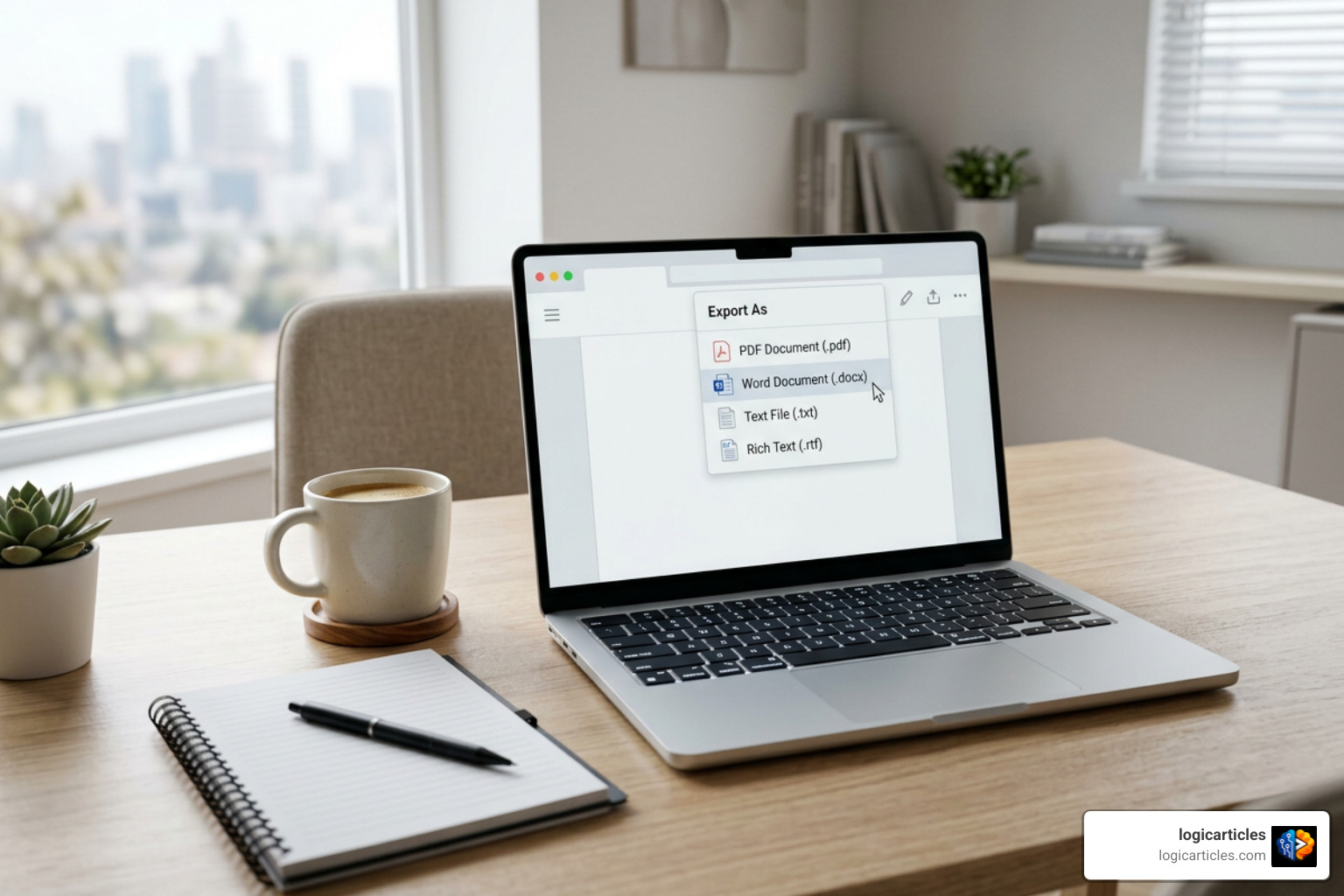
Common limits involve maximum document page counts, daily AI credit allocations, user seat caps on collaborative workspaces, and file export formats.
| Platform / Tool Type | Free Tier Allowances | Export Options | Key Restrictions |
|---|---|---|---|
| ReportMaker.ai | Free initial generations, no sign-up needed | PDF, Word (.docx) | Pay-as-you-go credit packs for high-volume use |
| Template.net | Free project templates & AI editor | DOCX, PDF, TXT, HTML | Advanced design assets locked behind Pro plan |
| Taskade | Free-forever workspace with basic AI | Web, PDF, Markdown | Unlimited tasks/members; AI agent credits capped monthly |
| NextDocs | 500 free credits (~8 pages per doc) | PDF, Images | PPTX, Google Docs, & Slides exports require paid tier |
| Notion | Unlimited pages & blocks for individuals | PDF, HTML, Markdown | Workspace AI features require paid add-on |
| ClickUp | Free forever plan with basic docs & tasks | PDF, CSV, Print | 100MB storage limit; advanced AI features restricted |
Exporting to PDF and Word Without Paywalls
One of the largest hurdles in free document generation is finding software that exports editable files without forcing a paid subscription. Basic chat models output plain markdown, forcing you to manually re-copy and format text into desktop software.
Dedicated tools solve this by producing native DOCX formatting and clean PDF downloads that preserve headings, subheaders, and tables exactly as shown on screen.
Understanding Usage Caps and Advanced Tool Restrictions
As your report generation volume grows, pay attention to specific workspace boundaries:
- Monthly AI Credits: Platforms like NextDocs or Genspark provide starting credit pools that refresh monthly or require referral top-ups.
- Team Seat Limits: Tools like Zoho Projects or monday.com cap free tier users to 2 or 3 team members.
- Brand Kits and Custom Design: Adding corporate brand fonts, custom vector logos, and automated WCAG accessibility styling often requires premium tiers.
Handling Unstructured Inputs, Data, and Integrations
A common challenge in project reporting is transforming disconnected metrics into a unified narrative. You might have financial updates in an Excel spreadsheet, meeting notes in Google Docs, and project task statuses inside a tracking system.
Modern AI document generators bridge these gaps by accepting mixed data formats. Superior engines process raw spreadsheets, financial totals, and operational updates, automatically synthesizing them into professional prose.
Using an agentic platform like an AI Document Generator lets you input raw notes or quantitative data points, transforming them into structured status reports complete with budget percentages, timelines, and operational highlights in under 60 seconds.
Turning Raw Notes and Bullet Points into Structured Reports
You don’t need clean drafts to get great results from AI. The best approach is pasting raw, unformatted text dumps directly into the prompt box. High-performing report writers execute three steps behind the scenes:
- Context Parsing: Identifying primary entities, metrics, dates, and team responsibilities.
- Outline Drafting: Building a logical flow from abstract to conclusion based on target audience expectations.
- Automated Synthesis: Converting shortened bullet phrases into grammatically correct, professional prose.
Team Collaboration and Workspace Integrations
For larger organizational projects, report creation is rarely a solo task. Platforms like Taskade, Notion, and ClickUp connect reporting directly to live workspace databases.
These integrations allow report drafts to reflect active project task changes automatically. Furthermore, team members can collaborate in real time, leave inline comments, and broadcast finished reports across connected channels like Slack or Google Drive.
Frequently Asked Questions About Free AI Project Reports
Can free AI generators format academic citations correctly?
Yes. Platforms like Template.net natively support academic source generation and can format in-text citations and bibliographies in APA, MLA, and Harvard styles. However, you should always double-check generated sources to verify that volume numbers, publication dates, and author names match original reference materials.
Do free AI report tools require credit card sign-up?
No. Many leading web tools—including ReportMaker.ai and Template.net—allow you to draft, edit, and export project reports for free without entering credit card details or even registering an account. Other platforms offer free tier access using basic email registration.
How do AI tools handle sensitive project data?
Data privacy policies vary by vendor. Generally, web tools store temporary session data in encrypted cloud workspaces. However, when working with confidential corporate metrics, proprietary software designs, or personal data, review the platform’s security terms to ensure user inputs are not used to train public foundational AI models.
Conclusion
Finding the right free AI tool for project reports comes down to matching software capabilities with your specific output goals. If you need to transform messy bullet points into a submission-ready PDF or Word file in seconds with zero sign-up friction, dedicated report makers offer the fastest path forward.
If your priority lies in visual visual polish, brand kit alignment, and integrated academic citations, design-focused document builders are your best option. For teams seeking live updates synchronized alongside daily tasks, AI-powered project management workspaces deliver maximum long-term efficiency.
At logicarticles, we recommend testing a couple of these free tools with your raw project notes to see which workflow fits your routine best. To explore more software reviews, comparisons, and workplace productivity guides, explore our extensive Best Software Directory.