Evaluating QuillBot Limitations and Why Writers Seek Alternatives
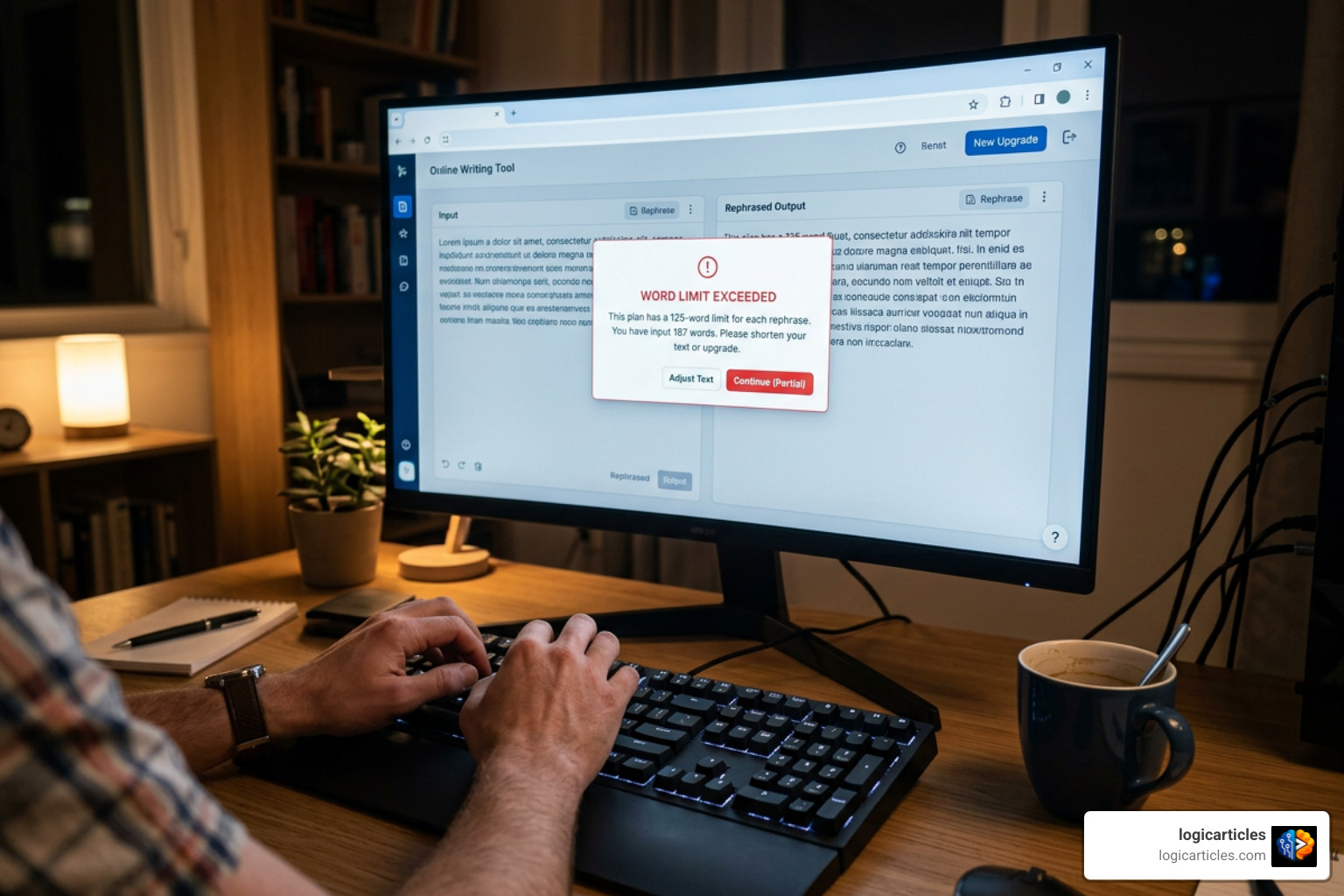
While QuillBot has grown into a widely used writing suite with over 75 million users, many writers eventually hit a wall with its feature set. Understanding these exact limitations helps clarify why so many content creators, students, and professionals look for specialized alternatives.
- Strict Free Plan Word Caps: The most immediate source of friction on QuillBot’s free plan is its 125-word paraphrasing limit per pass. If you are editing a 2,000-word essay or a comprehensive blog post, you have to chunk your document into sixteen separate copy-paste passes. Furthermore, the free plan restricts you to only two basic paraphrasing modes (Standard and Fluency), locking away modes like Academic, Formal, or Creative behind a paywall.
- Mechanical and “Robotic” Output: Standard AI rewriters often swap individual words with synonyms rather than re-evaluating the underlying sentence cadence or structural rhythm. When processing full paragraphs, QuillBot sometimes replaces standard vocabulary with awkward, stiff terms (for instance, changing “they are used simultaneously” to “they are employed concurrently”). This synonym-rotation approach preserves syntactic patterns that make text sound unnatural when read out loud.
- Basic Word-Level Grammar Engine: QuillBot includes a built-in grammar checker, but it focuses heavily on word-level error flags rather than deep structural edits. In side-by-side error detection tests on a 1,000-word document, dedicated assistants like Grammarly catch roughly 23% more errors because they process full-paragraph context rather than evaluating sentences in isolation.
- Predictable Patterns Flagged by AI Detectors: QuillBot was designed as a transformer and paraphraser, not as a dedicated tool to alter AI structural signatures. Because standard paraphrasers simply rearrange words while maintaining uniform sentence lengths and low burstiness, their rewritten outputs are frequently flagged by detection engines like Turnitin, GPTZero, and Copyleaks. In direct benchmark tests using a ChatGPT-4o draft, QuillBot’s Creative mode still scored a 71% AI probability score on GPTZero.
Which is Better Than QuillBot? Comparing Top AI Writing Tools
To determine which is better than QuillBot, we must look beyond generic feature checklists and evaluate how each platform performs in real-world writing tasks.
| Tool | Primary Focus | Free Plan Limits | Starting Paid Price | Best Use Case |
|---|---|---|---|---|
| QuillBot | Bulk Paraphrasing & Rewriting | 125 words/pass; 2 modes | $4.17/mo (annual) / $19.95/mo (monthly) | Fast, affordable bulk rewrites and synonym adjustments |
| Grammarly | Universal Grammar & Tone Polish | Unlimited basic grammar checks | $12.00/mo (annual) | Real-time proofreading across browser and desktop apps |
| Paperpal | Academic & Scholarly Editing | Limited monthly runs | $12.00/mo (annual) | Journal submissions, LaTeX/Overleaf support, reference search |
| Wordtune | Line-by-Line Tone & Sentence Rewrites | 10 rewrites per day | $6.99/mo (annual) / $24.99/mo (monthly) | Crafting natural, conversational phrasing and business copy |
| ProWritingAid | Long-Form Style & Pacing Analysis | 500 words/pass; 2 reports/day | $10.00/mo (annual) / $30.00/mo (monthly) | In-depth manuscript, novel, and essay editing |
| GPTinf | AI Text Humanization | 240 free trial words total | $9.99/mo | Adjusting sentence rhythm to avoid AI detection flags |
For a deeper dive into how two of the most popular options stack up, see this QuillBot vs Grammarly comparison.
Evaluating Which is Better Than QuillBot for Grammar Checking
When evaluating overall correctness, spelling, and sentence-level clarity, dedicated proofreading suites like Grammarly easily outperform QuillBot’s basic grammar engine.
In empirical testing using a 1,000-word test document seeded with exactly 50 grammar errors, Grammarly caught 23% more total mistakes than QuillBot. The reason lies in how their algorithms process language: QuillBot primarily highlights isolated mechanical flags, such as misspelled words or basic punctuation, whereas Grammarly Pro evaluates whole-paragraph context.
Grammarly suggests sentence-wide structural rephrasing, flags passive voice overuse, and provides context-aware formality tweaks. It also integrates across browser extensions, desktop applications, and mobile keyboards. While QuillBot Premium caught 25 errors in a targeted short-text test compared to Grammarly’s 19, Grammarly provides far superior real-time value if your goal is catching complex grammatical slip-ups everywhere you type.
Determining Which is Better Than QuillBot for Academic Writing
For university students, researchers, and scholars, general-purpose rewriters pose distinct challenges. QuillBot’s word-swapping can alter technical vocabulary, distort precise patient-first language, or inadvertently mess up scientific terminology.
In academic publishing, Paperpal is often significantly better than QuillBot. Trained on millions of published scholarly articles and backed by over 23 years of editorial expertise, Paperpal understands discipline-specific jargon. It features:
- Pre-Submission Technical Checks: Evaluates manuscript compliance against strict journal formatting criteria.
- LaTeX and Overleaf Integration: Works directly within complex academic publishing environments without breaking mathematical equations or citation syntax.
- Scholarly Literature Search: Integrates a research repository drawing insights from over 250 million research articles.
- Terminology Protection: Automatically locks technical terms during rephrasing so essential scientific definitions remain intact.
Identifying the Best Alternatives for Specialized Use Cases
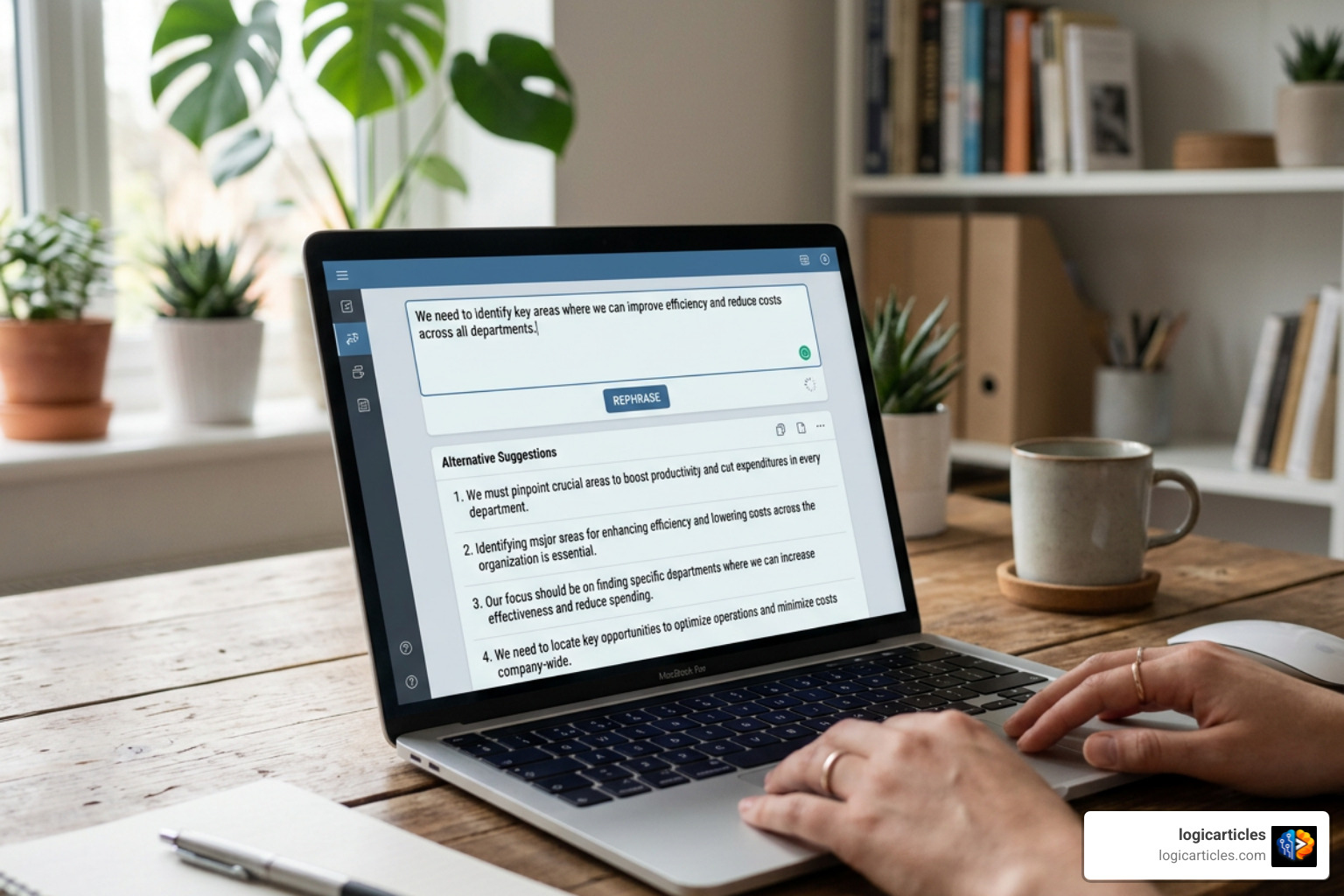
Different writing tasks require different tools. If your primary goal is fine-tuning sentence cadence or altering tone for business communications, general paraphrasers may feel clumsy compared to line-by-line editors.
When rephrasing text to adjust conversational flow, Wordtune Premium offers 10 distinct rewrite variations per sentence. Rather than replacing words with arbitrary synonyms, Wordtune reorganizes the syntactic framework to help non-native English speakers sound completely natural. For a detailed breakdown of how these two tools compare, check out this QuillBot vs Wordtune comparison.
Bypassing AI Detectors with Dedicated Humanizers
Standard paraphrasers rearrange vocabulary, but independent AI detectors like GPTZero, Turnitin, and Copyleaks do not flag text based on vocabulary alone. Instead, they analyze burstiness (variation in sentence length) and perplexity (predictability of word choices).
Because QuillBot’s paraphrasing modes maintain uniform structural patterns, their outputs regularly trigger high AI confidence scores. Specialized tools approach this problem differently:
- Leap AI: Uses custom natural language models built specifically to adjust sentence length distributions, reducing detector flags more effectively than bundled generalist paraphrasers in internal benchmark testing.
- Walter Writes: In benchmark testing on a 200-word ChatGPT-4o paragraph, QuillBot Creative mode scored 71% AI probability on GPTZero and Wordtune scored 68%. Walter Writes reduced the AI score to 12% by introducing natural human-like hedging and realistic sentence variation.
- GPTinf: Features custom algorithms designed to eliminate predictable AI language markers while allowing users to lock specific SEO keywords before running a pass. GPTinf offers a free trial of 240 total words, compared to QuillBot’s 125-word single-pass free cap.
Plagiarism Detection and Database Depth
When selecting a tool for plagiarism verification, database depth is what matters most. While QuillBot Premium includes a plagiarism checker capped at 20 pages (or 25,000 words) per month, its index is primarily optimized for open-web pages.
In contrast, dedicated academic checkers cross-reference content against closed-access journal databases, institutional repositories, and published books. For instance, Paperpal scans against a database of 99 billion web pages alongside published scholarly literature.
Testing reveals that while Grammarly’s built-in plagiarism tool often fails to flag quotes from published academic literature, QuillBot’s plagiarism engine performs satisfactorily for general web content. However, for serious thesis work or journal submissions, specialized academic tools remain the superior option.
Step-by-Step Guide to Choosing and Stacking Your Writing Tools

Rather than searching for a single tool that does everything, modern content writers often build a two-tool workflow stack. Combining two lightweight, specialized tools frequently delivers better results at a lower price point than paying for an expensive all-in-one suite.
Here is our step-by-step framework to help you choose and set up the ideal software stack:
- Pinpoint Your Main Bottleneck: Ask yourself where you spend the most time. If you struggle with spelling, punctuation, and client email tone, your primary tool should be a proofreading assistant like Grammarly. If you struggle with sentence flow or condensing lengthy research notes, prioritize a dedicated rephraser like Wordtune or QuillBot.
- Set Up a Foundational Proofreader: Install a free background browser extension (such as Grammarly Free) to catch mechanical typos, misspellings, and basic grammar flags everywhere you type—from Gmail to Google Docs.
- Add a Specialized Task Engine: Depending on your focus area, pair your foundational proofreader with a budget-friendly specialized tool:
- For General Rewriting & Academic Citations: Add QuillBot Premium ($4.17/month on annual billing).
- For Business Tone & Natural Conversational Flow: Add Wordtune Plus ($6.99/month on annual billing).
- For Academic Journal Submissions: Add Paperpal Prime ($12.00/month on annual billing).
- Follow a Streamlined Editing Workflow: Never run draft text through multiple paraphrasers simultaneously, as this distorts the original meaning. Instead, follow this clean sequence:
- Draft your initial thoughts without worrying about polish.
- Run awkward or dense paragraphs through your chosen rephraser to improve sentence structure.
- Conduct a final proofreading pass with your background grammar checker to clean up lingering punctuation errors.
- Read the final passage out loud to ensure it retains your personal voice.
Frequently Asked Questions About QuillBot Alternatives
What is the best free alternative to QuillBot?
For general proofreading, Grammarly Free is the best free alternative because it offers unlimited grammar checking across web, desktop, and mobile applications without restrictive daily word caps. If you specifically need free sentence rephrasing, Wordtune Free provides 10 natural rewrites per day, while GPTinf offers a 240-word free trial designed for natural text restructuring.
Can Turnitin and GPTZero detect text rewritten by QuillBot?
Yes. Modern AI detection software like Turnitin, GPTZero, and Copyleaks actively flag heavily paraphrased text. Because QuillBot alters words using predictable synonym substitution while leaving core sentence structures uniform, its outputs often yield high AI confidence scores (frequently exceeding 60-70% on testing platforms).
Should you replace QuillBot completely or use a two-tool workflow?
For most writers, combining tools creates a far more effective editing environment. Pairing a free background checker like Grammarly with a specialized tool like QuillBot Premium ($4.17/mo on annual billing) or Wordtune costs around $4 to $11 per month total. This gives you universal real-time proofreading alongside high-powered rephrasing whenever you need it.
Conclusion
Determining which is better than QuillBot comes down to identifying your exact writing needs. If you need real-time grammar checks across every app you use, Grammarly is the clear winner. For academic research and journal submissions, Paperpal offers domain-specific precision that general rewriters cannot match. If your goal is adjusting conversational tone, Wordtune provides exceptional sentence-level control, while specialized tools like Leap AI or Walter Writes excel at restructuring sentence rhythm.
At logicarticles, we recommend evaluating software based on your daily editing habits rather than paying for features you will never touch. For comprehensive software reviews, head over to our main hub for the best writing software guides:
Explore LogicArticles Best Software Guides