Core Definition: What Are Productivity Tools in Computer Systems?
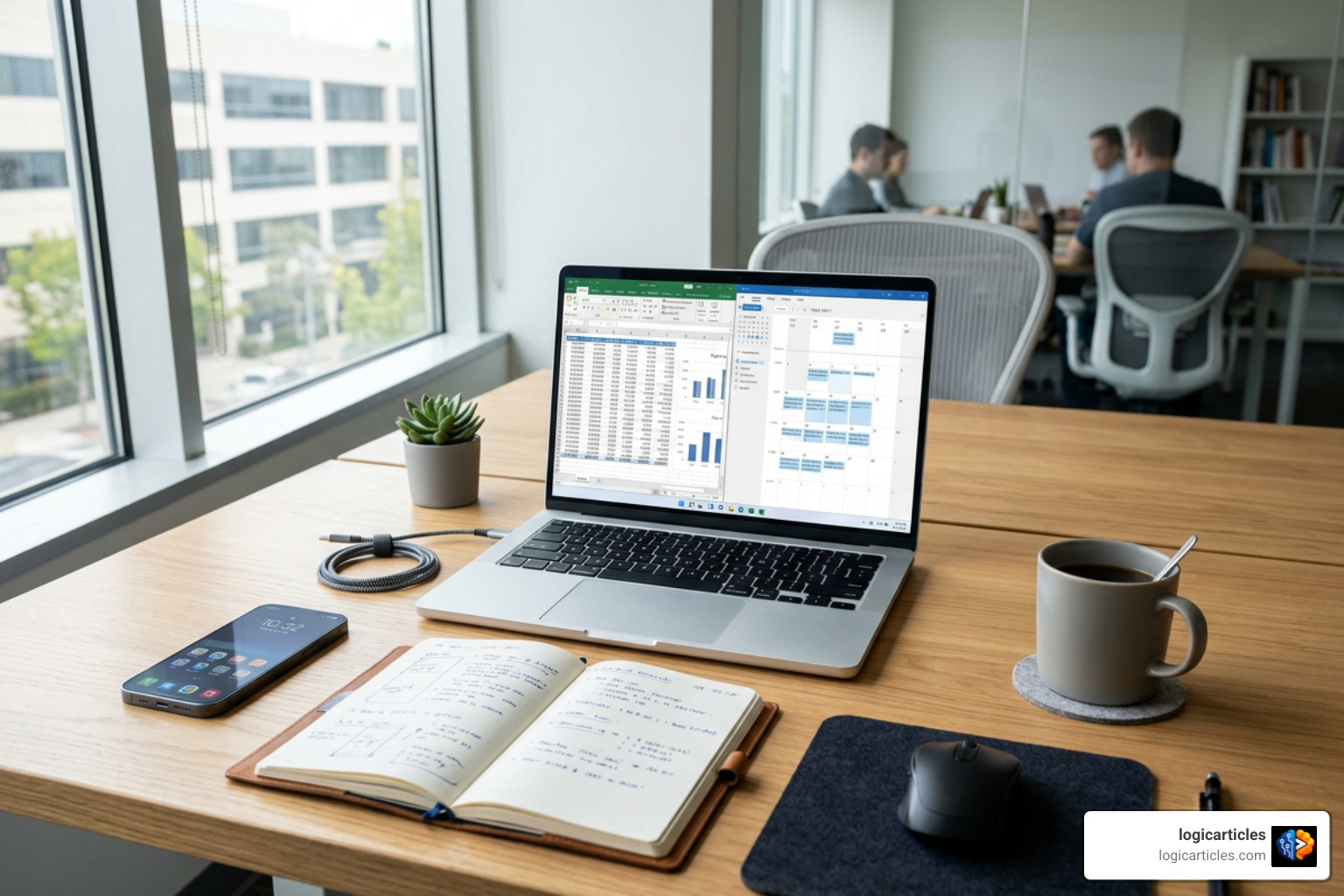
What are productivity tools in computer systems? They are software programs and services that help people complete digital work faster, with less effort and fewer errors. They make it easier to create, edit, organize, share, and process information.
Common examples include word processors, spreadsheets, email, calendars, note-taking apps, task managers, video meeting platforms, and AI chatbots.
A computer changed office work from paper ledgers and typewritten pages into searchable files, automated calculations, and shared documents. Today, productivity tools also help remote teams coordinate work across locations and time zones.
This guide explains the major types of computer productivity tools, what they do, and how to choose a simple set that supports real work rather than adding more distractions.
At its core, productivity measures output produced per unit of labor input. In a digital environment, productivity software acts as a leverage multiplier. According to the standard PRODUCTIVITY TOOL definition and meaning | Collins English Dictionary, these tools serve as digital instruments designed to perform specific tasks efficiently, helping knowledge workers accomplish complex goals without excessive manual effort.
Instead of writing numbers by hand on paper ledger sheets or retyping an entire memo to correct a single typo, desktop software handles the mechanical burden. Today, software tools are often sold as bundled applications—known as productivity suites—or cloud-based platforms that streamline document management, data analysis, and internal communications under a single user interface.
Historical Context: What Are Productivity Tools in Computer History?
To understand how essential digital tools have become, it helps to look back at early office environments. Before the widespread adoption of personal computers, knowledge work relied heavily on paper ledgers, filing cabinets, liquid white-out, and mechanical typewriters. Amending a detailed financial projection meant hours of manual recalculation and neat re-handwriting.
The introduction of desktop microcomputers in the 1980s transformed workplace efficiency. Software vendors revolutionized software economics by bundling standalone software—like word processors, spreadsheets, and database managers—into unified office suites.
According to historical research cited on Productivity software, bundled software suites became so dominant by 1994 that over 60% of word processor sales and 70% of spreadsheet sales were executed through suite bundles rather than individual app purchases. Today, software literacy is a core workplace requirement; economic data shows that around 78% of middle-skill occupations in the United States require proficiency in desktop productivity applications.
Remote and Hybrid Work: What Are Productivity Tools in Computer Environments?
In modern distributed and hybrid work environments, software tools serve as the virtual office itself. Distributed teams rely on computer software to track ongoing deliverables, manage async project timelines, and share living documents in real time.
Instead of calling long status meetings that disrupt deep focus, team members use project tracking dashboards and shared cloud storage. When managing collaborators across global time zones, automated time-zone alerting and asynchronous communication tools ensure work transitions smoothly from one team member to another without late-night notifications or lost context.
Primary Categories of Computer Productivity Software

Understanding what are productivity tools in computer operating systems begins with recognizing their broad functional categories. While thousands of individual apps exist, most software programs fall into a few core categories.
Core Document and Data Applications
Document creation and data processing software form the foundation of corporate and academic computing. As explained in detail by Productivity Software Definition & Examples, these classic suite components remain essential across virtually every industry:
- Word Processors: Digital text applications designed to compose, format, edit, and print text documents. They feature built-in spellcheckers, automated citation tools, and customizable document templates.
- Digital Spreadsheets: Grid-based applications used to log data, build dynamic financial models, execute mathematical calculations, and render complex raw metrics into visual charts and pivot tables.
- Presentation Software: Visual tools that allow users to design multimedia slide decks incorporating text, graphics, animations, and video for public speaking or client proposals.
- Database Management Systems: Structured software applications built to store, index, query, and manipulate massive datasets safely and efficiently.
Task Management and Communication Software
Organizing workflow across projects requires specialized coordination utilities. Task management systems utilize Kanban boards, Gantt chart timelines, and shared work queues to turn big organizational goals into manageable daily items.
Meanwhile, communication suites centralize internal discussions through structured chat channels, threaded comments, direct messages, and integrated calendar scheduling tools. Centralizing task updates directly inside shared digital workspaces reduces notification fatigue and context switching.
AI-Powered Efficiency Helpers
Artificial intelligence features represent the newest wave of digital productivity tools. Integrated AI chatbots and intelligent copilots act as real-time research assistants and draft generators directly inside word processors, code editors, and email clients.
Recent workplace studies demonstrate the concrete impact of these intelligent assistants:
- Government workplace trials of Microsoft 365 Copilot revealed that users saved approximately 26 minutes per day—adding up to roughly two full working weeks saved annually per employee.
- Integrating AI tools directly into software development environments has been shown to boost developer productivity by up to 30%.
- Curated learning software like Blinkist condenses over 8,500 non-fiction books into 15-minute key summaries, helping professionals save over 100 hours of manual research time every year.
Major Benefits of Using Productivity Software
Adopting standard office applications converts raw computer hardware into a focused, highly efficient workspace. The table below contrasts traditional manual office tasks against modern digital workflows:
| Office Task | Manual / Legacy Approach | Modern Productivity Software Solution | Key Efficiency Impact |
|---|---|---|---|
| Document Drafting | Written by hand or mechanical typewriter | Word processor with cloud auto-save & templates | Instant editing, automatic formatting, zero paper waste |
| Financial Analysis | Paper ledger with manual calculator | Cloud spreadsheet with dynamic pivot tables | Automated math, error reduction, instant visual reporting |
| Team Communication | In-person meetings & paper memos | Centralized group chat & task comment threads | Asynchronous alignment, clear audit trails, instant delivery |
| Project Tracking | Physical whiteboards & sticky notes | Digital Kanban boards & automated Gantt charts | Real-time cross-location tracking, automated due dates |
| Information Search | Searching through physical filing cabinets | Centralized, indexed cloud search with AI connectors | Instant document retrieval, zero manual filing friction |
Workflow Automation and Time Savings
One of the biggest advantages of modern computer software is workflow automation. Simple software rules can take over low-value administrative friction.
For example, workflow automation tools can automatically route completed project cards to QA reviewers, trigger customer updates, or sync calendar events directly from incoming email invites. By letting background processes handle routine notifications and basic data entry, knowledge workers regain hours of uninterrupted focus time for strategic, high-value work.
Subscription Costs and Free Software Options
You do not need an enterprise software budget to build a powerful productivity environment. Most leading vendors offer functional freemium plans alongside enterprise tiers:
- Built-in Operating System Tools: Modern operating systems come with robust pre-installed utilities—including basic text editors, native calendars, note applications, and focus time-trackers—that cost nothing extra.
- Freemium Cloud Suites: Platforms like Google Workspace allow personal users to create documents, build spreadsheets, and run web video meetings entirely for free.
- Standard Tier Subscriptions: For premium third-party apps, personal and team paid plans typically range from $4 to $30 per user per month, depending on advanced automation features, storage limits, and AI integrations.
How to Select Productivity Tools and Prevent System Bloat

With thousands of niche apps available, it is easy to fall into software clutter. Trying out dozens of overlapping apps often creates more confusion than clarity. In fact, when software reviewers ruthlessly tested over 50 popular productivity applications across a two-year trial period, only 6 core tools actually survived long-term daily usage.
Practical Evaluation Framework
Before introducing a new software tool to your computer setup, run it through a pragmatic evaluation framework:
- The Tired Test: Can you still easily use the software at 6:00 PM when you are fatigued? If an application requires complex, hyper-detailed manual setup every time you open it, you will likely abandon it within a month.
- Core Baseline Functional Score: Does the app score at least 75% on essential utility tests? It must solve a distinct, pressing problem better than standard, built-in system tools.
- Retention Audit: Audit your usage after 30 days. If you haven’t opened the application naturally during normal weekly work, uninstall it.
- Seamless Integration: Ensure the new utility connects easily with your core email client, primary storage ecosystem, and calendar without requiring complex custom workarounds.
Avoiding Productivity Theater and Tool Overload
“Productivity theater” happens when you spend more time color-coding task lists, organizing complex nested folders, and customizing visual dashboards than doing real work.
Over-engineering your system leads to app sprawl and tool overload. To keep your workflow clean and focused:
- Default to simple built-in OS utilities or basic web apps until your work explicitly outgrows them.
- Centralize your master task list in one inbox rather than splitting reminders across multiple note applications.
- Use built-in system search bars to locate documents instantly rather than spending hours maintaining intricate visual folder trees.
Frequently Asked Questions About Computer Productivity Tools
What is the main purpose of productivity tools on a computer?
The main purpose of computer productivity tools is to help users process information, automate manual tasks, and coordinate work with minimal effort and friction. They allow individuals and teams to complete higher-quality work in less time.
Are free built-in computer productivity apps enough for everyday use?
Yes! Built-in operating system applications—such as native calendar apps, pre-installed text editors, task reminders, and basic focus timers—are completely sufficient for most personal tasks, student coursework, and routine office management.
How do modern AI features improve traditional productivity applications?
AI features enhance productivity tools by taking over tedious tasks like summarizing long email threads, drafting initial document outlines, analyzing spreadsheet data trends, and automating routine administrative work.
Conclusion
Understanding what are productivity tools in computer setups is about building a sustainable system that helps you finish your daily work with minimal stress. The best software stack is never the largest or most expensive one—it is simply the stack you will actually use consistently.
By starting with a clear workflow strategy, utilizing free foundation utilities, and avoiding software clutter, you can transform your personal computer into an organized focus engine.
Looking to streamline your daily workflow and master modern software strategies? Explore our comprehensive practical guides and expert software insights in the Logic Articles Productivity Hub.