Which AI Is Best for CV Making in 2026? Here’s What You Need to Know

Which AI is best for CV making? Here’s a quick answer before we dive deeper:
| AI CV Tool | Best For | Trustpilot Rating | Free PDF Export |
|---|---|---|---|
| Rezi | ATS optimization & scoring | 4.7/5 | Limited (3 downloads free) |
| Kickresume | Full draft from scratch | 4.6/5 | Paid plan required |
| Enhancv | Job description tailoring | 4.6/5 | Paid plan required |
| Canva | Visual design & creativity | N/A | Yes |
| Teal | Free plan features | 4.0/5 | Limited free tier |
| Novorésumé | Clean modern templates | 4.3/5 | Paid plan required |
| Resume.io | Ease of use | 4.2/5 | Paid plan required |
Most job seekers can start with Rezi for ATS-focused applications or Canva for visually creative roles. But the right choice depends on your situation.
The job market in 2026 is brutal. Most large employers use software called Applicant Tracking Systems (ATS) to filter out CVs automatically — before a single human ever reads them. The average interview callback rate sits at around 3% across the industry.
That’s where AI CV builders come in.
These tools promise to close that gap by generating tailored bullet points, matching keywords to job descriptions, and formatting your CV so it actually gets read.
But not all of them deliver. Some produce robotic, generic text. Others lock your PDF behind a paywall. And a few create beautiful designs that ATS software completely scrambles.
This checklist cuts through the noise so you can pick the right tool — fast.
Core Features Checklist: Which AI Is Best for CV Making?
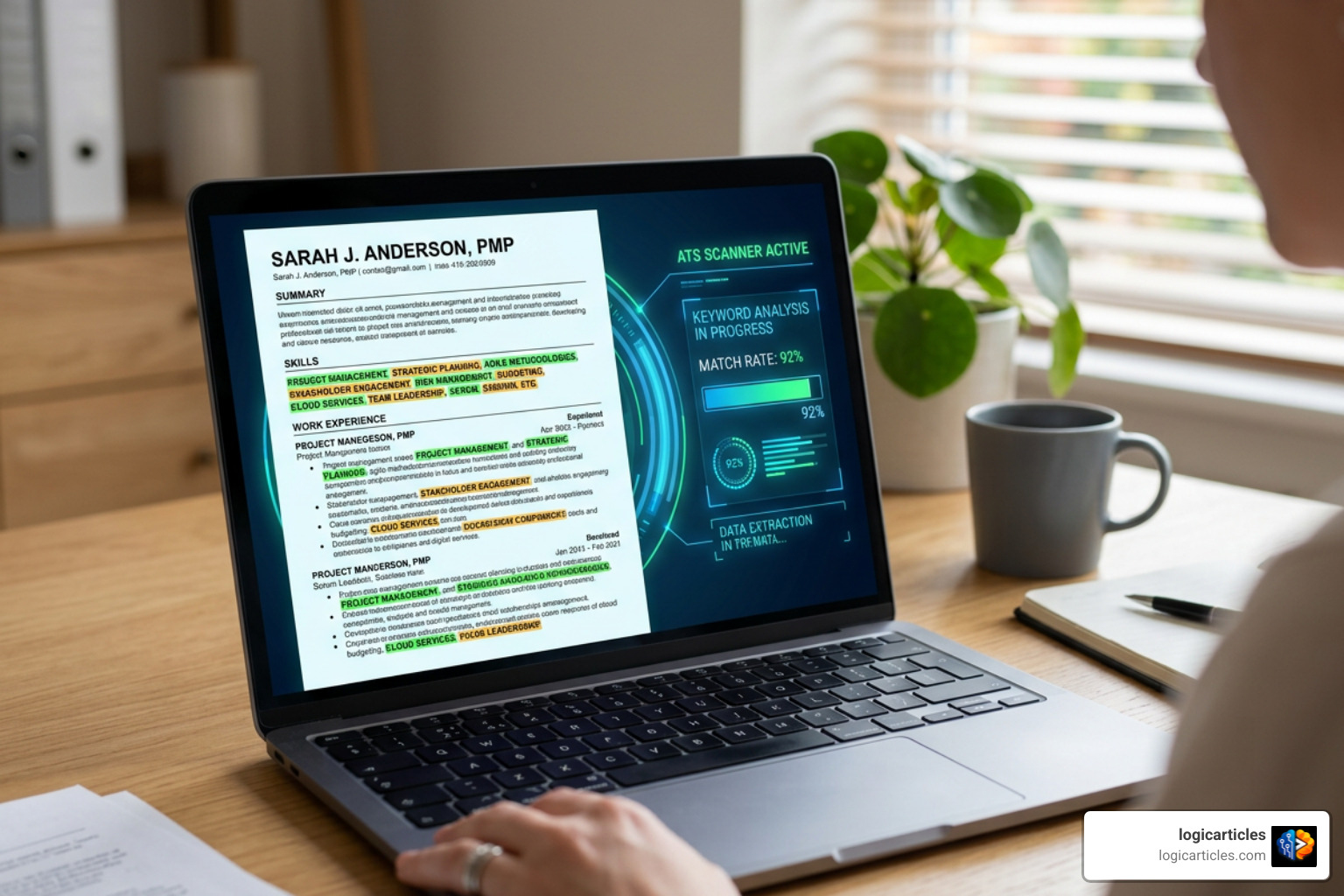
When we set out to answer which AI is best for CV making?, we found that flashy marketing claims often hide major gaps in functionality. To help you separate genuine career accelerators from glorified text formatters, we have compiled the core features every job seeker should evaluate before signing up.
First and foremost, a top-tier tool must offer intelligent text generation paired with strict formatting guardrails. While generic chatbots like ChatGPT can whip up paragraphs of text, specialized CV builders structure your experience into action-oriented, metrics-driven bullet points.
Here is what our testing shows you should prioritize:
- Targeted Keyword Integration: The software must analyze target job descriptions and automatically identify missing hard and soft skills.
- ATS-Friendly Formatting: Layouts must rely on clean, single-column parsing structures that systems like Workday, Lever, and Greenhouse can parse seamlessly.
- Real-Time Quality Scoring: An automated scoring engine gives instant feedback on bullet point strength, keyword density, and overall document quality.
- Flexible Data Imports: Seamless profile imports from LinkedIn or existing PDF/Word files save hours of manual typing.
- Multi-Agent AI Assistance: Platforms such as StylingCV — AI Resume Builder with 11 Specialized Agents | ATS-Optimized CV deploy focused AI agents to handle specialized tasks like executive summary writing, skills mapping, and cover letter generation.
Evaluating Scratch Creation vs Enhancing Existing Resumes: Which AI Is Best for CV Making for Your Experience Level?
Are you building a document completely from scratch, or are you polishing a document you’ve used for years? How you answer this question changes which AI is best for CV making for your specific needs.
If you are starting from a blank page—perhaps as a recent university graduate or someone switching industries—you need a platform that excels at guided drafting. Tools like Kickresume allow you to input a simple job title and answer a brief questionnaire to generate a complete, structured initial draft.
On the flip side, if you already have extensive work history, your main challenge isn’t content generation; it’s refinement and tailoring. In this scenario, you need strong rewriting tools that can import two-column PDFs or LinkedIn profiles without corrupting bullet points or dates. Tools like Free AI Resume & Cover Letter Builder | AceCV provide live AI agents that let you converse with your document, asking the AI to “elevate phrasing” or “highlight quantifiable achievements” without overwriting your underlying factual data.
ATS Optimization and Keyword Matching: Which AI Is Best for CV Making to Pass Screening Filters?
Did you know that recruiters spend an average of only 6 to 7 seconds on an initial manual review? But before a human ever sets eyes on your application, automated screening filters evaluate your document for specific job qualifications. Platforms like The #1 AI Resume Builder – Forbes’ Top Pick. Trusted by 4.3M report that targeted optimization can boost interview rates to over 62%, compared to the standard 3% benchmark.
Passing these screens requires precise keyword targeting. High-performing platforms scan target job descriptions, extract critical technical skills and industry phrases, and flag missing elements in real time. For example, using AI CV Builder for the UK | Best GPT AI CV Maker | Enhancv allows job seekers to align their experience bullet-by-bullet with specific job descriptions in just one click, ensuring optimal keyword density without resorting to spammy keyword-stuffing tactics.
Evaluating Pricing, Free Plans, and Export Restrictions
Pricing transparency remains one of the trickiest aspects of selecting an AI generator. Many platforms advertise a “free” builder, only to slap a paywall over the export button after you’ve spent an hour entering your career history.
To help you manage your job-search budget, we’ve broken down the pricing models, export allowances, and scoring capabilities of the top market contenders:
| AI CV Tool | Free Tier Limits | Paid Subscription Tiers | Unlimited PDF Downloads? | Integrated ATS Scoring? |
|---|---|---|---|---|
| Rezi | 1 CV build, 3 PDF downloads, basic scoring | $29/mo or $149 Lifetime | No (Paid tier required for unlimited) | Yes (Rezi Score) |
| AceCV | Free lifetime access, basic edits | $14.90/mo or $100 Lifetime | Yes (Free PDF export) | Yes (23-metric score) |
| Teal | Basic builder, limited AI keywords | $13/wk, $29/mo, or $79/qtr | Limited on free tier | Yes |
| Kickresume | Limited templates & basic AI | $10/mo (Billed annually) | Paid tier only | Basic |
| Enhancv | 7-day trial access | $16.50 to $29/mo | Paid tier only | Yes |
| Resume.io | 7-day trial ($2.95) | €19.95 every 4 weeks | Paid tier only | Basic |
| Canva | Free tier available | $14.99/mo (Canva Pro) | Yes (Free PDF downloads) | No |
Spotting Red Flags: Free Scams vs True Unrestricted Downloads
We’ve all been there: you spend ninety minutes perfecting every section of your resume, click “Download,” and are immediately asked for credit card details to release a simple PDF. Knowing how to spot these paywall tricks ahead of time will save you serious frustration.
Common pricing red flags include:
- The $1.95 Trial Trap: Promising cheap multi-day access that automatically converts into a recurring monthly charge of $30 or more.
- TXT-Only Free Exports: Offering free downloads, but strictly as raw, unformatted text files while locking clean PDF layouts behind paywalls.
- Watermarked Downloads: Applying heavy platform logos across background layouts unless you pay for a premium subscription.
If your primary goal is completely unrestricted formatting without paywalls, utilizing Canva or dedicated free tools like AceCV offers transparent PDF exports. However, if advanced automated ATS keyword mapping is essential for your job hunt, paying for short-term premium access on specialized platforms like Rezi or Teal can be a smart, time-saving investment.
Design Flexibility, Templates, and Visual Formatting
A common mistake job seekers make is choosing a complex visual design over clean structure. While double-column layouts, graphic skill bars, and colorful sidebars look modern to human eyes, automated ATS scanners frequently misread them. Multi-column structures can cause system parsers to read across columns horizontally, scrambling your work experience with your education details.
When reviewing template options, look for single-column, highly readable designs. Standard typography, clear section headings, and clean bullet formatting ensure that both automated bots and human recruiters can easily evaluate your accomplishments.
Visual Design Tools vs Dedicated Career Generators
Should you use a graphic design platform or a dedicated AI generator? The answer largely depends on your target industry and role.
Design-focused tools like Canva offer thousands of customizable templates, extensive brand kits, and built-in photo editing. In an independent comparison of AI assistants, I tested ChatGPT vs Claude vs Gemini to build a resume with Canva — and there’s a clear winner | Tom’s Guide showed that connecting ChatGPT directly to Canva generated fully editable visual layouts in seconds. In contrast, Gemini struggled with document recognition, defaulting to presentation decks instead of resume structures.
However, visual design tools lack built-in career intelligence. They don’t offer automated ATS score checks, job description analysis, or real-time keyword suggestions. For corporate, finance, software engineering, or executive roles, dedicated career platforms (like Rezi, Enhancv, or LiveCareer) provide far safer formatting and stronger optimization features.
Pitfalls of AI-Generated Content and How to Stay Authentic
While generative AI is fantastic at eliminating writer’s block, relying entirely on automated output carries real risks. Unedited AI outputs frequently suffer from predictable flaws:
- Mechanical Tone: Overusing cliché buzzwords like “spearheaded,” “synergized,” or “passionate team player.”
- Vague Statements: Writing generic duty descriptions (e.g., “Responsible for managing customer relationships”) instead of concrete outcomes.
- Factual Hallucinations: Inventing project scale, team sizes, or specific technical software you haven’t actually used.
Combining AI Automation with Human Oversight
To get the best results, treat AI builders as helpful drafting assistants rather than automated decision-makers. You provide the concrete facts and human context; the AI handles the structure and phrasing polish.
Follow this simple process to keep your document authentic:
- Supply Specific Inputs: Provide precise data, including project scope, dollar amounts, percentages, and software names.
- Inject Quantifiable Impact: Ensure every work experience entry highlights a measurable result (e.g., “Increased user engagement by 34% over 6 months”).
- Verify Wording: Read generated summaries out loud. If a sentence sounds unnatural to you, rewrite it in your own natural voice.
- Fact-Check Everything: Carefully double-check dates, job titles, and tool names before sending off your application.
Frequently Asked Questions About AI CV Makers
How effective are AI CV tools at passing ATS screening?
When used correctly, specialized AI CV platforms are highly effective at navigating ATS screening filters. Tools designed specifically for job application tracking use single-column, clean layout structures that parse reliably across systems like Workday, Taleo, and Lever. By comparing your draft directly against target job descriptions, these platforms identify missing skills and help you integrate critical keywords naturally.
Can you download a professional PDF CV for free using AI?
Yes, but options vary depending on the platform. Canva allows completely free PDF exports for its templates. Dedicated platforms like AceCV offer full PDF exports on free plans without requiring credit card details. Other popular platforms—such as Resume Now, Kickresume, or Teal—provide free document creation and plain-text (TXT) downloads, but reserve styled PDF downloads for paid subscribers.
Will employers reject a CV written by artificial intelligence?
Employers rarely reject candidates simply because they used AI writing tools. Recruiters care primarily about clarity, accuracy, and how well your background aligns with the job requirements. However, if your document sounds overly generic, lacks specific metrics, or includes inaccurate claims, recruiters will quickly move on. Personalizing AI-generated drafts with your authentic accomplishments ensures your application stands out for the right reasons.
Conclusion
Choosing the ideal software comes down to understanding your primary goal. If passing strict enterprise ATS filters is your main priority, platforms like Rezi offer unmatched keyword matching and scoring tools. If you want a quick, visually striking layout for creative fields, pairing Canva with ChatGPT provides incredible flexibility. For users seeking a balance of guided editing, strong templates, and fair pricing, platforms like Kickresume, Teal, and AceCV deliver excellent results.
Technology is at its best when paired with your personal real-world experience. Use artificial intelligence to streamline formatting, structure bullet points, and highlight key requirements—but always polish the final output with your own voice and verified career achievements.
Want to explore more leading productivity software, career guides, and hands-on reviews? Explore top AI tools and career resources on logicarticles to stay ahead in your job search!