What ‘Free’ Means for AI PCB Design Software
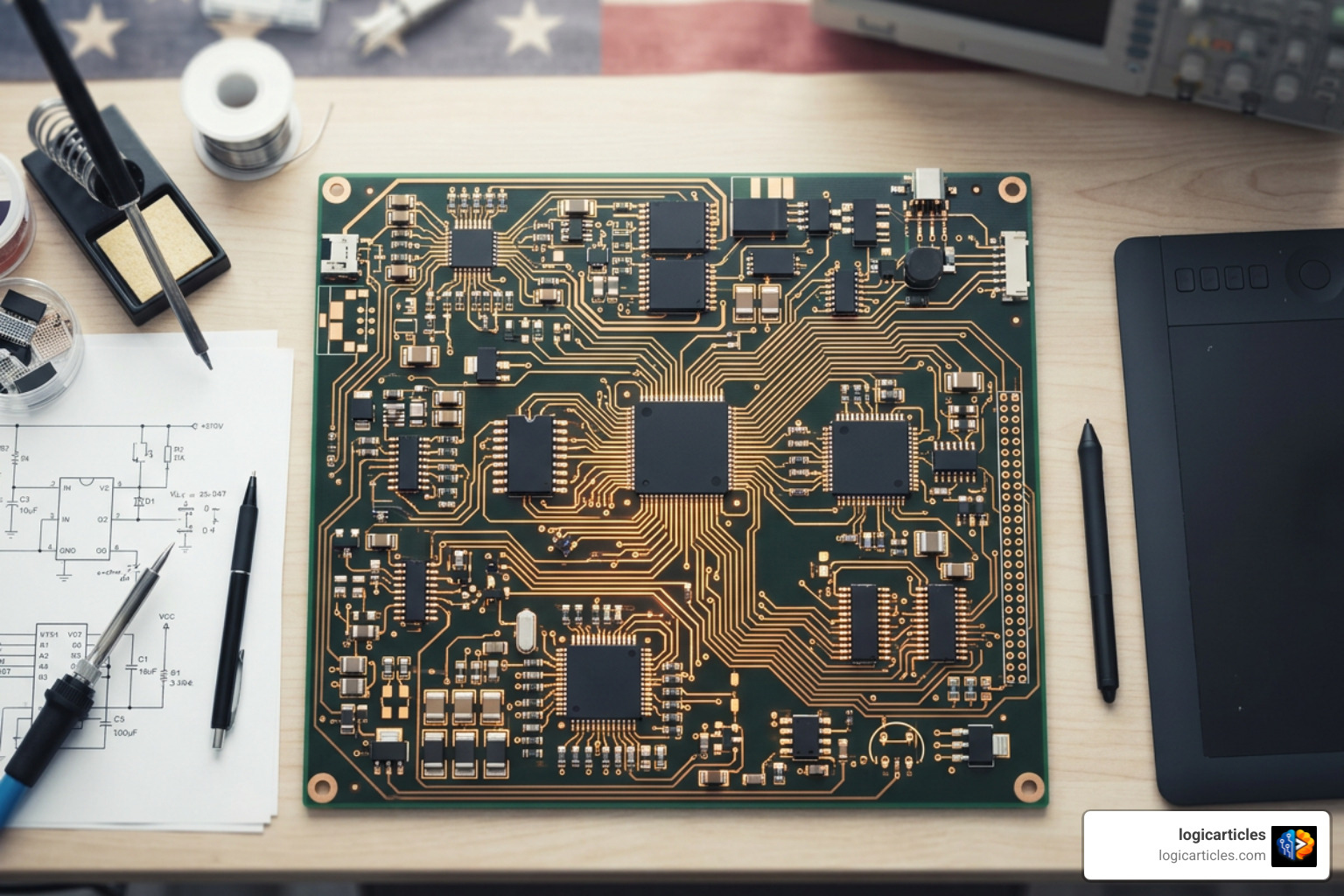
When exploring free ai tools for pcb design, understanding the fine print behind “free” is essential before committing hours to a complex layout. In 2026, software vendors and open-source developers use vastly different model structures to deliver no-cost AI capabilities.
- Permanent Free Tiers: Platforms like PCB Designer AI offer perpetual free plans, but they cap physical constraints—such as restricting projects to two board layers, maximum board dimensions, or basic component selections.
- Usage-Based Allowances & Daily Credits: Tools such as ProtoFlow grant full access to their interactive schematic capture engines but enforce recurring daily prompt allowances or message caps.
- Qualified Eligibility Tiers: Advanced solvers like Quilter offer enterprise-grade AI routing engines completely free of charge, provided your organization stays under strict thresholds (e.g., fewer than 10 employees and under $50K in annual revenue).
- Time-Limited Trials: Browser-based platforms like Flux provide comprehensive 2-week trial periods that unlock multi-layer design tools, after which a paid subscription is required to keep editing cloud-hosted projects.
- Open-Source Implementations: Codebases like PCBai, PCBKo, and Cursor for PCB are entirely free, transparent, and unconstrained. However, you often supply your own API keys (such as OpenAI or DeepSeek) to run the underlying reasoning models.
Understanding these distinctions allows you to select the right tool for your project without hitting unexpected paywalls midway through board layout.
The Best Free AI Tools for PCB Design in 2026
The landscape of AI hardware engineering has matured rapidly. To help you choose the right platform, we have compiled a side-by-side comparison of the top choices available today.
| Tool | Primary Focus | Free Tier Scope | Layer / Board Constraints | File Export Formats |
|---|---|---|---|---|
| ProtoFlow | Schematic Capture | Daily message allowance & free desktop editor | Unrestricted schematic complexity | Native KiCad, Netlist |
| Quilter | Autonomous Layout | Unlimited iterations for eligible small teams | Based on uploaded board rules | KiCad, Altium, Eagle |
| DeepPCB | Cloud Autorouting | Free pay-as-you-go / starter access | Up to 8 layers, 1200 connections | Gerber, KiCad, Zuken |
| PCB Designer AI | Complete PCB Generation | Permanent free tier (3 projects) | 2 layers on free plan (16 on paid) | Gerber, ODB++, Native EDA |
| Flux | Browser ECAD & Copilot | 14-day free trial | Up to 8 layers during trial | Gerber, Drill, BoM, Netlist |
| Corning PCBai | Open-Source Python Agent | Completely free (Open Source) | Developer-configured | Gerber, Drill, BOM |
| PCBKo | DeepSeek KiCad Generator | Completely free (Open Source) | Optimized for 2-layer boards | Native KiCad 7/8 |
| Cursor for PCB | Code-Driven Layout | Completely free (Open Source) | 2-layer routing focus | KiCad Netlists, Gerber |
| KiCad 10 | Open-Source EDA Engine | 100% Free & Open Source | Unlimited layers & size | Gerber, ODB++, Drill, PDF |
| EasyEDA | Cloud Prototyping | Fully free web version | Standard 2 to 6 layer designs | Gerber, Pick-and-Place, BoM |
1. ProtoFlow: Conversational Schematic Capture
ProtoFlow has emerged as one of the most practical free ai tools for pcb design focused on the initial phase of hardware creation: schematic capture. Instead of searching component databases manually, designers describe power rails, microcontroller pinouts, and peripheral interfaces in plain English.

The tool processes your system instructions to construct clean, logical schematic diagrams using real component parameters from major distributor catalogs. It handles tedious wiring tasks—such as inserting pull-down resistors, setting up decoupling networks, and selecting power regulators—while checking signal names across sheets.
ProtoFlow offers a free desktop editor with local file storage and export compatibility with KiCad, alongside a daily free message allowance for AI interaction. It serves as an ideal upstream tool for drafting circuit schematics before moving into layout software.
2. Quilter: Autonomous Layout with Free AI Tools for PCB Design
Quilter approaches circuit design not as a visual drafting task, but as a complex physics optimization problem. Rather than using conventional heuristic autorouters, Quilter employs reinforcement learning models paired with physical physics engines to handle component placement and trace routing autonomously.
Users upload netlists, mechanical keepouts, and physical stackup rules. Quilter’s cloud engine then generates and compiles multiple fully placed and routed candidate layouts in parallel.
The software operates on a unique qualification model: its Free Tier offers unlimited design iterations and full feature access to academic users, hobbyists, and small startups with under 10 employees and less than $50,000 in annual revenue. It focuses exclusively on physical placement and routing rather than schematic generation or SPICE simulation.
3. DeepPCB: Cloud Reinforcement Routing
DeepPCB offers an AI-driven, cloud-native routing platform powered by reinforcement learning models trained on real-world industrial board layouts. Unlike traditional autorouters that restart from scratch whenever they hit a bottleneck, DeepPCB leverages prior learning across millions of design variations to find trace paths while respecting manufacturing constraints.
Key platform features include:
- Native routing support for up to 8 board layers and 1,200 net connections.
- DRC-clean output by default, adhering to target fab house rules.
- Multi-plane power distribution support and automatic handling of blind, buried, and at-SMD vias.
- Broad file compatibility, allowing smooth import and export with platforms like KiCad and Zuken.
DeepPCB achieves a 96% mean completion rate on automated routing runs. The browser-based interface allows engineers to lock down critical manual routes while letting the AI complete dense interconnects.
4. PCB Designer AI: Fast Prototyping Platform
AI PCB Design Software | PCB Designer AI is built for hardware teams that want to move quickly from a schematic definition to a routed layout. The platform accepts schematic uploads from standard EDA software or text prompts, applying reinforcement learning to handle component placement and routing automatically.
The system features real-time, manufacturer-aware Design Rule Checking calibrated for popular fabrication houses like JLCPCB and PCBWay. It claims a 94% first-pass DRC success rate, cutting total prototyping cycles significantly.
Its permanent free plan allows hobbyists and makers to design up to 3 projects on 2-layer boards. For higher-density commercial work, paid tiers unlock board stackups up to 16 layers and live inventory tracking across 10 million catalog components.
5. Flux: Browser-Native Free AI Tools for PCB Design
Flux – Design PCBs with AI brings real-time, multiplayer collaboration into modern browser-based hardware engineering. Operating much like web-based document software for physical hardware, Flux pairs a cloud ECAD canvas with an integrated AI assistant that helps research parts, construct functional blocks, and refine layout constraints.
Key features highlighted on their platform pages, including Design PCBs with AI | Flux, include:
- Multi-layer PCB support up to eight layers directly inside standard web browsers.
- Connected component databases linking live pricing and inventory data directly to schematic parts.
- Interactive, step-by-step AI guidance that explains design modifications before applying them to the board.
- Universal manufacturing exports including Gerber, drill files, netlists, and Pick-and-Place data.
Flux provides a two-week free trial that gives individual builders complete access to test its collaborative tools and AI workflow before committing to a paid tier.
6. Corning PCBai: Open-Source Python Agent
For developers who want complete control over their hardware toolchain, Corning-AI/PCBai offers a fully open-source framework written in Python. This framework turns natural language specifications into complete printed circuit board assets by combining LLM processing with mathematical optimization libraries like SciPy and NetworkX.
PCBai parses conversational prompts to generate netlists, calculate component placement locations, and execute trace routing. It handles Design Rule Checking (DRC) and basic signal integrity checks—such as checking cross-talk risks and matching impedance traces—before exporting manufacturing files.
Because it is open source under active development, it gives software-minded hardware engineers a flexible, zero-cost framework for building custom automated layout engines.
7. PCBKo: DeepSeek KiCad Generator
aliemreko/PCBKo is an open-source automation tool designed to bridge deep reasoning AI models directly into native KiCad project files. Built on Python 3.10+ and powered by models like DeepSeek-V3, PCBKo converts natural language hardware requirements into fully populated KiCad 7.0 and 8.0 projects.
The application uses SKiDL to generate programmatically verified netlists from text prompts. Once parts are selected, an internal A* grid-based routing engine places traces on two-layer board configurations.
PCBKo also features a closed-loop verification cycle: it runs circuit simulation checks and visual AI audits on generated outputs, feeding error logs back into the AI to resolve layout issues before you open the resulting project inside KiCad.
8. Cursor for PCB: Code-Driven Layout Engine
Treating printed circuit board design like software development, agribeacon/cursor-for-pcb brings AI-assisted coding principles directly to hardware engineering. The framework pairs Python libraries like SKiDL and kiutils with Anthropic’s Model Context Protocol (MCP) to let AI agents build and route physical hardware.
Key aspects of this code-first approach include:
- Text-to-circuit generation via direct conversational integration with models like Claude Code.
- Embedded hardware design rules that enforce decoupling capacitors, LED current-limiting resistors, and USB-C pull-down resistor setups automatically.
- Automated board layout generation, two-layer Lee/maze routing routines, and background
kicad-clivalidation. - Direct output generation for native KiCad files, BOM lists, and fabrication-ready Gerber packages.
This tool is ideal for developers who prefer code definitions over manual graphical drawing.
9. KiCad 10: Open-Source Foundation with AI Bridges
While KiCad itself does not ship with built-in generative AI models, it remains the essential open-source platform underlying nearly every free AI design workflow.
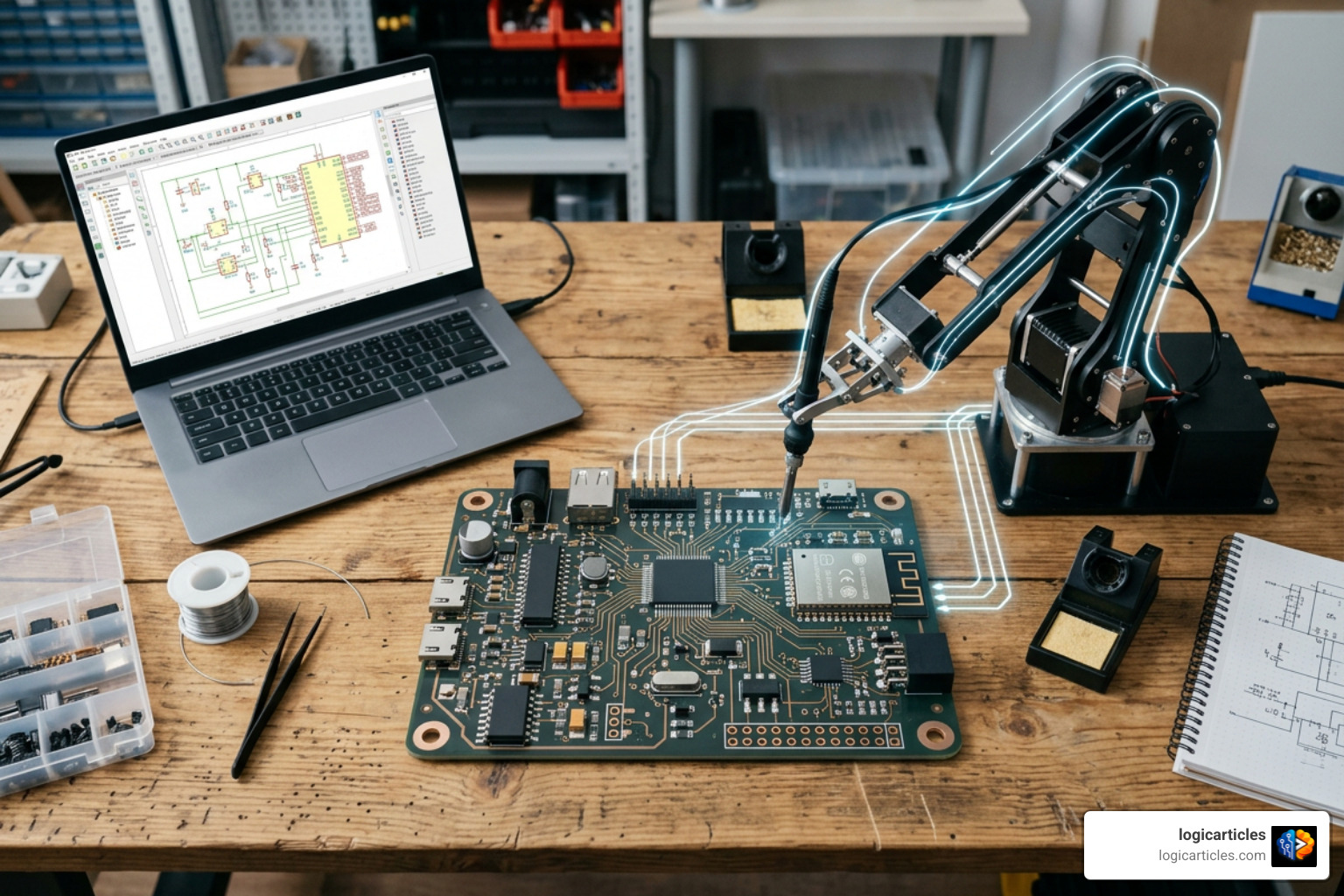
KiCad provides unlimited layer capabilities, board sizes, and design complexity without subscription fees, commercial paywalls, or feature caps. Its robust Python scripting API and CLI tools make it the main target for AI tools like PCBKo, Cursor for PCB, and ProtoFlow.
By handling file viewing, manual fine-tuning, official DRC verification, and final Gerber generation, KiCad 10 serves as the primary canvas for turning AI-generated drafts into reliable physical hardware.
10. EasyEDA: Cloud Prototyping Assistant
EasyEDA remains a popular choice for hobbyists, students, and rapid prototyping teams seeking an accessible web-based layout tool. While traditional in its core functionality, EasyEDA increasingly integrates smart auto-placement and cloud-assisted routing capabilities that streamline basic two-to-six-layer board designs.
Its primary strength lies in its seamless integration with the LCSC component catalog and JLCPCB manufacturing pipeline. Designers can place parts with real-time stock visibility, trigger cloud autorouting routines, run essential Electrical and Design Rule Checks, and order fully assembled prototype boards in a few clicks.
The web edition is completely free, making it a reliable choice for simple hardware builds.
Key Differences Between AI Schematic Generators and AI Routing Tools
When using free ai tools for pcb design, it helps to understand that AI tools generally fall into two distinct categories based on where they operate in the design pipeline.
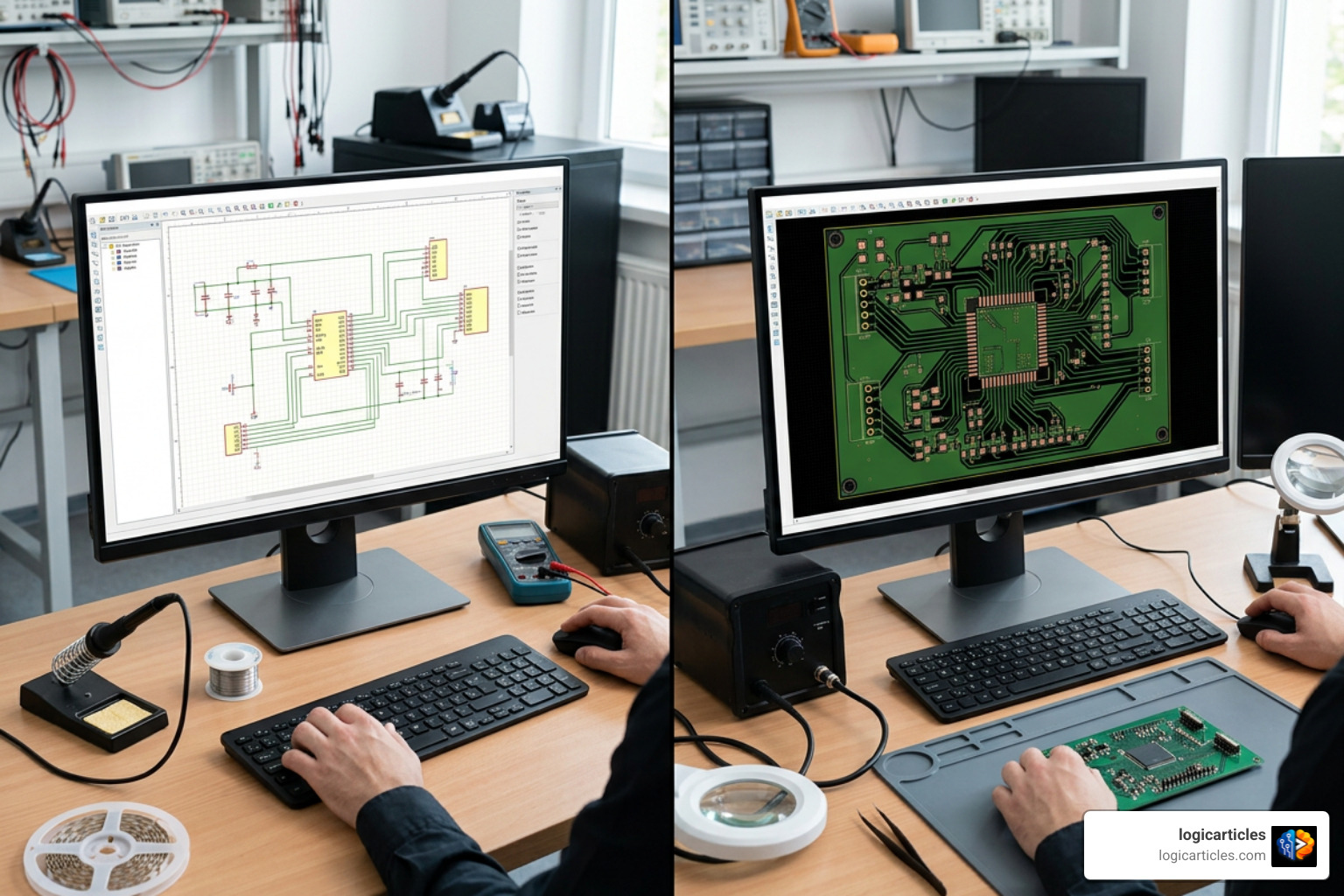
AI Schematic Generators (Logical Stage)
- Primary Function: Converts system requirements, block diagrams, or prompt descriptions into logical circuit connections and component selections.
- Key Outputs: Netlists, Bill of Materials (BOMs), component pin assignments, and functional schematics.
- Core Focus: Ensuring correct component wiring, voltage matching, interface protocols, and functional circuit choices (e.g., adding pull-up resistors or decoupling caps).
- Representative Examples: ProtoFlow, PCBKo (SKiDL engine), Cursor for PCB.
AI Routing and Layout Tools (Physical Stage)
- Primary Function: Takes a completed schematic netlist and arranges physical footprints on a board, routing copper traces between pins.
- Key Outputs: DRC-clean copper layer traces, via placements, board outlines, plane pours, and manufacturing Gerber packages.
- Core Focus: Solving spatial layout challenges, minimizing trace lengths, respecting physical clearance rules, managing heat dissipation, and protecting signal integrity.
- Representative Examples: Quilter, DeepPCB, PCB Designer AI.
How to Build a Complete Zero-Cost AI PCB Design Workflow
You don’t need a single, expensive software suit to design circuit boards with artificial intelligence. By chaining specialized free tiers and open-source tools together, you can establish an effective end-to-end design pipeline at zero cost.
- Schematic Generation with ProtoFlow or PCBKo: Begin by describing your hardware requirements in natural language. Use the AI to select components, structure functional blocks, and generate a validated netlist.
- Review and Schematic Verification in KiCad: Export your generated netlist or schematic files directly into KiCad 10. Run a manual visual review and execute an Electrical Rules Check (ERC) to confirm power connections and pin types.
- Automated Placement and Routing via Quilter or DeepPCB: Export your approved layout files and upload the unrouted board into an AI routing tier. Let the physics-driven reinforcement learning engine handle trace placement, layer transitions, and copper pours.
- Final DRC & Manufacturing Export in KiCad: Import the routed layout back into KiCad. Run a final, strict Design Rule Check (DRC) loaded with your fabricator’s clearance rules. Once verified, export Gerber files, drill maps, and Pick-and-Place data for production.
Trade-Offs and Limitations of Free AI PCB Tools
While free ai tools for pcb design accelerate prototyping, using non-paid tiers comes with clear practical trade-offs:
- Data Privacy and Training Policies: Free cloud tiers may process project metadata to train reinforcement learning models. If you are developing proprietary IP under strict non-disclosure agreements, verify privacy terms carefully or rely on local open-source tools.
- Pin, Layer, and Size Caps: Free commercial plans often restrict capabilities—such as limiting boards to 2 layers, restricting total component pins, or capping connection counts.
- Cloud Queues and Message Limits: Free routing tools often place jobs in shared processing queues, leading to longer processing times during peak hours. Daily prompt limits can also pause work on schematic generators.
- Hallucinations and Footprint Errors: Generative models can occasionally hallucinate incorrect pin mappings, select obsolete components, or apply incorrect footprint pad sizes. Manual verification remains essential.
Frequently Asked Questions About Free AI PCB Design Tools
What is the best free AI PCB design tool for beginners?
ProtoFlow combined with KiCad 10 is the most beginner-friendly setup. ProtoFlow helps less experienced users turn ideas into working schematics using simple prompts, while KiCad provides an accessible, fully featured layout environment with extensive community support.
Are open-source AI PCB tools reliable for manufacturing?
Open-source tools like PCBKo, PCBai, and Cursor for PCB are reliable for basic 2-layer and mixed-signal prototypes. However, because they are actively evolving, you should always inspect generated Gerber files in a standard viewer and run strict manufacturer DRCs before submitting orders.
How do free AI PCB tools handle DRC and ERC checks?
Tools like DeepPCB and PCB Designer AI integrate real-time DRC rules directly into their routing algorithms to ensure traces meet minimum clearance standards. Open-source scripts often use KiCad’s command-line interface (kicad-cli) to run native DRC and ERC scripts, flagging violations automatically during generation.
Conclusion
The hardware design landscape has shifted dramatically. By combining specialized schematic generators, physics-driven routing platforms, and open-source EDA engines like KiCad 10, modern hardware developers can complete sophisticated circuit layouts faster than ever—without paying high software license fees.
While AI handles repetitive wiring, component research, and trace placement, final review remains the engineer’s responsibility. Always check circuit logic, verify component footprints, and run comprehensive Design Rule Checks prior to board fabrication.
Ready to explore how automated workflows can accelerate your next project? Explore more AI tool insights at logicarticles to stay up-to-date with modern engineering tools and practices.