Key Features of the Best AI Tool for Summarising Long Documents

When you are looking for the best ai tool for summarising long documents, standard text summarizers designed for short blog posts won’t cut it. Long-form files—such as 100-page financial reports, legal filings, or academic dissertations—present unique technical challenges.
To process these files effectively, an AI summarizer needs robust context windows and high-performance document parsing capabilities. Large context windows ensure the tool reads the entire file rather than stopping halfway through. Advanced tools use parallel chunking, splitting massive documents into manageable sections, processing them simultaneously, and recombining them into a coherent synthesis. This approach preserves the flow of information from the introduction all the way through to the final conclusions, processing a 100-page PDF in under 60 seconds.
File Format Support and Context Windows
A top-tier summarizer must process more than just plain copy-pasted text. Modern professional workflows rely on varied formats, requiring native support for PDFs, Word documents (DOCX), PowerPoint presentations (PPTX), Excel spreadsheets (XLSX), EPUBs, and rich text files.
When choosing a tool, pay close attention to input capacity. Many standard tools cap inputs at 1,200 words, which is insufficient for long-form analysis. Specialized long-document summarizers, such as the Musely File Summarizer, can process up to 500 pages or roughly 200,000 words per upload. Other tools like Hypotenuse AI support up to 200,000 characters (~50,000 words) per input. High limits ensure you can upload complete textbooks or lengthy annual reports without manually cutting them into smaller pieces.
Optical Character Recognition for Scanned Files
Not every PDF contains easily searchable, vector text. Image-only PDFs, converted scans, and handwritten meeting notes are common in academic research, legal discovery, and historical archiving.
Without built-in Optical Character Recognition (OCR) and computer vision, an AI summarizer will see a scanned document as a blank or unreadable file. Native OCR extracts printed and handwritten text across dozens of languages automatically. This allows you to upload vintage textbook scans, photographed documents, or handwritten notes and receive a structured, searchable summary immediately.
Extractive vs Abstractive Processing Mechanics
To evaluate summary quality, it helps to understand the two core mechanisms behind natural language processing (NLP):
- Extractive Summarization: This method scans the source material, identifies key sentences, and pulls them directly out of the text to construct a condensed version. It guarantees high factual accuracy because it relies strictly on original phrasing, but the resulting output can feel disjointed or choppy.
- Abstractive Summarization: This technique reads the document, grasps the underlying concepts, and rewrites the ideas in entirely new phrasing—much like a human analyst. It produces fluid, natural summaries, but carries a slight risk of introducing subtle inaccuracies if the model strays from the source material.
The most effective tools for long documents combine both approaches: using abstractive synthesis for readable, high-level overviews alongside extractive anchoring to preserve precise factual details.
Evaluating Accuracy in the Best AI Tool for Summarising Long Documents
Accuracy is critical when relying on AI to summarize dense reports. High-performing tools use specialized model tuning and long-context compression to achieve up to 98.4% factual retention on benchmark tests.
To maintain this high level of accuracy and prevent AI “hallucinations” (where the model invents details not found in the text), top platforms implement automated hallucination filters and paragraph- or page-level citations. Page-level citations attach verifiable reference tags to each summary point, letting you click or hover over a claim to highlight the exact page and paragraph in the original file.
For web developers interested in integrating client-side, browser-native AI processing without relying on external servers, you can explore Using the Summarizer API – Web APIs | MDN.
Structuring Output Formats and Citations
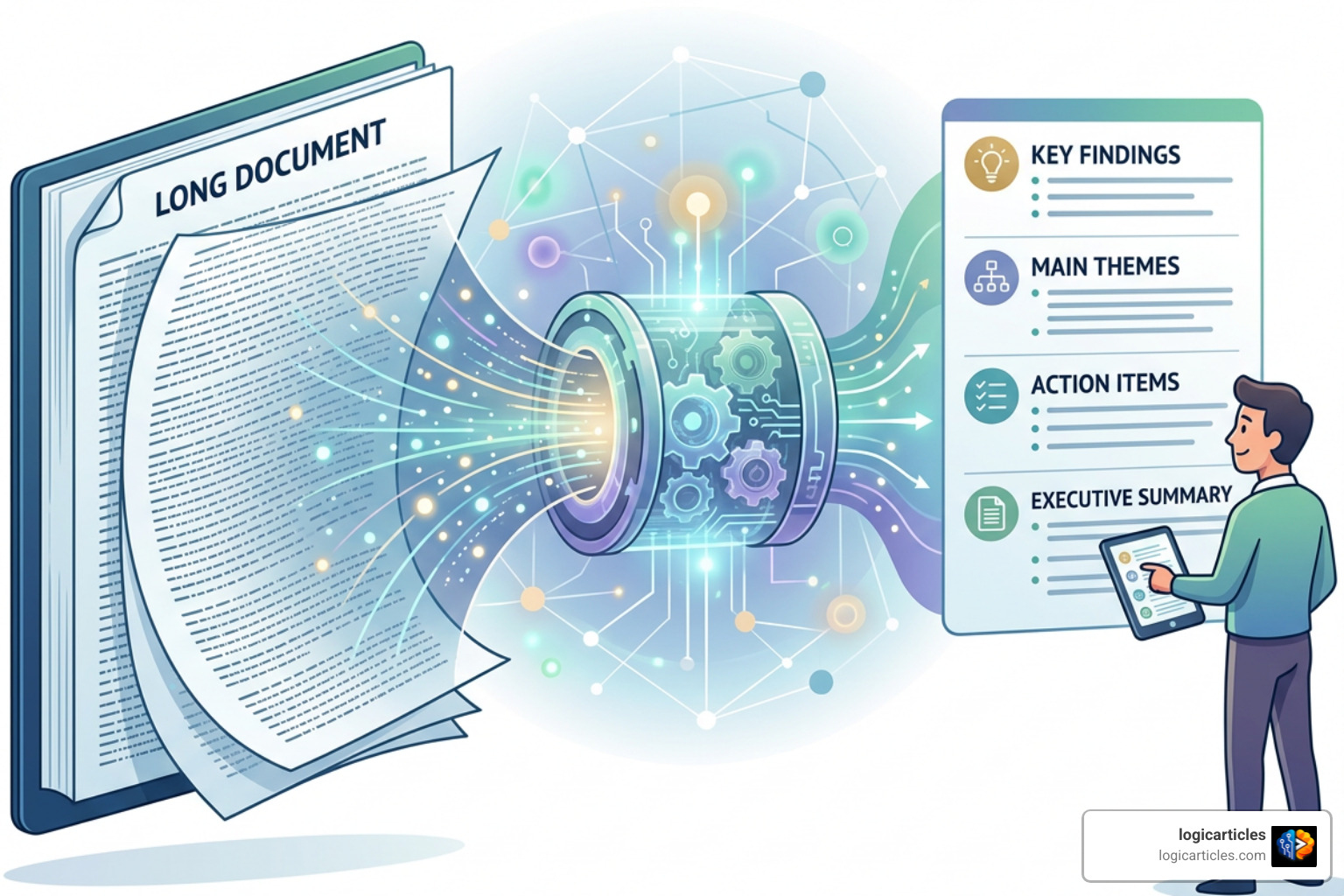
A block of unformatted text is rarely the most efficient way to digest complex information. Depending on your goals, you may need different visual structures:
- Executive Briefs: Concise 1-page summaries highlighting core arguments, financial metrics, and operational recommendations for leadership teams.
- Bulleted Action Items: Direct list items outlining tasks, deadlines, and responsible parties extracted from long project decks or meeting transcripts.
- Interactive Mindmaps: Visual, expandable tree structures that map out main themes and sub-topics, perfect for studying complex textbooks or multi-chapter books.
- Academic Abstracts: Formal structured overviews covering methodology, results, and conclusions for literature reviews.
Platform capabilities like interactive mindmaps allow you to expand or collapse specific sections, keeping large amounts of information easy to navigate. Tools like AskSia take this flexibility further by allowing you to process dozens of files in a single session and ask cross-document questions to synthesize unified study guides.
Security Protocols and Privacy Standards
When uploading proprietary business strategies, legal contracts, or unreleased research papers, security is paramount. Never assume an online AI tool handles your data securely without checking its published privacy policy first.
Reputable AI document tools protect your data using TLS encryption for files in transit and robust encryption for files at rest. Leading document processing standards are anchored by regulatory frameworks like GDPR compliance and international security certifications such as ISO/IEC.
Data Privacy and Model Training Policies
Beyond transport encryption, pay attention to data retention and model training policies:
- 1-Hour Automatic Server Deletion: Many privacy-focused tools (like Smallpdf) automatically delete uploaded documents from their temporary servers within one hour after processing.
- Model Training Exclusions: Enterprise-grade platforms state that your content will never be used to train public generative AI models.
- Zero Data Retention Options: Specialized privacy tools process your document in memory and instantly drop all source files the moment your browser session closes.
Always verify these policies before uploading confidential contracts or internal strategy decks.
Dedicated Summarizer Applications vs General AI Chatbots
While general-purpose chatbots like ChatGPT, Claude, or Gemini are highly versatile, they present specific friction points when used exclusively as document summarizers.
| Feature / Capability | Dedicated AI Document Summarizer | General AI Chatbot |
|---|---|---|
| Input Limits | Up to 500 pages / 200,000 words in one pass | Often cuts off long uploads due to token limits |
| Citation System | Automatic page-level clickable citations | Requires manual prompting, often lacks exact page links |
| Scanned OCR | Integrated OCR for image PDFs & handwriting | Basic image reading, often fails on complex scans |
| Output Controls | Pre-set templates (Mindmaps, Briefs, Action Items) | Requires detailed prompt engineering |
| Data Privacy | Standardized 1-hour deletion or zero retention | Varies; free tiers may use chats for model training |
Selecting the Best AI Tool for Summarising Long Documents for Your Workflow
Choosing the right tool comes down to matching its strengths to your specific daily tasks:
- For Academic Literature and Research Papers: Choose specialized research assistants or tools like the Musely AI Text Summary Generator that provide paragraph-anchored citations, abstract extraction, and support for multi-paper synthesis.
- For High-Volume Professional and Business Use: Look for platforms like Linnk AI that handle multi-model processing (combining models like Claude, GPT-4, and Gemini) to deliver interactive mindmaps and instant multi-format parsing.
- For Quick Content Repurposing: Use marketing-oriented summarizers like Hypotenuse AI to convert lengthy reports, whitepapers, or video transcripts into concise social posts and content briefs.
Budget considerations are also key. Free tiers often cap inputs at 600 to 1,200 words, making them suitable for short articles. If you regularly handle 100+ page PDFs, upgrading to a dedicated plan ($10 to $20 per month) pays off quickly in saved time and better output controls.
Frequently Asked Questions About Long Document AI Summarization
How do AI summarizers handle 100+ page documents?
Specialized long-document tools process large files using parallel chunking. The software splits a 100+ page document into smaller, logically connected sections, feeds them simultaneously through high-context language models, and stitches the results back together into a single summary without losing overall context or hitting context limits.
What is the difference between extractive and abstractive summarization?
Extractive summarization identifies and copies exact key sentences directly from the original source text, ensuring strict factual accuracy. Abstractive summarization uses generative AI to understand the core concepts and rewrite the ideas in fresh phrasing, delivering a smoother, more human-like overview.
Are uploaded documents stored or used for AI model training?
Reputable AI summarizers implement enterprise security controls, including TLS encryption, GDPR compliance, and strict model training exclusions. Most dedicated document processors purge files from their servers within 1 hour of processing and do not use customer content to train public AI models.
Conclusion
Finding the best ai tool for summarising long documents means looking beyond standard chatbots and identifying platforms built specifically for deep document processing. The ideal tool depends on your primary workflow—whether you need exact page-level citations for research papers, native OCR for scanned contracts, or interactive mindmaps for complex textbooks.
By choosing an AI summarizer with large context limits, structured output formats, and strong data privacy protections, you can turn hours of tedious reading into quick, actionable insights. To discover more reviews, guides, and updates on productivity software, Explore AI Tools on logicarticles to optimize your document workflows today.