Why Restaurant Scheduling Software Can Make or Break Your Operation
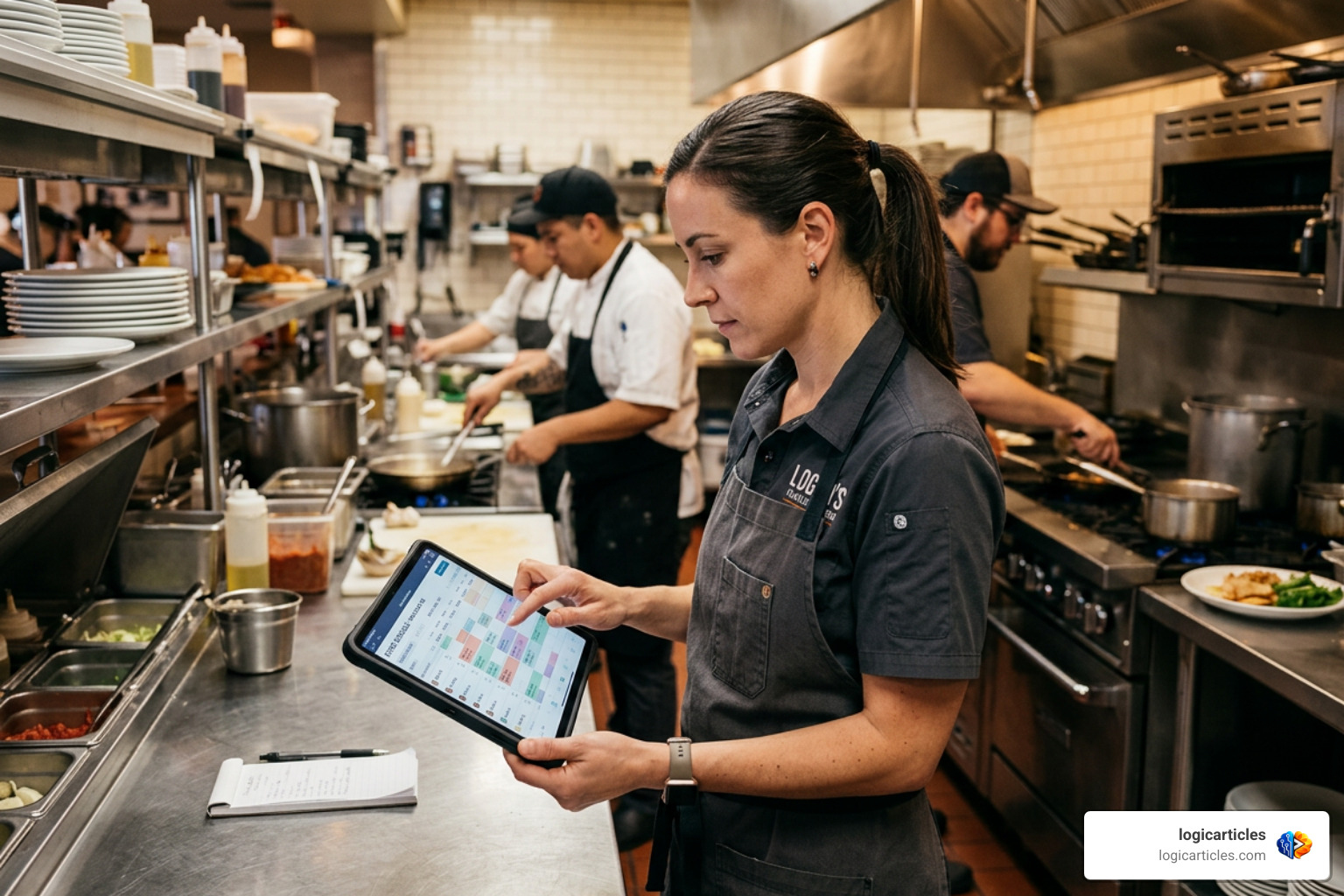
Restaurant scheduling software is a tool that helps managers build staff schedules, track labor costs, manage shift swaps, and stay compliant with labor laws — all in one place.
Here are the best restaurant scheduling tools in 2026:
| Tool | Best For | Free Plan | Starting Price |
|---|---|---|---|
| 7shifts | All-in-one restaurant teams | Yes (basic) | $29.99/mo per location |
| Homebase | Small independent restaurants | Yes (up to 10 staff) | Free |
| Schedulefly | Simple, no-fuss scheduling | No | ~$30/mo |
| Nory | AI-powered labor optimization | No | Contact for pricing |
| Crunchtime | Multi-location enterprise chains | No | Contact for pricing |
| When I Work | Budget-conscious operators | No | $3/user/mo |
Running a restaurant is hard enough without scheduling chaos on top of it.
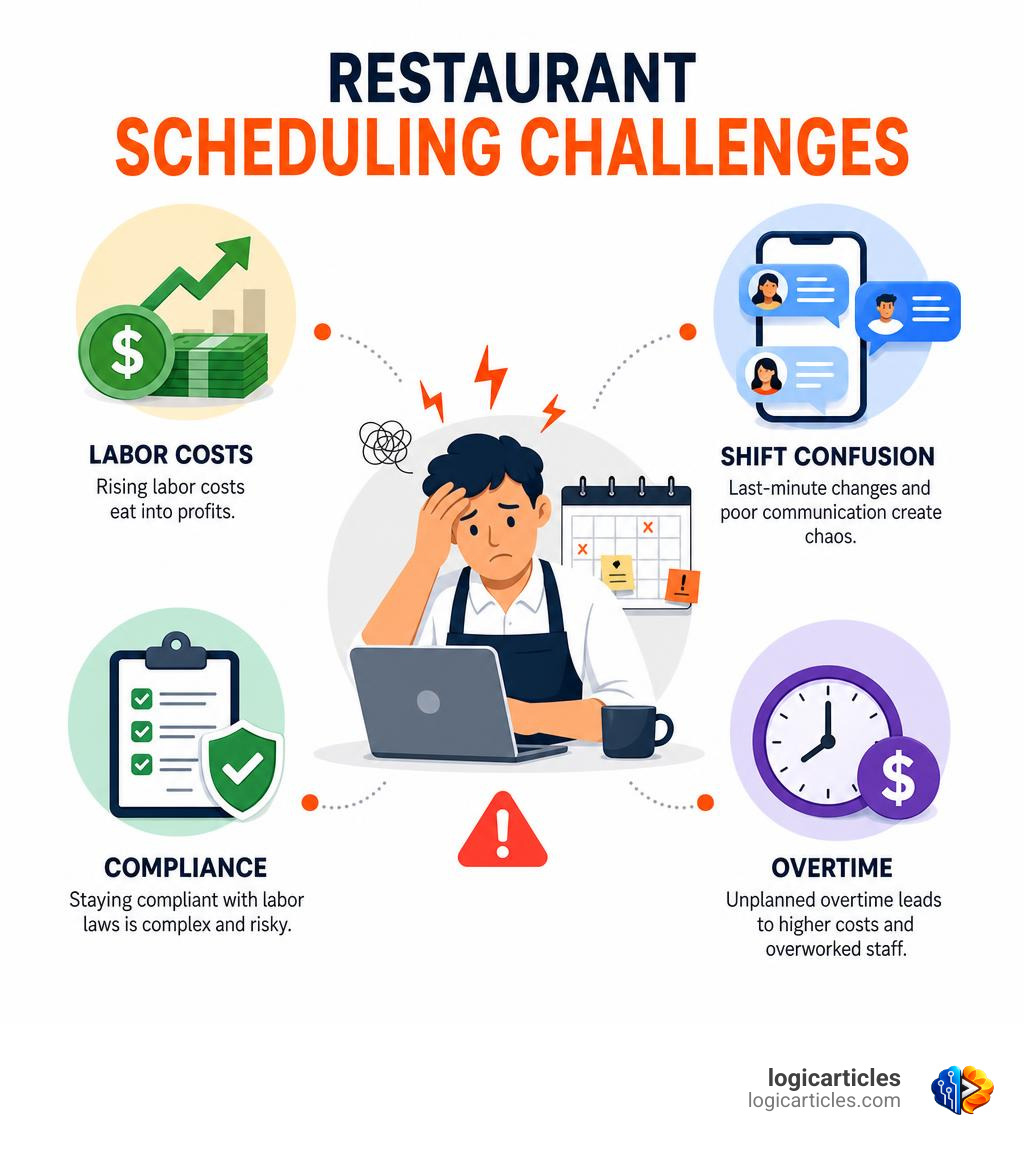
Most operators are still juggling group texts, paper calendars, and last-minute call-outs. And it costs them — in overtime pay, understaffed shifts, and burned-out managers.
The numbers back this up. Nearly 59% of restaurant operators say staffing and labor challenges are holding back their ability to grow. Yet only about 35% feel extremely confident in their current labor and scheduling strategy.
The right software changes that. Restaurants using modern scheduling tools report saving dozens of hours a month, cutting overtime costs, and reducing labor spend by double digits.
This guide compares the top options so you can find the best fit for your restaurant — fast.
Key Features to Look For in Restaurant Scheduling Software
Selecting the ideal platform for your kitchen or front-of-house team requires looking beyond basic calendar grids. Restaurants operate in a environment with razor-thin margins. Unlike typical office-based tools, restaurant-specific platforms must manage dynamic shifts, multi-role employees, and split shifts that often cross past midnight.
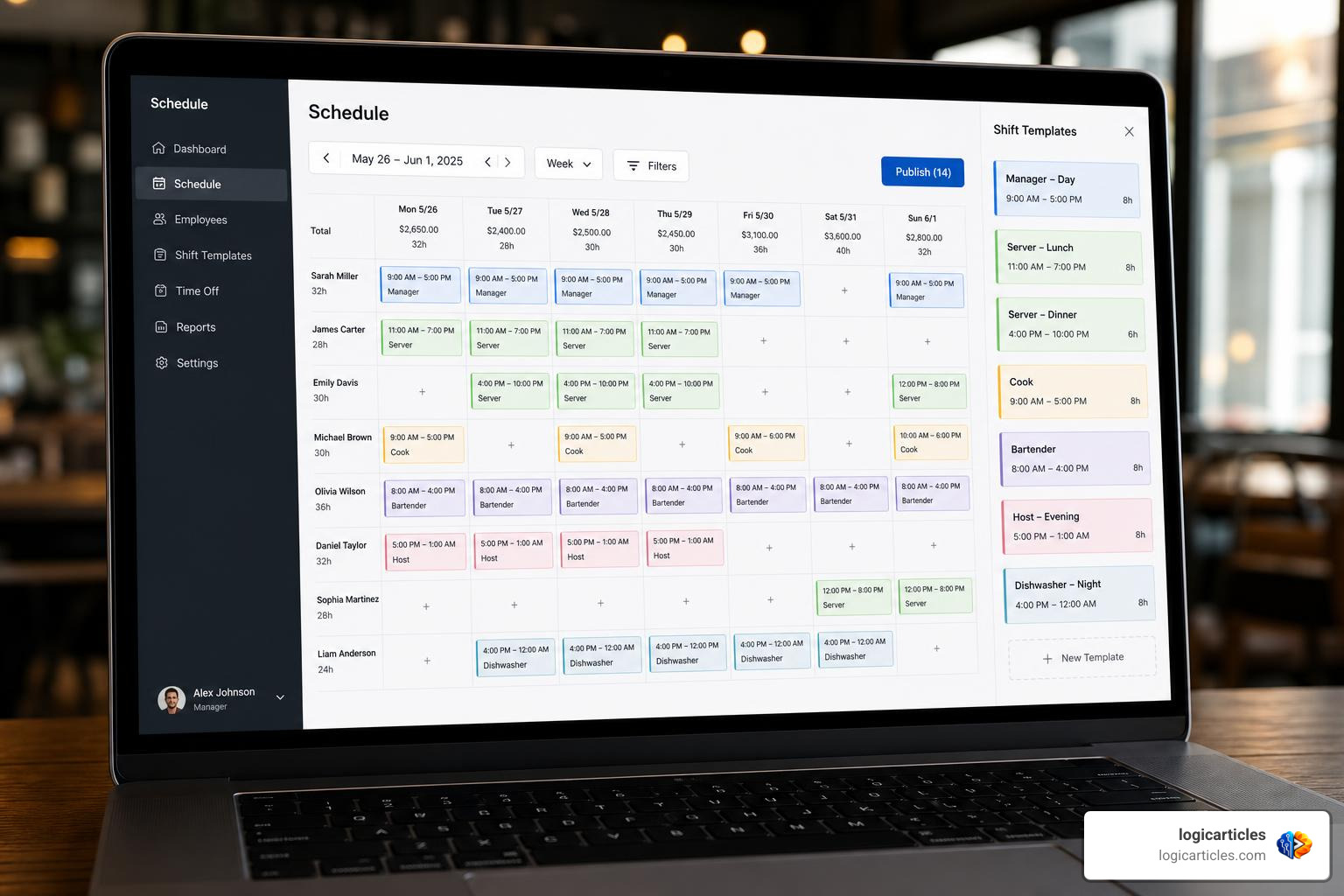
When evaluating options, look for core features like visual drag-and-drop builders, flexible workweek setups, and robust availability engines. If your software does not easily let you assign one worker as a prep cook in the morning and a line cook at night, it will create unnecessary administrative friction.
To understand how these mobile tools compare to general business platforms, you can read our guide on Mobile Workforce Management Software Features Benefits AI 2026.
Shift Swapping and Employee Self-Service
One of the quickest ways to reduce manager burnout is to let your staff handle their own scheduling logistics. When employees can swap shifts, claim open hours, and request time off directly through a mobile app, it eliminates the endless stream of frantic text messages.
Modern platforms allow managers to set rules for these swaps—such as requiring final managerial approval before a trade is finalized—to prevent accidental overtime. For example, platforms like 7shifts have been shown to reduce internal team messaging by up to 50% because all coordination happens directly inside the app.
To see how centralized team communication can transform your workplace culture, check out The platform behind great restaurant teams .
POS Integration and Labor Cost Tracking
A scheduling tool operating in a vacuum cannot help you control your bottom line. The best restaurant scheduling software integrates directly with your Point of Sale (POS) system. By pulling real-time sales data alongside scheduled hours, you can view your labor cost as an exact percentage of sales throughout the day.
This integration lets managers see when sales are dipping and make proactive decisions to cut floor staff early. Additionally, POS-linked time clocks prevent “buddy punching” and early clock-ins through geofencing or photo-verification systems.
To explore how enterprise-grade tools connect sales data directly to labor budgets, read about Restaurant Labor Management | Crunchtime .
Compliance and Labor Law Enforcement
Labor compliance is a growing headache for hospitality business owners. From minor labor laws (which restrict shift lengths and late hours for student workers) to Fair Work Week regulations in major metropolitan areas, getting scheduling wrong can result in costly legal penalties.
Your software should act as an automated compliance guardrail. It should automatically flag when:
- A minor is scheduled to work too late on a school night.
- An employee is scheduled for a “clopening” (working a closing shift and an opening shift back-to-back without adequate rest).
- A shift is scheduled without legally mandated rest or meal breaks.
How AI and Automation Optimize Restaurant Operations
Artificial intelligence is transforming restaurant back-offices from reactive environments into predictive, highly optimized engines. Instead of relying on gut feelings or basic last-year sales sheets, managers can now leverage machine learning to build near-perfect schedules in seconds.
For a deeper look into how AI is optimizing back-of-house operations, take a look at Cronyte — AI-Powered Kitchen Labor Optimization .
AI-Driven Demand Forecasting
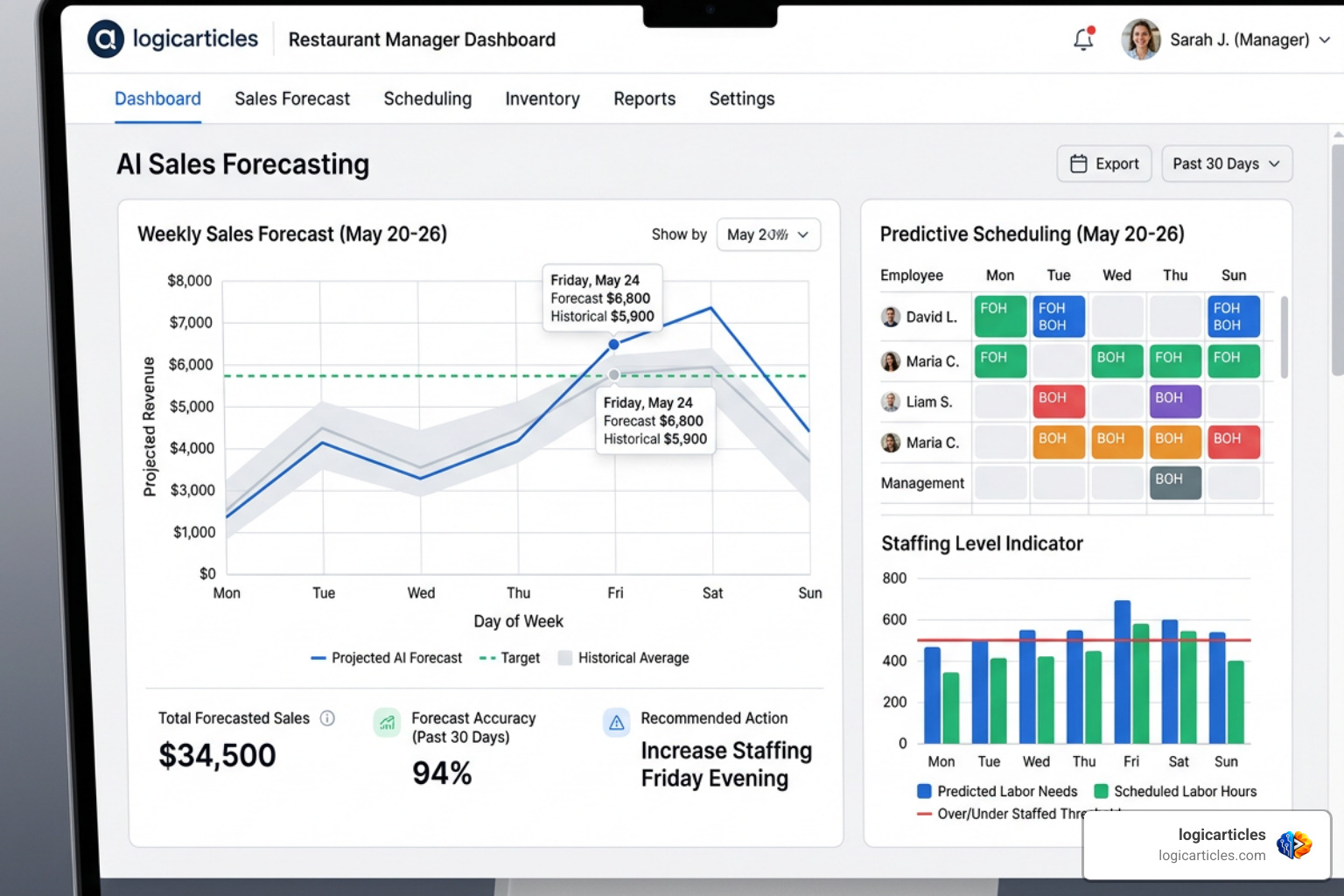
AI-driven platforms analyze historical sales data, local weather patterns, neighborhood events, and seasonal trends to forecast your exact staffing needs by the hour.
For instance, platforms like Nory offer up to 98% sales forecast accuracy. This level of precision allows operators to cut labor costs dramatically:
- Barge East achieved a 10% reduction in labor costs using smarter AI forecasting.
- Josie’s saw a 23% labor cost reduction in just four months.
- Roasting Plant Coffee shaved 18% off their labor costs in two months.
To see how these predictive systems can help your business optimize shifts, check out Restaurant Workforce Management Software | Scheduling & Rota | Nory .
Automated Schedule Generation
Once the AI forecasts demand, it can automatically generate a complete weekly schedule. This is not just a copy-paste template; the system matches employee availability, approved time-off, skill levels, and contract limits to the forecasted labor budget.
Instead of kitchen managers spending 3 to 5 hours per week building schedules manually, an automated system can compile them in seconds. To see how automated scheduling apps handle this process, read more about Restaurant Scheduling App & Time Clock Software – Sling .
Comparing the Best Restaurant Scheduling Tools
To help you find the right fit, let’s take a closer look at the top contenders in the market. While some platforms focus on simplicity and community, others leverage advanced data models to squeeze every drop of efficiency out of your labor budget.
If you are looking for broader HR tools to handle payroll and onboarding alongside scheduling, read our guide on the Best HR Software for Small Businesses.
- 7shifts: Trusted by over 55,000 restaurants and 1.5 million professionals, this tool is the gold standard for team management. It has processed over $1 billion in payroll and boasts a 4.7-star rating on Capterra. Users report saving over 79 hours per month on administrative tasks and cutting more than $1,000 in overtime costs.
- Homebase: Excellent for smaller, single-location restaurants. Its free tier covers up to 10 employees and includes basic scheduling and time-tracking features.
- Schedulefly: A simple, no-nonsense tool trusted by more than 20,000 restaurants since 2007. It foregoes complex AI algorithms in favor of a clean, highly reliable message-board-style interface that staff love.
- Nory: An AI-first workforce management tool that excels at helping multi-location brands reduce labor costs (often by 10% to 25%) while boosting overall labor productivity by up to 30%.
- Crunchtime: An enterprise-grade platform built for major chains and multi-unit franchises that require deep POS integrations, inventory management, and strict compliance tracking across multiple states.
For a wider comparison of alternative tools, check out the 12 Best Restaurant Scheduling Software Picks for 2025 – MAJC .
How Free vs. Paid Restaurant Scheduling Software Compares
When you are starting out, free tools can be incredibly tempting. Free options like Brisk Table or basic tiers of Homebase allow you to build schedules, add time-off entries, and send rosters to your team without spending a dime.
However, free tools come with clear limitations:
- User Caps: They usually limit the number of employees you can manage (often capped at 10).
- No Integrations: You won’t be able to connect your POS or payroll systems, meaning you’ll have to manually copy hours over every week.
- Basic Communication: You miss out on real-time shift-swapping networks and automated compliance alerts.
Paid software, like The Restaurant Employee Scheduling App – When I Work , charges a monthly flat rate or a per-user fee. While this adds to your software expenses, the investment is easily offset by preventing a single hour of unnecessary overtime or avoiding a compliance penalty.
Choosing the Right Restaurant Scheduling Software for Your Kitchen
The right software depends entirely on your operational footprint:
- For Independent Restaurants: Simplicity is key. You want a tool that your staff will actually download and use. Platforms like Schedulefly or Homebase keep communication clear without overwhelming your team with unnecessary features.
- For Multi-Location Groups: You need centralized control, unified reporting, and deep POS/HRIS integrations. Platforms like Zeus Manager allow you to oversee multiple locations from a single dashboard, helping you spot labor cost discrepancies across your fleet. Learn more about their unified features at Zeus Manager – Workforce Management & Reservations for Restaurants .
If you want to compare how restaurant scheduling tools differ from general organizational systems, read our review of the Best Task Management Software in 2026 Tested.
(Note: While some service businesses use specialized software—like those highlighted in our guide on the Best Software for Lawn Care Business—restaurants require unique features like split shifts, tip pooling, and direct POS sales-to-labor tracking.)
If you are curious about how workforce management varies across other high-volume industries, you can also read our analysis of the Best Workforce Management Software for Call Centers.
Frequently Asked Questions about Restaurant Scheduling
How does restaurant scheduling software reduce labor costs?
It prevents overstaffing by comparing your schedules against historical sales forecasts. It also sends real-time alerts to managers before an employee enters overtime, prevents early clock-ins, and allows managers to quickly optimize staffing levels on slow days.
Can scheduling software help with labor law compliance?
Yes. Modern platforms have built-in compliance engines that block managers from scheduling shifts that violate local labor laws, minor work hour limits, break requirements, or Fair Work Week rest periods.
Is there a completely free restaurant scheduling software?
Yes. Platforms like Brisk Table offer 100% free scheduling with no integrations required. Other platforms, like Homebase, offer basic free tiers for single-location businesses with 10 or fewer employees.
Conclusion
Managing a restaurant is a game of inches. With food costs rising and margins shrinking, optimizing your staff scheduling is one of the most effective levers you have to protect your profitability.
By replacing paper rosters and chaotic group texts with dedicated restaurant scheduling software, you save hours of administrative work, keep your team happy, and keep your labor costs under control.
At logicarticles, we are dedicated to providing practical, logic-driven insights to help business owners make smart technology choices. Ready to upgrade the rest of your business tech stack? Explore the best software categories to find more tested, expert-reviewed tools today.