The Growing Need for Mobile Workforce Management Software
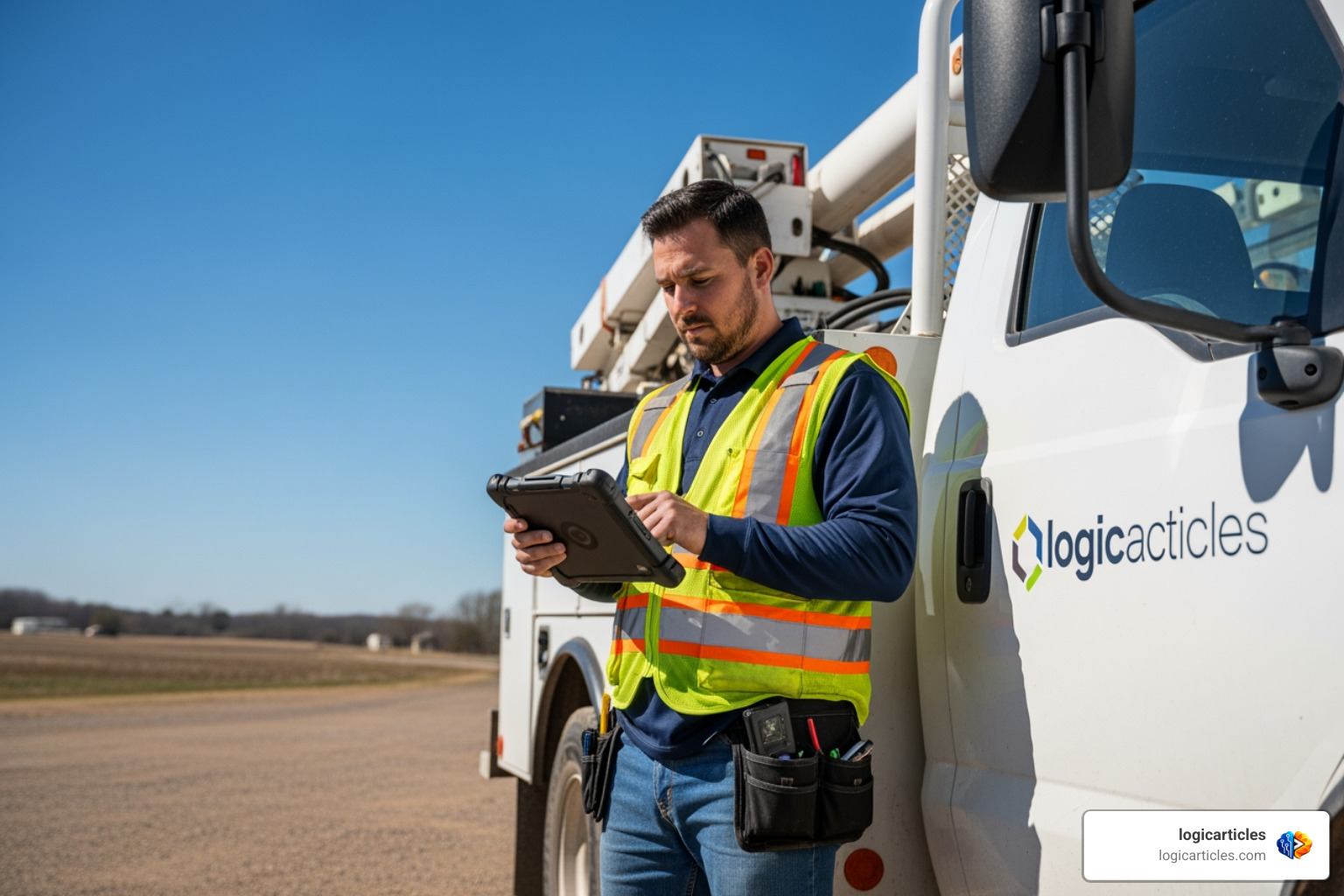
Mobile workforce management software is a digital platform that helps businesses schedule, track, and coordinate employees who work outside a traditional office — think field technicians, utility crews, and service engineers.
Quick answer: What is mobile workforce management software?
- What it does: Manages scheduling, time tracking, GPS location, work orders, and communication for field-based teams
- Who it’s for: Field service companies, utilities, construction, healthcare, retail, and any business with deskless workers
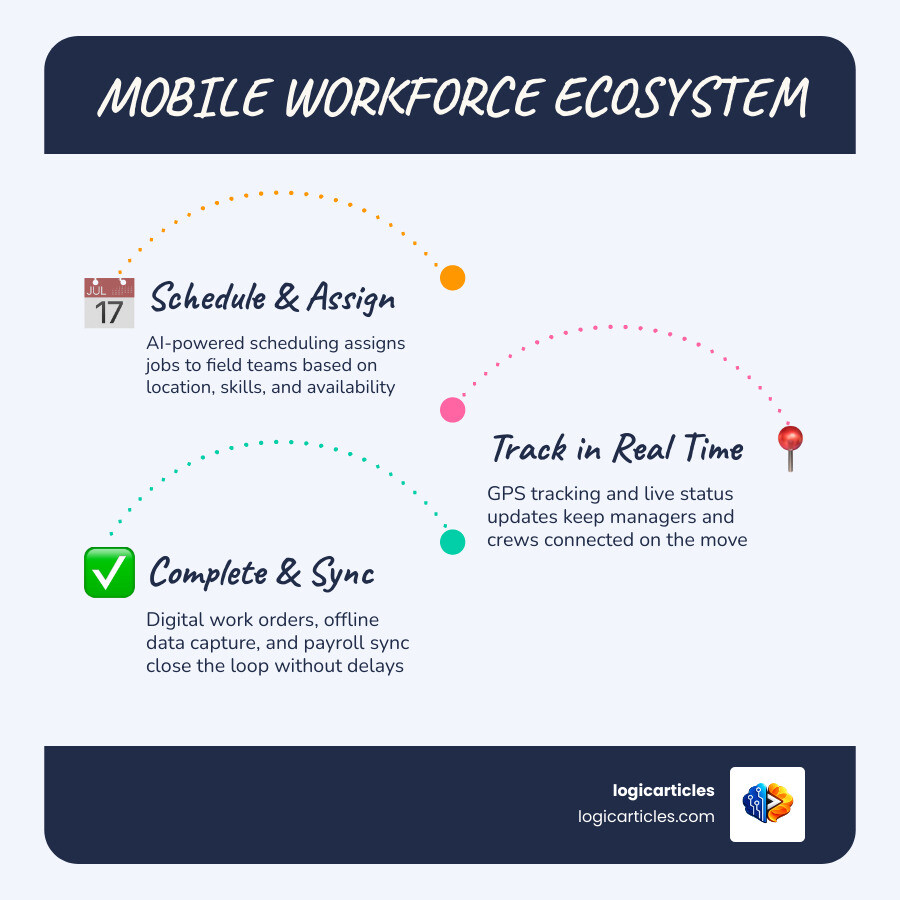
- Key features: Real-time GPS tracking, AI-powered scheduling, offline access, digital work orders, payroll integration
- Top benefit: Organizations report up to a 450% ROI and 80% gains in scheduling efficiency
- How it differs from traditional WFM: Built specifically for mobile and remote workers, not office-based staff
Today, more than ever, businesses rely on workers who never sit at a desk. These deskless workers — utility crews, repair technicians, healthcare aides — are hard to manage with old-school spreadsheets or office-focused HR tools.
The problem is real. Traditional HR and payroll systems simply weren’t built to handle the complexity of managing field staff across multiple locations, with shifting schedules and limited connectivity.
That’s where MWM software steps in. It gives managers live visibility into their teams and gives workers the tools they need — right on their phones or tablets — to do their jobs without constant back-and-forth with the office.
This guide breaks down everything you need to know: what these tools do, which industries benefit most, how AI is changing the game, and how to pick the right solution.
What is Mobile Workforce Management Software?
To understand how to manage a modern team, we first have to define what we are actually working with. According to industry frameworks explained in What is Mobile Workforce Management, mobile workforce management (MWM) is a specialized category of software designed to optimize the productivity, safety, and operational efficiency of employees who work on-site or on the go.
Unlike traditional workforce management software, which was built for employees sitting in cubicles with reliable high-speed internet and fixed nine-to-five hours, MWM tools are built from the ground up for the “deskless” world.
Deskless workers represent a massive portion of the global workforce. They are the people repairing power lines, servicing medical equipment, delivering packages, and visiting patients at home. They do not have the luxury of a desktop computer. Instead, their mobile device is their primary portal to the company.
The operational hurdles of managing a deskless team are completely different from managing an office team. For example:
- Office teams: Work is generally static. Managers assign tasks, and employees complete them at their desks. Communication is constant via email or chat apps.
- Mobile teams: Work is highly dynamic. A technician might start the day with three scheduled stops, only for an emergency leak or power outage to rewrite their entire schedule by 10:00 AM.
Let’s look at how these two approaches compare across core operational areas:
| Operational Area | Traditional Workforce Management (WFM) | Mobile Workforce Management (MWM) |
|---|---|---|
| Primary User Base | Office staff, retail cashiers, call center agents | Field technicians, utility crews, remote engineers |
| Scheduling Model | Fixed shifts, weekly rotas, predictable hourly blocks | Dynamic dispatch, route-optimized slots, real-time adjustments |
| Connectivity | Always online (office Wi-Fi/Ethernet) | Intermittent (cellular networks, remote offline locations) |
| Data Capture | Manual digital timesheets, manual project updates | GPS-verified clock-ins, photos, digital signatures, OCR |
| Asset & Part Tracking | Rarely required or handled by separate ERPs | Native van stock tracking, parts analytics, automated reordering |
Core Features of Modern Mobile Workforce Management Software
If you are looking to deploy mobile workforce management software in 2026, you shouldn’t settle for a glorified digital calendar. Modern solutions are incredibly robust, acting as a single source of truth for both field and office teams.
Let’s break down the core features that turn a chaotic field operation into a well-oiled machine:
1. GPS Tracking and Geofencing
Knowing where your team is shouldn’t require sending ten “What’s your ETA?” text messages. GPS tracking provides real-time location verification, ensuring that when a worker clocks in, they are actually on-site. Platforms like Free Mobile Workforce Management Software use this data to calculate travel times and update dispatchers automatically.
Additionally, geofencing can automatically trigger clock-ins or safety alerts when an employee enters a designated work zone, preventing “buddy punching” and manual errors.
2. Offline Access with Automatic Syncing
Field technicians often find themselves in basements, rural areas, or remote industrial sites where cellular reception is nonexistent. A great MWM tool must work offline.
With offline-first design, workers can still fill out digital forms, capture customer signatures, and check equipment manuals. As soon as their device detects a network connection, the software automatically syncs the data back to the office without any manual intervention.
3. Real-Time Visibility and Dynamic Dispatching
When a new high-priority job comes in, dispatchers need to see which technician is closest, has the right parts in their van, and possesses the correct certifications. Platforms designed around Mobile Workforce Management Features allow office staff to visualize schedules and drag-and-drop jobs in real time, which instantly updates the technician’s mobile app.
4. Digital Work Orders and Rich Data Capture
Paper work orders get lost, stained, or misread. Digital work orders solve this by letting workers capture photos of completed repairs, record audio notes, use optical character recognition (OCR) to read equipment serial numbers, and gather digital signatures on the spot. Systems like Fieldmobi Workforce Management make it easy to collect this structured data directly from the field and upload it to a centralized dashboard.
5. Native Mobile Apps for All Devices
Whether your team uses company-issued iOS tablets or personal Android smartphones, the mobile interface must be simple and intuitive. If the app is too clunky, fieldworkers won’t use it.
To explore how these capabilities integrate with broader project planning, you can read our guide on the Best Task Management Software in 2026 Tested.
Key Benefits of MWM for Field Service and Utilities
Deploying a mobile workforce system isn’t just about making life easier for your dispatchers; it has a massive, measurable impact on your bottom line. Let’s look at the financial and operational benefits that companies experience when they drop the spreadsheets and adopt modern software.

Massive Return on Investment (ROI)
Investing in enterprise-grade software can feel like a major hurdle, but the financial returns speak for themselves. According to independent economic impact studies, organizations deploying cloud-based mobile workforce solutions see a 450% ROI total overall economic impact. This return is driven by reduced fuel costs, fewer administrative hours, and faster billing cycles.
Drastic Reductions in Labor Costs
When technicians use manual processes, hours are wasted on double data entry, driving back to the office to pick up paper schedules, or waiting around for dispatcher updates. Implementing MWM software leads to an average 11% decrease in customer labor costs. Why? Because every hour paid is spent actually working on assets, not navigating administrative bottlenecks.
Increased Revenue per Labor Hour
By optimizing routes and matching the right technician to the right job on the first try, businesses can complete more work orders in a single day. This efficiency translates to a 5.2% increase in revenue per labor hour, allowing businesses to scale their operations without necessarily hiring more staff.
Streamlined Utility Asset Lifecycles
For utilities (water, gas, electric), managing assets is incredibly complex. A single crew might handle preventative maintenance on a substation, emergency break/fix work on a water line, and permit-to-construct work for a new development.
MWM platforms designed for utilities manage the entire asset lifecycle. They integrate with GIS (Geographic Information Systems) so workers can see the exact physical location of underground infrastructure, ensuring safety and precision.
AI and Automation in Mobile Workforce Management Software
If there is one thing defining software in 2026, it is the practical application of Artificial Intelligence. In mobile workforce management, AI isn’t just a buzzword — it is the engine driving unprecedented efficiency.
Traditional scheduling is a mathematical nightmare. If you have 20 technicians, 50 jobs of varying priority, traffic delays, and specific skill requirements, finding the optimal schedule is nearly impossible for a human dispatcher.
AI-powered scheduling engines solve this in seconds. They analyze dozens of variables — including real-time traffic, technician location, historical job duration, and parts availability — to build the perfect schedule. This results in an incredible 80% gain in scheduling efficiency.
Furthermore, automation completely removes the administrative burden of running a business. By automating dispatching, route updates, and time tracking, administrators spend 95% less time creating schedules and running payroll. Instead of chasing down paper timesheets on Friday afternoon, managers simply review automatically populated, GPS-verified timesheets and click “approve.”
To understand how these AI systems handle the massive amounts of data generated by field teams, check out our analysis of the Best Big Data Analytics Tools in 2026 Ranked by Performance.
Enterprise Integrations and Compliance Standards
A mobile workforce management platform shouldn’t exist on an island. To unlock its full potential, it must connect seamlessly with your existing enterprise tech stack.
+-------------------------------------------------------------+
| Enterprise Tech Stack Integration |
+-------------------------------------------------------------+
| |
|   +---------------+   +---------------+   +-------------+   |
|   |  EAM Systems  |   |  GIS Mapping  |   | ADMS (Grid) |   |
|   |  (Asset Care) |   | (Geospatial)  |   | (Utilities) |   |
|   +-------+-------+   +-------+-------+   +------+------+   |
| | | | |
| +-------------------+------------------+ |
| | |
| v |
| +-----------------------------------+ |
| | Mobile Workforce Software | |
| +-----------------+-----------------+ |
| | |
| v |
| +---------------+ |
| | Payroll & ERP | |
| | (Compliance)  | |
| +---------------+ |
| |
+-------------------------------------------------------------+
For large organizations, especially in utilities and infrastructure, MWM tools must integrate with:
- Enterprise Asset Management (EAM): To sync work orders with asset history and maintenance schedules.
- Geographic Information Systems (GIS): To give fieldworkers exact spatial data on assets.
- Advanced Distribution Management Systems (ADMS): To coordinate control room operations with field crews during power outages or grid emergencies.
- Payroll and ERP Systems: To instantly transfer approved hours into payroll without manual re-entry.
Compliance, Certified Payroll, and Prevailing Wages
For construction firms and government contractors, compliance is a major headache. Keeping track of prevailing wage rules, certified payroll, and complex union labor laws can lead to severe penalties if done incorrectly.
Advanced platforms like the Workforce Operations Platform by Passport Workforce solve this by validating labor data at the source. The system automatically applies complex wage rules, union deductions, and certified payroll logic upstream, before the data ever hits your finance department. This guarantees audit readiness and keeps your business compliant with local and federal labor laws.
If you are managing a smaller operation and looking to build out your core compliance and HR framework, you can read our breakdown of the Best HR Software for Small Businesses.
Frequently Asked Questions about Mobile Workforce Management
How does offline mode work in mobile workforce software?
Offline mode uses the local storage of the mobile device (phone or tablet) to save work orders, customer details, and forms. When a technician enters an area with no cellular service, they can continue editing documents, taking photos, and collecting signatures. The app caches this data securely. Once the device reconnects to Wi-Fi or cellular data, the software automatically uploads the saved information to the cloud and updates the office dashboard.
What is the difference between FSM and MWM?
While they are closely related, Field Service Management (FSM) focuses heavily on the job and the asset (e.g., tracking a broken commercial refrigerator, managing parts inventory, and billing the customer). Mobile Workforce Management (MWM) focuses more on the people and the processes (e.g., scheduling shifts, tracking employee locations, ensuring safety compliance, and managing labor hours for payroll). Many modern platforms combine aspects of both to provide a complete solution.
How does MWM software ensure regulatory compliance?
MWM software ensures compliance through automated tracking and data validation. It uses GPS tracking to prove workers were on-site, logs mandatory safety checklists before a technician can start a job, and automatically calculates complex labor rules like overtime, break times, and prevailing wages. This digital paper trail is easily searchable, making safety audits and payroll verification stress-free.
Conclusion
The shift toward a highly connected, mobile-first deskless workforce is no longer a futuristic trend — it is the standard for operational success in 2026. Transitioning away from paper forms, manual dispatching, and disconnected spreadsheets to modern mobile workforce management software is one of the smartest operational moves a business can make.
By leveraging real-time GPS tracking, offline capabilities, and AI-driven scheduling, organizations can unlock massive efficiency gains, lower their labor costs, and keep their field teams safe and compliant.
At logicarticles, we are dedicated to helping businesses navigate digital transformations with practical, logic-driven insights. Ready to find the perfect software to scale your operations? Explore the Best Software Solutions to discover the tools that will drive your business forward.