Why the Best Construction Manager Software Matters in 2026
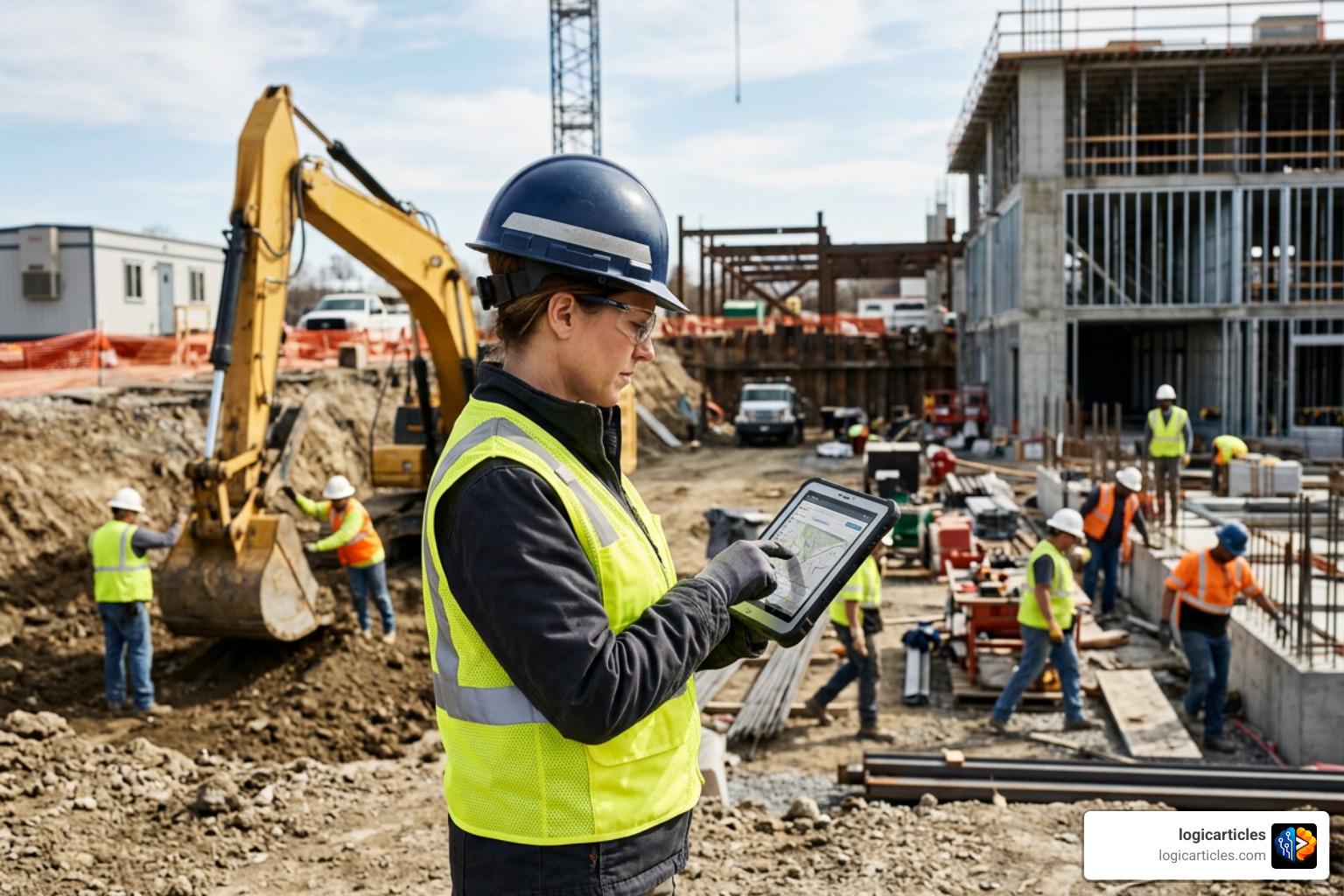
Choosing the best construction manager software for your business can mean the difference between chaotic jobsites and smooth, profitable projects.
Here’s a quick look at the top options to help you decide fast:
| Software | Best For | Starting Price |
|---|---|---|
| Procore | Large general contractors | Custom pricing |
| Autodesk Construction Cloud | BIM-heavy enterprise projects | Custom pricing |
| Buildertrend | Residential builders & remodelers | ~$99/month |
| Fieldwire | Field-first jobsite management | $44/user/month |
| Contractor Foreman | Small to mid-size contractors | $49/month |
| RedTeam Flex | Commercial GCs | Custom pricing |
The construction industry is under real pressure. Nearly 1 in 4 builders ends the year without a profit. More than a quarter of projects are delivered late. And many teams are still running jobs on spreadsheets and phone calls.
That’s a problem technology can solve — but only when you pick the right tool.
Construction management software centralizes your scheduling, budgeting, documents, and field communication in one place. The result? Fewer surprises, better margins, and teams that actually stay aligned from kickoff to closeout.
In 2026, the stakes are even higher. AI-powered features, real-time mobile access, and deep accounting integrations are no longer “nice to have.” They’re what separates the builders growing fast from those falling behind.
This guide breaks down every major option — from enterprise platforms handling billion-dollar projects to affordable tools built for small crews — so you can find exactly what fits your business.
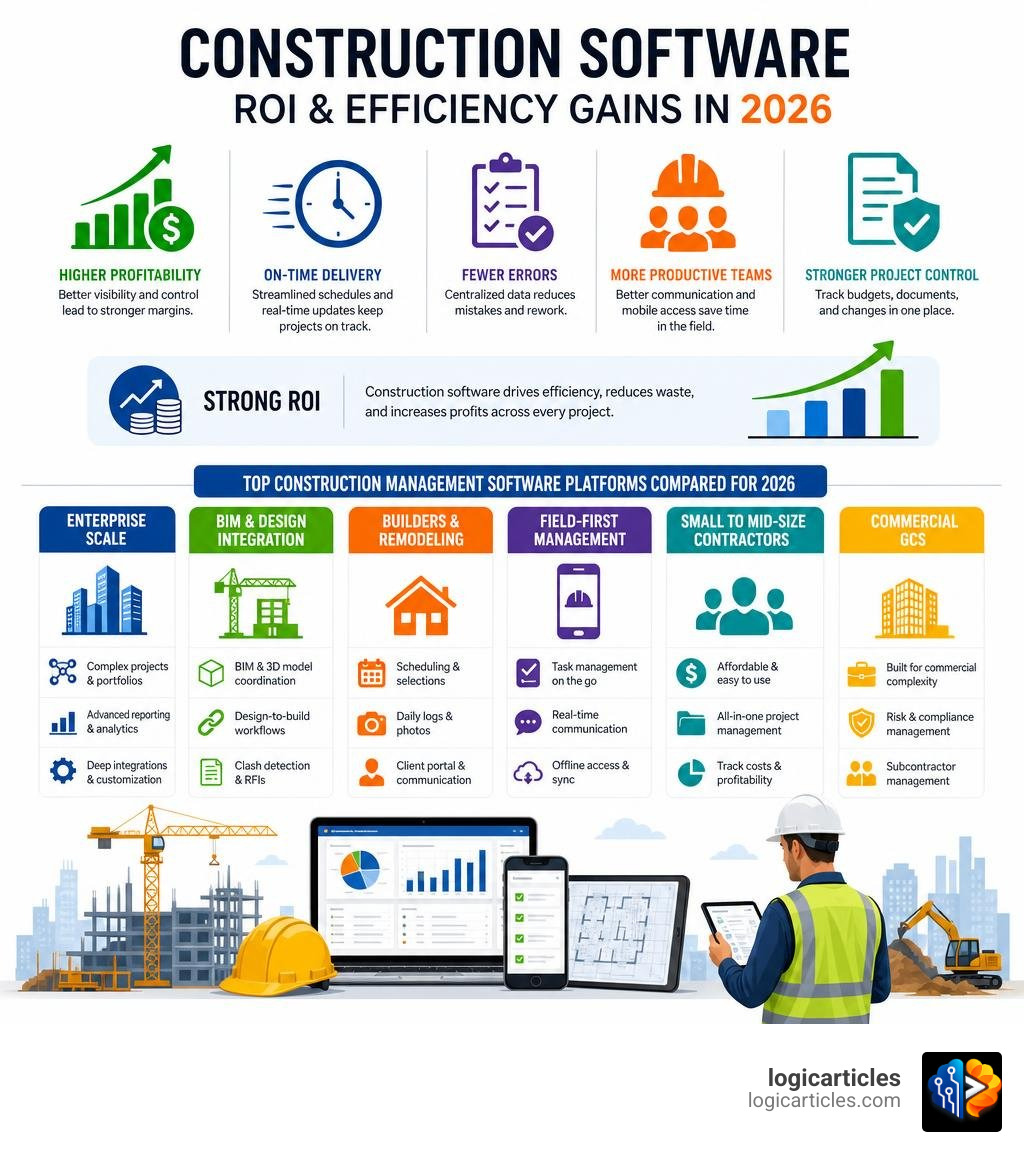
Key Criteria for Selecting the Best Construction Manager Software
Selecting the best construction manager software isn’t about buying the platform with the absolute longest list of features. It is about matching a system to your unique team, workflows, and business goals.
When evaluating options, we recommend focusing on these primary criteria:
- Business Size and Scale: A small specialty subcontractor does not need the heavy administrative overhead of an enterprise platform like Procore. Conversely, a large commercial builder will quickly outgrow simple, entry-level tools.
- Project Type: Residential home builders require features like client selection portals and sales pipeline trackers. Commercial GCs need strict submittal tracking, RFI workflows, and robust contract management.
- Ease of Use and Field Adoption: If your field crews find the app frustrating, they won’t use it. When field adoption fails, your data pipeline dies, leaving you with incomplete daily logs and outdated schedules. Look for platforms designed with a “field-first” philosophy.
- Mobile Access and Offline Capability: Construction happens on the jobsite, not behind a desk. Your software must offer a fully functional mobile application that works offline, automatically syncing updates when a cellular or Wi-Fi connection is re-established.
- Integration Ecosystem: Your construction management software needs to talk to your other business systems. Look for seamless connections to your estimating tools, CAD/BIM applications, and accounting platforms. If you are also managing general office tasks, check out our guide on the Best Task Management Software in 2026 Tested to see how modern task platforms stack up.
Core Workflows Supported by Construction Management Platforms
A comprehensive construction management platform acts as the operational nervous system for your business. It bridges the gap between the field and the office, ensuring everyone works from a single source of truth.
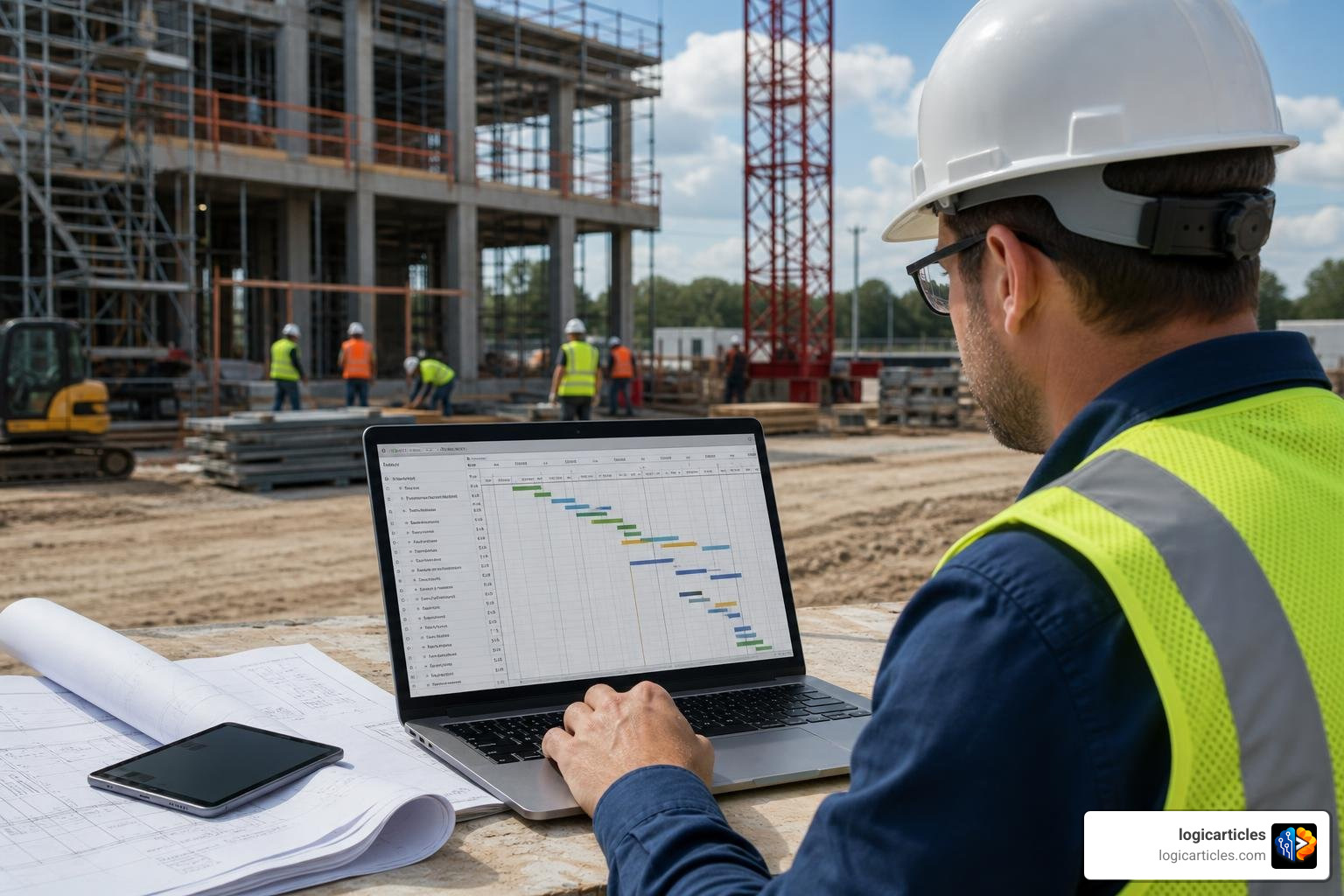
These systems streamline five primary workflows:
- Project Scheduling: Creating and managing master schedules, setting task dependencies, and mapping out the critical path.
- Budgeting and Estimating: Building accurate estimates, establishing project baselines, and tracking real-time costs against planned budgets.
- Document Control: Centralizing blueprints, specifications, submittals, and RFIs to prevent costly rework caused by outdated plans.
- Field Collaboration: Empowering crews to log daily reports, capture site photos, track safety inspections, and complete punch lists directly from the jobsite.
- Financial Tracking: Connecting field progress to invoicing, managing change orders, and tracking work-in-progress (WIP) reports. To dive deeper into the financial side of operations, read our breakdown of the Best Construction Financial Management Software.
How the Best Construction Manager Software Streamlines Scheduling and Budgeting
In construction, time is quite literally money. If your schedules and budgets live in disconnected spreadsheets, you won’t spot a problem until it has already eaten into your profits.
Modern construction platforms solve this by tying scheduling and budgeting together. For instance, when a task on a Gantt chart is delayed due to a supply chain issue, the software can automatically flag the potential impact on labor costs and project milestones.
By tracking job costing in real-time, project managers can compare actual labor hours and material purchases against the original estimate. This level of visibility prevents budget variance from slipping through the cracks. For teams looking for a highly connected, modern system to handle these workflows, the Construction Project Management System | Space AI offers an AI-native architecture that predicts delays and automates cost forecasting before overruns occur.
Document Control and Field Collaboration in Best Construction Manager Software
Miscommunication and outdated drawings are the leading causes of rework on the jobsite. When field crews work from physical blueprints or static PDFs, they risk missing critical design changes.
The best construction manager software solves this by offering a centralized document register with automatic version control. When an architect publishes a new revision, the system automatically supersedes the old version, pushing the updated drawings to every team member’s mobile device.
Furthermore, field collaboration tools streamline the RFI (Request for Information) and submittal processes. Instead of sending emails back and forth, superintendents can pin an RFI directly to a specific coordinate on a digital drawing, attach a photo of the field condition, and assign it to the design team. To see how these workflows can be simplified to save time and reduce administrative chaos, check out the solutions offered by Project Management Streamlined For Contractors | Structur.
Top Construction Management Software Solutions in 2026
To help you navigate the crowded market, we have categorized the leading construction management platforms based on their target market, core strengths, and typical use cases.
For large-scale, multi-organization infrastructure projects where data security and strict unalterable audit trails are paramount, enterprise-grade tools like Oracle Aconex are highly effective. You can learn more about how to Power confident project collaboration with Oracle Aconex to streamline complex design-build delivery.
Enterprise Powerhouses: Procore and Autodesk Construction Cloud
For large general contractors and enterprise builders managing massive portfolios, Procore and Autodesk Construction Cloud (ACC) are the undisputed industry leaders.
- Procore: Used on over 3 million global projects, Procore is a highly scalable, end-to-end platform. It excels at connecting office and field teams through a massive ecosystem of over 500 integrations. Procore’s strength lies in its comprehensive feature set, covering project execution, cost management, and resource management. However, its robust capabilities come with custom enterprise pricing and a steeper learning curve.
- Autodesk Construction Cloud (ACC): Built on the foundation of tools like PlanGrid and Revit, ACC is the premier choice for projects that rely heavily on Building Information Modeling (BIM). It allows design, engineering, and field teams to collaborate directly on complex 3D models. This deep integration makes it incredibly powerful for preconstruction coordination and clash detection.
Residential and Commercial Leaders: Buildertrend and RedTeam
For mid-market commercial general contractors and residential home builders, platforms like Buildertrend and RedTeam offer tailored features without the enterprise complexity.
- Buildertrend: The premier choice for residential home builders, custom remodelers, and specialty trade contractors. Buildertrend stands out by offering robust client portals, sales pipeline management, and built-in estimating.
- The Power of Integration: An impressive 86% of Buildertrend customers connect their estimates directly to job costing, compared to just 22% of other builders who rely on spreadsheets.
- Client Satisfaction: Additionally, 92% of Buildertrend customers provide their clients with real-time project visibility, whereas only 18% of builders industrywide leverage AI-driven client communication.
- Proven Profitability: These workflows yield real results: 96% of Buildertrend customers stay within 10% of their planned margins, and 4 out of 5 are highly confident they will hit their revenue and schedule targets.
- RedTeam Solutions: RedTeam offers a suite of products designed for commercial builders. RedTeam Flex provides comprehensive project management and financial control for mid-sized commercial GCs. RedTeam Go is an easy-to-use, highly automated option for smaller commercial contractors looking to scale, while Fieldlens by RedTeam focuses heavily on real-time field collaboration and daily reporting.
Field-First and Specialized Tools: Fieldwire, Contractor Foreman, and Modunex
If your primary goal is to optimize jobsite operations, reduce administrative paperwork, or automate document workflows, specialized tools are often the most cost-effective choice.
- Fieldwire by Hilti: Fieldwire is a highly rated, mobile-first jobsite management tool designed specifically for field crews. It excels at plan viewing, task management, and digital forms. Fieldwire is incredibly fast and intuitive, allowing superintendents and subcontractors to view markups offline and coordinate tasks in real-time. On average, Fieldwire users save up to 1 hour per user per day by eliminating manual reporting and plan lookups. You can explore their platform details at Real-Time Jobsite Management Software | Fieldwire by Hilti.
- Contractor Foreman: Known as one of the most affordable all-in-one construction management solutions on the market, Contractor Foreman is perfect for small to mid-sized contractors. Starting at just $49 per month, it provides core features like RFIs, submittals, daily logs, and QuickBooks integration, making it highly accessible for growing businesses.
- Modunex: Traditional construction software often acts as a digital filing cabinet, but Modunex is built specifically for workflow automation. It leverages AI-powered specification intelligence to automatically convert static PDF specifications into structured submittal registries, RFIs, and scheduled tasks. To see how this transforms documentation into execution, check out Modunex Construction Management Software.
The Impact of AI, Mobile Access, and ERP Integrations
The construction technology landscape in 2026 is defined by three major technological advancements: artificial intelligence, mobile-first design, and deep financial integrations.
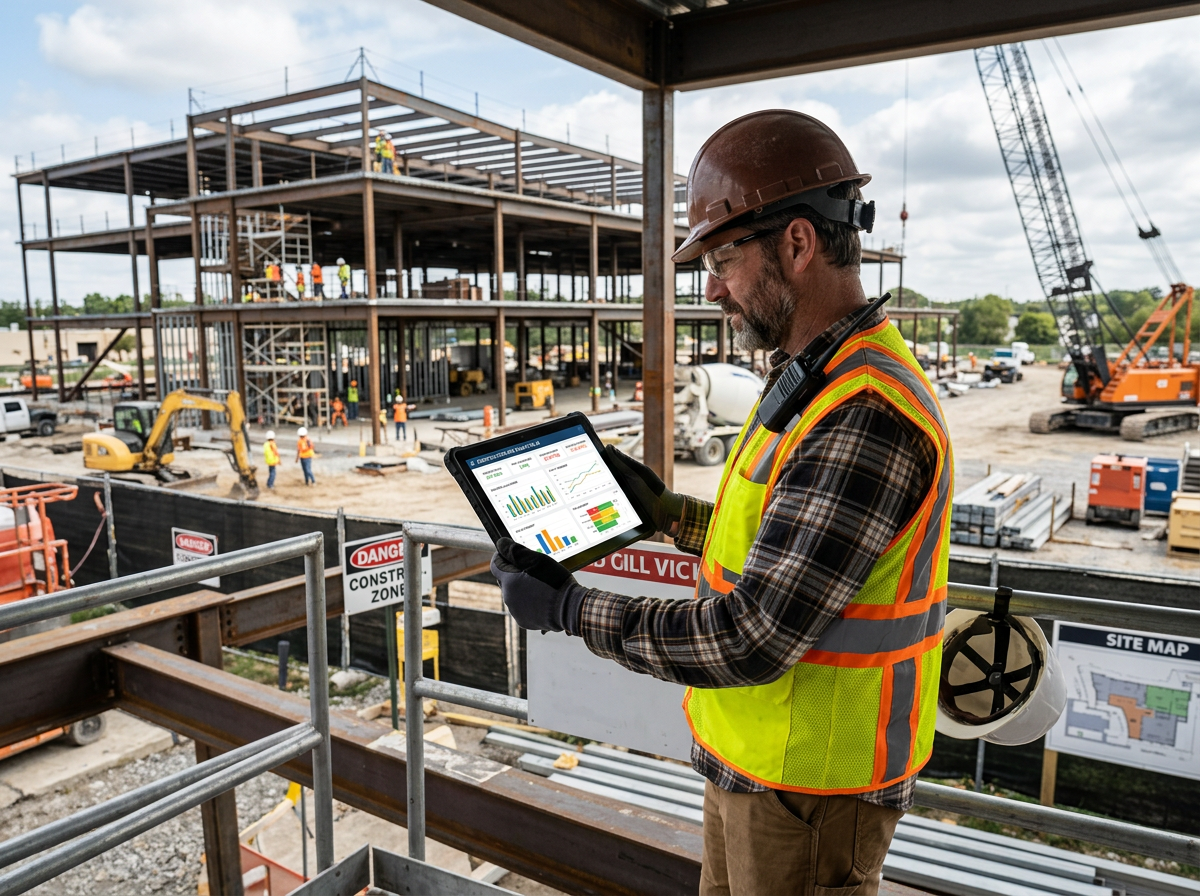
- AI-Powered Project Management: Artificial intelligence is no longer a futuristic concept. Modern platforms use AI to scan technical specifications, predict schedule delays, automate routine email updates, and flag budget anomalies before they cause financial damage. For a look at how AI is transforming the industry, explore the AI-Powered Construction Project Management Software | Sma… | Codeison platform, which uses advanced machine learning to automate billing, inventory tracking, and risk analysis.
- True Mobile Access: Mobile apps have evolved far beyond basic view-only tools. Field workers can now update schedules, capture geofenced time-card punch-ins, markup drawings offline, and submit daily logs with voice-to-text features. This real-time data capture keeps the entire company aligned.
- ERP and Accounting Integrations: When your project management software doesn’t talk to your accounting system, manual data entry errors skyrocket. Integrating your construction software with ERPs like Sage, Viewpoint, or QuickBooks ensures that job costing, change orders, and subcontractor payments flow seamlessly between the field and your finance department. If you are running a growing construction business or startup, integrating these tools with the Best Startup Growth Tools for 2026 can help streamline your entire back-office operation.
Free and Low-Cost Tools vs. Enterprise Solutions
For small contractors or teams just starting their digital transition, enterprise-level software can be cost-prohibitive. Fortunately, many platforms offer free tiers or low-cost plans.
- The Reality of Free Plans: Platforms like Fieldwire, Wrike, and Zoho Projects offer free versions of their software. However, these free plans typically come with strict limitations, such as restricting your team to 3 to 10 users, limiting file storage, or capping the number of active projects.
- The Scalability Trade-Off: While free plans are excellent for testing usability or managing a single small project, they lack advanced features like automated submittal workflows, deep financial integrations, and custom reporting.
- Total Cost of Ownership: As your business grows, upgrading to a paid tier is inevitable. It is often wiser to invest in an affordable, scalable platform early on rather than dealing with the headache of migrating your historical data later. If you are also managing facilities or equipment alongside your active construction projects, check out our guide on the Best CMMS Software for 2026 to find tools that balance cost with long-term scalability.
Frequently Asked Questions about Construction Management Software
What is the difference between construction management software and general project management tools?
While general project management tools (like Trello or Asana) are great for tracking simple tasks, they lack construction-specific workflows. Construction management software is purpose-built to handle complex processes like RFI routing, formal submittal approvals, drawing sheet version control, change order tracking, and detailed job costing.
Can small contractors benefit from free or low-cost construction software?
Absolutely. Small contractors can use low-cost plans from platforms like Contractor Foreman or the free tier of Fieldwire to move away from paper processes. These tools help small teams track daily tasks, organize site photos, and maintain accurate records without a massive financial investment.
How do AI and BIM integrations shape the future of construction software?
AI and BIM integrations allow teams to work directly on 3D models, automatically run clash detection to find design errors before building, and use predictive algorithms to forecast project delays. This real-time visibility dramatically reduces rework and helps projects finish on time.
Conclusion
Embracing digital transformation is no longer optional for construction businesses that want to remain competitive. By centralizing your operations, your team can eliminate administrative chaos, protect profit margins, and keep projects moving forward smoothly.
Whether you choose an enterprise system, an automated workflow platform, or an affordable mobile-first tool, the key is to take action and start optimizing your workflows today. To explore more ways to boost your business efficiency and streamline your operations, visit our library of Explore Productivity Solutions.