Top Categories of the Best Productivity Tools for College Students
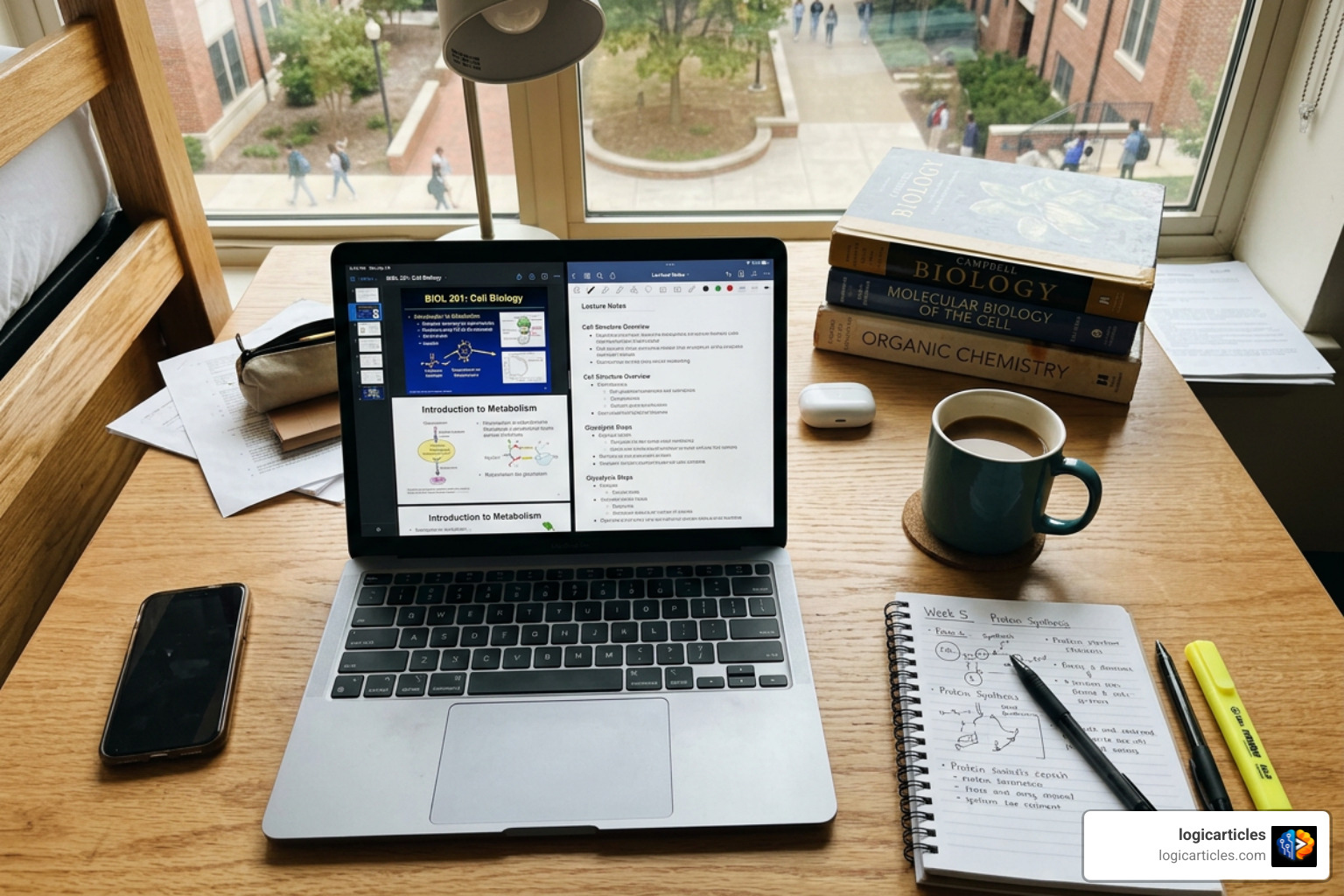
A 2019 survey revealed that productivity apps were the most used applications for 97% of respondents, showing that digital organization has become a core part of modern higher education. Modern academic workloads demand systems that prevent forgotten deadlines, simplify revision, and sustain daily momentum. Finding the best productivity tools for college students requires understanding how different software solutions address distinct study friction points across various academic disciplines.
Note-Taking and Knowledge Capture
Capturing lecture information accurately remains a primary driver of academic success. Traditional handwritten or unstructured digital notes often result in lost details, especially during university lectures where instructors present dense technical materials or complex slide decks.
Modern note-taking solutions utilize artificial intelligence, automated audio transcription, and slide annotation to ensure comprehensive study guides. For instance, platform features like live captions, automatic transcripts, and digital scribbles allow students to focus on understanding concepts during class rather than typing furiously. Modern platforms like Genio Notes structure this process around a four-stage framework: capturing raw lecture data, organizing materials into class collections, refining content with automated AI outlines, and applying knowledge through generated quizzes and active recall prompts.
This structured process yields measurable benefits for retention and grade improvements. User research indicates that 84% of students say Genio Notes helped them achieve better grades, 85% feel more confident studying effectively from class content, and 78% report that studying is noticeably less stressful when using dedicated note-capturing systems.
Specialized Focus and Time Management as Best Productivity Tools for College Students
Even the best note collection loses value if phone notifications and constant digital interruptions ruin study sessions. Specialized focus tools combat digital procrastination by applying gamified constraints, screen time friction, or strict app blocks that help maintain uninterrupted concentration.
Popular approaches to focus and time management include:
- Pomodoro Timers: Splitting work into 25-minute focus intervals followed by 5-minute breaks maintains cognitive energy, prevents early study fatigue, and builds long-term endurance.
- Gamified Distraction Prevention: Apps like Forest or Flora require users to plant virtual seeds that grow into digital trees over focused periods. Exiting the app or checking social media kills the growing tree. This micro-incentive has real-world benefits—Forest users have collectively planted over a million real physical trees through global tree-growing partnerships.
- Physical Friction Barriers: Tools like Unpluq introduce physical challenges, requiring students to walk 25 steps or shake their device for 15 seconds to unlock restricted applications during study blocks.
- Continuous Writing Timers: High-stakes writing tools prevent overthinking by penalizing long pauses. If a student stops typing for more than five seconds while drafting an essay, progress begins to fade, forcing the student to silence their internal editor and draft continuously without second-guessing every sentence.
AI-Powered Study Planners vs Traditional Academic Tools
The software landscape for college organization is shifting from passive task managers to active academic operating systems. Standard task lists and Learning Management Systems (LMS) like Canvas present what is due, but they rarely guide students on how or when to complete the underlying work effectively.
| Feature / Capability | Traditional Task Managers & LMS | AI Academic Workspaces & Planners |
|---|---|---|
| Data Input | Manual typing for every assignment, date, and task | Automated PDF syllabus parsing in under 60 seconds |
| Daily Guidance | Passive calendar views showing raw due dates | Daily action items with completion time estimates |
| Material Integration | Isolated task titles detached from lecture notes | Direct connection between deadlines, notes, and AI tutors |
| Exam Preparation | Manual flashcard creation or static study guides | Automated practice question generation from uploaded PDFs |
| LMS Dependency | Subject to unupdated LMS portals by professors | Extracted directly from primary course syllabus documents |
AI-Powered Workspace Platforms as Best Productivity Tools for College Students
Integrated study operating systems consolidate scattered course materials into a single dynamic workspace. Rather than hopping between separate calendar, document, and study applications, platforms like Studion OS combine notes, audio engines, flashcard generators, and practice exams into one dashboard. Using open standards like Model Context Protocol (MCP), these tools connect natively with external software like Zotero, Notion, and Wolfram Alpha while maintaining strict student privacy by ensuring personal uploads never train public AI models.
General-purpose conversational AI assistants also serve as effective 24/7 study partners. Tools like Microsoft Copilot offer free student access to premium tiers using valid university emails, providing real-time voice interactions to discuss complex homework problems, build custom study guides, or summarize web research grounded in Bing search data. Similarly, Google Gemini allows students to import chat histories and course files to build grounded flashcards, generate step-by-step calculus breakdowns, receive draft essay feedback against course rubrics, and run mock interviews for post-graduation career preparation.
Automated Syllabus Parsing and Smart Scheduling
Manual calendar entry at the start of a semester is tedious, time-consuming, and prone to human errors. AI-powered academic planners remove this friction by automatically reading course syllabi and organizing entire semesters instantly.
Dedicated tools solve specific scheduling problems:
- Syllabus Parsing: Platforms like Syncademia AI allow students to upload syllabus PDFs or links to automatically populate dashboards, course channels, task lists, and academic calendars, eliminating hours of manual data entry at the beginning of each term.
- Actionable Daily Planning: Systems like PassAI convert static syllabus deadlines into dynamic daily study routines, sending morning email briefings with specific daily tasks and estimated completion times so students know exactly what to tackle.
- Grade Tracking: Built-in target score calculators allow students to track continuous GPAs and determine exactly what grades they need on final exams and major assignments to hit their overall academic goals.
Essential Strategies to Build a Unified Student Workflow

Adopting too many apps at once causes “app fatigue,” where managing productivity tools takes more time than studying. Building a simple, reliable study workflow requires connecting a few core applications into a frictionless daily routine.
Follow this five-step strategy to integrate your tools into a simple, high-performing workflow:
- Centralize Your Master Schedule: Pick one primary calendar platform (such as Google Calendar or Microsoft Outlook) and route all assignment deadlines, exam dates, and class times into it for full timeline visibility.
- Automate Input Early: During the first week of classes, upload all course syllabi to automated parsers like PassAI or Syncademia AI to build your term outline without manual typing or missed dates.
- Establish a Primary Workspace: Standardize your note-taking on a platform like Genio Notes or Studion OS so all lecture slides, audio transcripts, outlines, and summaries live in one searchable location.
- Protect Deep Work Sessions: Combine task execution with focus blockers like Forest or FocusPomo using 25-minute Pomodoro blocks to maintain focus and prevent smartphone distractions during intensive review.
- Schedule Downtime and Boundaries: Color-code non-academic events—such as meals, workouts, social plans, and rest—directly alongside study blocks to avoid burnout and maintain long-term balance throughout the semester.
Frequently Asked Questions About Student Productivity
What are the best free or low-cost productivity tools for college students?
Most top productivity software offers robust free tiers or generous student discounts. Basic calendars (Google Calendar, Outlook) and core task tools (Todoist, Notion) are free forever. Specialized AI planners like PassAI provide free syllabus uploads without requiring a credit card, while Syncademia AI includes a permanently free core planner alongside a 14-day trial of advanced AI tools. Additionally, students can claim extended AI access and 12 months of free Microsoft 365 Premium through Microsoft Copilot using a valid college email address.
How do AI study tools prevent digital distraction and overthinking?
AI tools reduce cognitive load by removing the guesswork from studying. Instead of spending hours figuring out what to review first, tools like Studion OS and Google Gemini instantly convert uploaded lecture slides into structured flashcards, practice quizzes, and step-by-step problem explanations. Meanwhile, daily email briefings and gamified writing timers keep students focused on immediate, manageable tasks, preventing overthinking, perfectionism, and writer’s block.
How can students avoid feeling overwhelmed when using multiple study apps?
To avoid feeling overwhelmed, limit your active toolkit to 3-4 specialized apps that fulfill clear, non-overlapping functions: one calendar, one note repository, one focus blocker, and one revision tool. Consolidate your daily review into a single master dashboard every morning rather than checking multiple apps throughout the day, and make sure to schedule explicit downtime to keep school separate from personal life and preserve long-term mental well-being.
Conclusion

Finding the best productivity tools for college students is not about downloading every application available—it is about designing a simple, automated system that protects your time and mental energy. By pairing automated syllabus parsing, intelligent note-taking, active recall generators, and strict focus tools, you turn a chaotic semester into a predictable, manageable workflow.
Take time early in the term to set up your digital workspace, automate your course schedules, and build habit loops that reward focused effort. For more in-depth reviews, organizational frameworks, and digital strategy guides to help you succeed throughout your degree, explore our full library of articles at logicarticles productivity guides.