Which Are Examples of Work Management Tools?
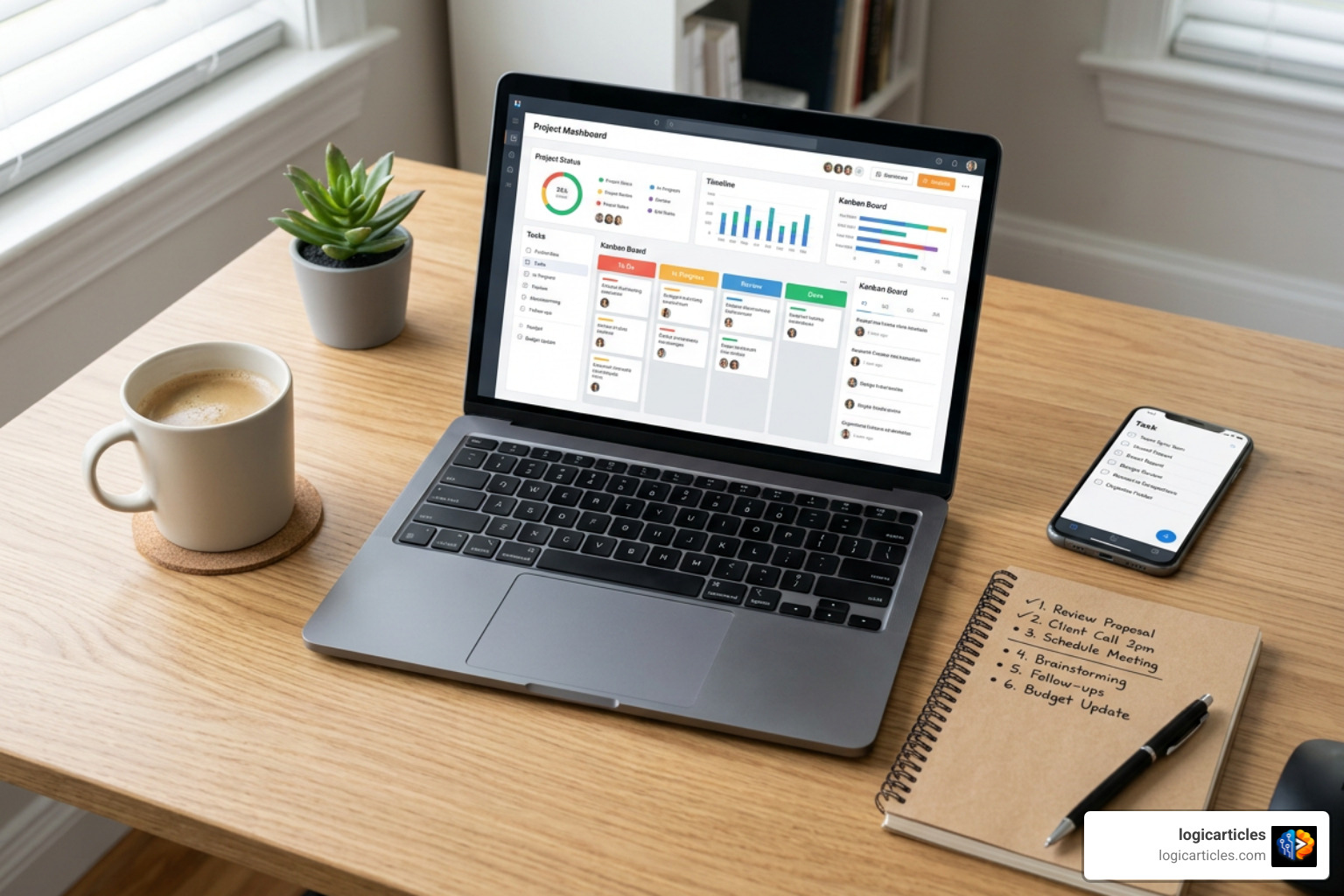
Which are examples of work management tools? Popular options include Wrike, Asana, monday.com, ClickUp, Jira, Smartsheet, Trello, Basecamp, Microsoft Planner, Notion, and Zoho Projects.
These platforms help teams organize tasks, assign owners, track deadlines, share files, automate routine steps, and see work across projects in one place.
A simple task app can help one person make a to-do list. A work management tool goes further. It connects the people, processes, requests, documents, and reporting that keep day-to-day work moving.
That matters when work is spread across email, spreadsheets, chat messages, and separate apps. Teams lose context, miss handoffs, and spend more time asking for updates than doing the work.
In this guide, we compare the leading tools, explain where each one fits, and show what to look for before your team commits.
Work Management vs Project Management: Core Differences
Many people use the terms “project management” and “work management” interchangeably, but there is an important operational difference between the two.
Project management software focuses primarily on discrete, temporary endeavors. A project has a fixed start date, a defined finish date, a explicit scope, and a specific deliverable—such as building a new website or launching a product line. Once the deliverable is shipped, the project is officially closed.
Work management software, on the other hand, encompasses both temporary projects and ongoing, continuous business operations. It acts as an overarching operational system for everything your organization does day in and day out. This includes routine request intake, recurring weekly tasks, creative production pipelines, cross-functional collaboration, documentation, resource capacity planning, and automated workflow triggers.
When organizations rely solely on basic task trackers or fragmented point tools, they fall victim to “app sprawl.” According to research highlighted by the Harvard Business Review, context switching and reorienting after toggling between disparate software applications costs employees roughly 4 hours per week—representing nearly 9% of their total working time. Furthermore, data from ActivTrak indicates that the average uninterrupted focused workplace session lasts just 24 minutes.
By consolidating business processes into a central work management platform, teams eliminate chaotic scattered email chains, prevent missed handoffs, and maintain contextual visibility across every department.
Understanding Which Are Examples of Work Management Tools for Modern Teams
To determine which are examples of work management tools best suited for your team, it helps to categorize platforms based on their primary architectural strengths and ideal operational use cases.
| Tool Category | Key Example Platforms | Primary Strengths | Best Fit Use Case | Capterra Rating |
|---|---|---|---|---|
| Visual Kanban & Board Systems | Trello, Basecamp | High simplicity, quick setup, minimal learning curve | Small teams, simple task tracking, light collaboration | Trello: 4.5/5 Basecamp: 4.3/5 |
| AI-Driven All-In-One Platforms | monday.com, ClickUp, Vaiz | Autonomous AI agents, deep customization, process automation | Mid-to-large organizations, multi-departmental workflows | monday.com: 4.6/5 ClickUp: 4.6/5 |
| Agile & Technical Workflow Systems | Jira, Wrike | Sprint backlogs, issue tracking, complex release pipelines, enterprise security | Software engineering, IT service desks, creative agencies | Jira: 4.4/5 Wrike: 4.4/5 |
| Document & Database-Centric Systems | Notion, Asana, Smartsheet | Connected wikis, spreadsheet logic, flexible custom databases | Knowledge bases, portfolio reporting, task hierarchies | Asana: 4.5/5 Smartsheet: 4.5/5 |
Visual Kanban and Board Systems: Which Are Examples of Work Management Tools?
Visual board systems represent one of the most accessible categories when exploring which are examples of work management tools. These platforms rely heavily on the Kanban framework, where work items are visually represented as cards moving across defined stage columns (such as To Do, In Progress, Review, and Done).
- Trello: Holding a 4.5 out of 5-star rating on Capterra across more than 23,500 verified reviews, Trello is widely celebrated for its low-friction interface. It allows users to set up visual task boards in seconds, enforce Work-In-Progress (WIP) limits, drag cards between status lanes, and add basic rules via automated action buttons. Trello’s generous free tier supports up to 10 collaborators per workspace, making it a favorite for individuals and small teams.
- Basecamp: Basecamp takes a distinct approach by bundling task lists, message boards, schedules, file storage, and group chat into a single organized hub. Holding a 4.3 out of 5-star rating on Capterra from over 14,400 reviews, Basecamp offers a unique flat-rate pricing model of $299 per month (billed annually) for unlimited users, providing budget predictability for growing companies that want to avoid seat-based subscription tiers.
AI-Driven All-In-One Platforms: Which Are Examples of Work Management Tools?
Modern work management platforms have evolved rapidly to incorporate workspace-aware artificial intelligence, shifting from passive task lists to active productivity engines.
- monday.com: Recognized as an industry leader and holding a 4.6 out of 5-star rating on Capterra (6,000+ reviews), monday.com serves over 60% of Fortune 500 companies. Its platform features customizable color-coded grid boards alongside advanced AI agents capable of handling routine departmental triage. Teams can deploy specialized agents to automate candidate screening in HR, score sales leads, or resolve IT service tickets. Enterprise clients using monday.com have reported up to a 25% reduction in overall project delivery timelines and thousands of operational hours saved annually.
- ClickUp: Holding a 4.6 out of 5-star rating on Capterra based on over 4,500 reviews, ClickUp positions itself as an all-in-one productivity suite built to combat software fragmentation. ClickUp unifies tasks, whiteboards, collaborative documents, goal tracking, and time management in one workspace. Its integrated AI assistant (ClickUp Brain) leverages workspace context to draft campaign briefs, summarize meeting transcripts, and trigger automated task updates across complex multi-level task hierarchies.
- Vaiz: Vaiz offers a streamlined environment uniting task management and collaborative documentation. Designed to reduce context switching between separate wiki tools and task managers, Vaiz provides built-in support for multiple project management methodologies—including Kanban, Scrum, Waterfall, OKR tracking, and RACI matrices—at an accessible price point for growing agencies and product teams.
Database and Document-Centric Task Systems
For organizations that handle vast amounts of structured data, documentation, or technical development cycles, database-centric work management platforms are essential.
- Jira: Holding a 4.4 out of 5-star rating on Capterra with more than 15,300 reviews, Jira is the industry standard for software development and IT engineering teams. It excels at managing sprint backlogs, release pipelines, epic tracking, burndown metrics, and developer pull requests. Beyond technical departments, non-technical teams like marketing frequently utilize Jira to manage agile two-week content production sprints.
- Wrike: Used by over 20,000 companies including enterprise giants like Siemens, NVIDIA, Ogilvy, and Capgemini, Wrike boasts a 4.4 out of 5-star rating on Capterra (2,900+ reviews). Wrike offers over 400 native app integrations, enterprise-grade resource workload management, interactive Gantt charts, and specialized proofing tools designed for creative agencies and marketing production houses.
- Asana: Holding a 4.5 out of 5-star rating on Capterra across 13,500+ reviews, Asana connects daily tasks to overarching company strategy using clear goal-tracking hierarchies. Asana intentionally enforces a single-assignee principle per task to maintain explicit operational accountability, while its native integration ecosystem connects with over 200 software applications.
- Smartsheet: Scoring 4.5 out of 5 stars on Capterra (3,500+ reviews), Smartsheet combines the familiar user interface of a traditional spreadsheet with robust workflow automation, Gantt timeline views, proofing, and executive portfolio reporting.
Key Features and Evaluation Criteria for Selection
When comparing which are examples of work management tools right for your business, evaluating software features systematically prevents purchasing tools that your team eventually abandons.

We recommend evaluating potential software across eight core operational criteria:
- Flexible Task and Visualization Views: The platform should offer effortless toggling between List, Kanban Board, Gantt Chart, Calendar, and Spreadsheet Grid views without duplicating data.
- Resource Management and Capacity Planning: High-performing platforms provide real-time visibility into team workload capacity, preventing employee burnout and balancing task allocation across departments.
- Automated Request Intake Forms: Centralized web forms with conditional branching ensure work requests arrive with complete context, automatically converting submissions into assigned tasks with due dates.
- Custom Workflow Automation: Robust no-code automation engines let teams trigger notifications, update custom task statuses, reassign owners, and route approvals automatically.
- Collaborative Proofing and Asset Review: In-context file markup tools allow internal teams and external client guests to leave pinned feedback directly on images, PDFs, and video assets.
- Integration Ecosystem: Check for pre-built native integrations with your existing tech stack (such as Slack, Microsoft Teams, Google Workspace, GitHub, and Cloud Storage).
- Time Tracking and Billing Capabilities: Built-in timesheets and billable hour logs bridge task execution with client invoicing and project profitability reporting.
- Enterprise Security and Compliance: Look for crucial security standards including SOC 2 Type II compliance, ISO 27001 certification, GDPR alignment, single sign-on (SSO), granular user permissions, and strict data privacy controls ensuring your workspace data is never used to train public AI models.
Frequently Asked Questions About Work Management Software
What is the main difference between project management and work management?
Project management focuses on managing finite, temporary projects with defined end dates and specific deliverables (such as constructing a building or launching a brand rebrand).
Work management is a broader strategy that governs all organizational work—including both one-off projects and continuous, ongoing business operations like daily helpdesk tickets, weekly marketing campaigns, client onboarding, and automated request processing.
How do work management tools improve team productivity?
Work management tools centralize tasks, communication, documents, and scheduling into a single operational system. By eliminating app toggling—which wastes up to 4 hours per week per employee—and replacing manual status updates with real-time dashboards and automated workflow triggers, teams can focus on high-value execution rather than administrative coordination.
What security certifications should enterprise teams look for?
Enterprise organizations evaluating work management software should prioritize tools that maintain SOC 2 Type II certification, ISO 27001 compliance, GDPR compliance, and HIPAA readiness (if handling protected health data).
Additionally, look for features like custom role-based access permissions, multi-factor authentication (MFA), SAML-based Single Sign-On (SSO), automated audit logs, and zero data retention guarantees from third-party AI vendors.
Conclusion
Selecting the right platform from among the many options available comes down to understanding your organization’s specific operational workflows, team size, and growth trajectory.
Whether your team needs the lightweight visual simplicity of Kanban board systems like Trello, the technical agility of Jira, or the AI-driven operational power of platforms like monday.com and ClickUp, consolidating your operations into a unified workspace eliminates tool sprawl and accelerates delivery timelines.
To explore more software evaluation guides, productivity strategies, and operational frameworks, visit the Logic Articles Productivity Hub.