Why Finding the Best Task Management Software Changes Everything

The best task management software can mean the difference between a chaotic workday and one where you actually finish what matters.
Here’s a quick answer if you’re short on time:
Top Task Management Software at a Glance (2026)
| Tool | Best For | Starting Price |
|---|---|---|
| Todoist | Simple personal task management | Free / $4/mo Pro |
| ClickUp | All-in-one teams and AI automation | Free / $10/user/mo |
| monday.com | Visual project planning | From ~$10/user/mo |
| Motion | AI auto-scheduling | $19/mo individual |
| TickTick | All-in-one with habits and calendar | Free / Premium |
| Sunsama | Intentional daily planning | $20/mo (annual) |
| Things 3 | Apple users who want elegant design | One-time purchase |
| Wrike | Complex team workflows | Free / paid tiers |
Most people don’t struggle because they’re lazy or disorganized. They struggle because they’re using the wrong tool for how their brain actually works.
One person tested over 32 task management apps before landing on the right fit — not because the others were bad, but because no single app is perfect for everyone. The best tool is simply the one you’ll actually use.
In this guide, we break down the top options across every category — minimalist, AI-powered, calendar-based, and team-focused — so you can stop switching apps and start getting things done.
Choosing the Best Task Management Software for Your Workflow
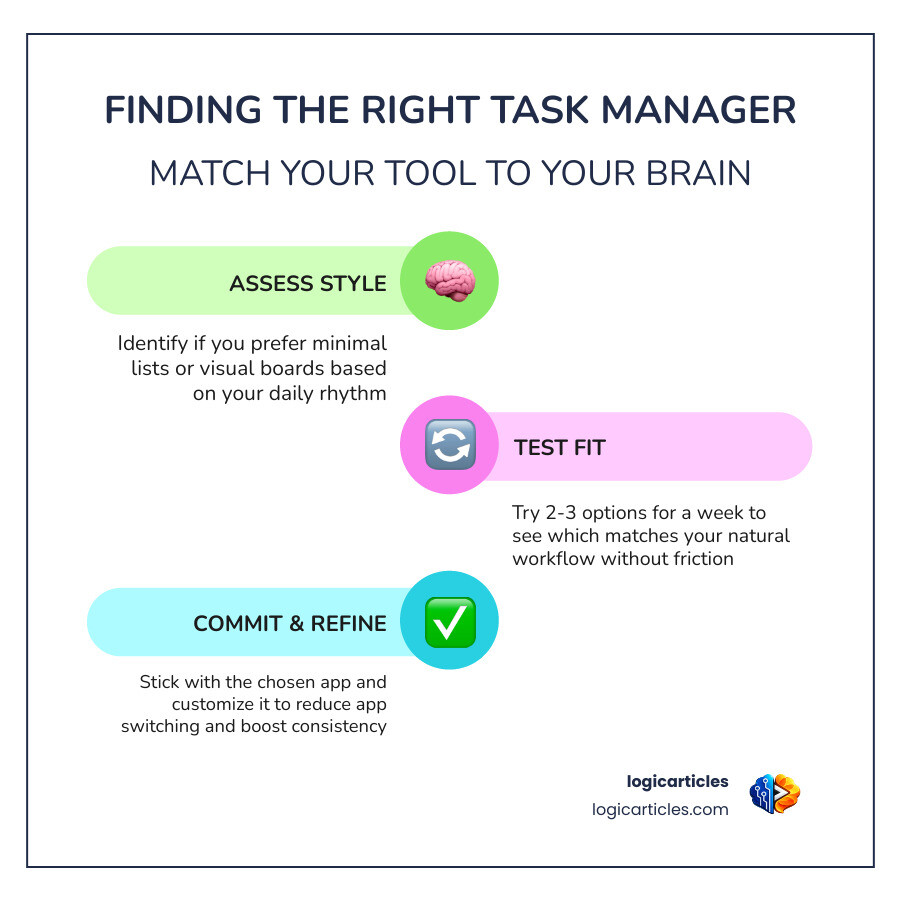
We have seen it happen a thousand times: a professional gets overwhelmed, downloads the flashiest app on the market, spends three days setting it up, and then abandons it by Friday. Why? Because the tool didn’t match their natural rhythm.
Finding the best task management software isn’t about finding the app with the most buttons; it’s about matching your digital environment to your “analog” style. If you love sticky notes, you need a visual Kanban board. If you live by your paper planner, you need a calendar-oriented tool.
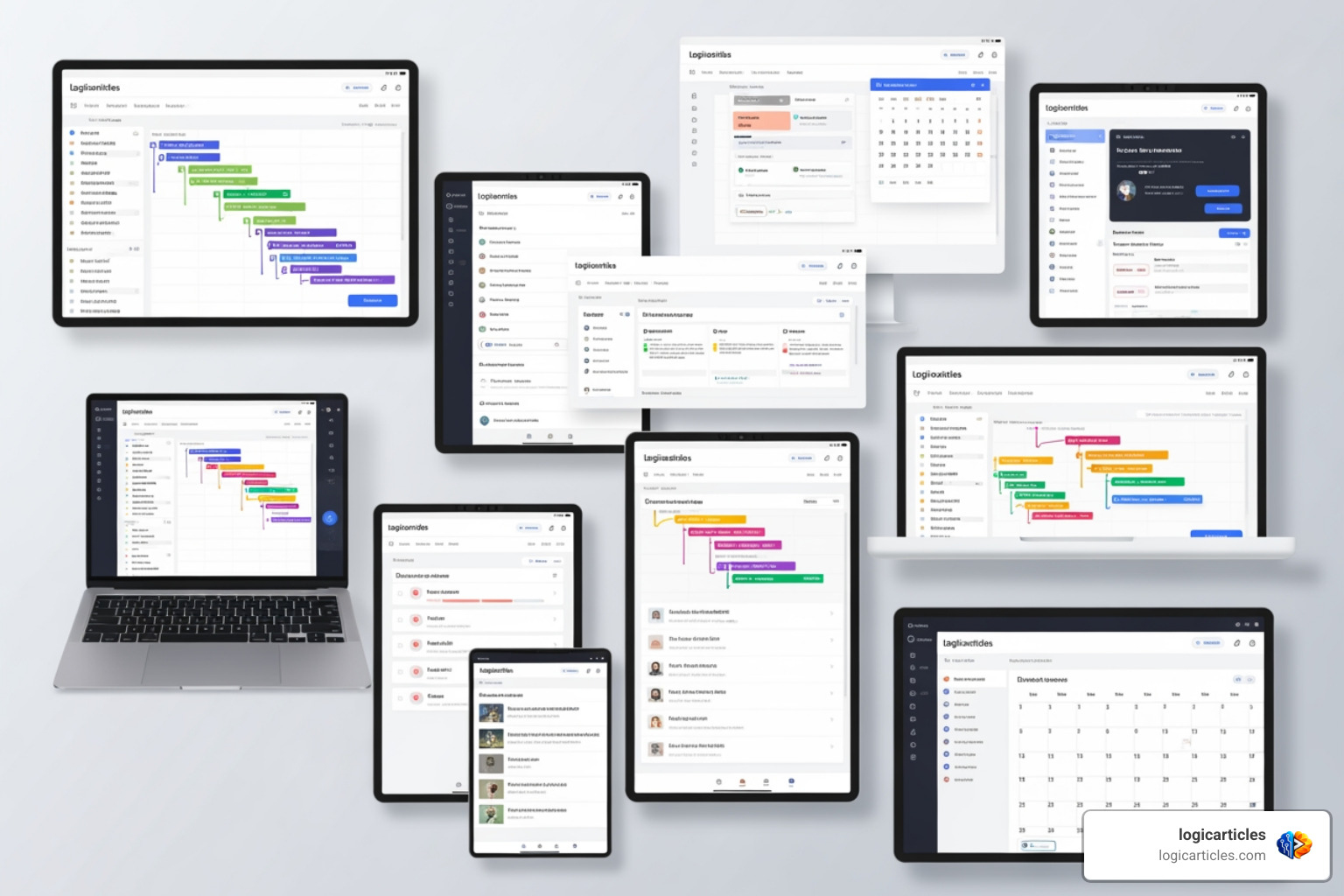
Before you commit, we recommend assessing how you naturally think about work. Are you a list-maker, a time-blocker, or a project architect? Matching your software to your Productivity style is the only way to ensure long-term success. For a deeper dive into this psychological match, check out this guide on How to Find Your Perfect Task Management App (Finally!).
Minimalist vs. Feature-Packed Best Task Management Software
In task management, there are two primary schools of thought: the “Less is More” crowd and the “Everything in One Place” enthusiasts.
The Minimalists (Todoist, Superlist) Minimalist apps focus on speed and clarity. Todoist | A To-Do List to Organize Your Work & Life is the gold standard here. With over 19 years of development and 30+ million downloads, it has perfected the “Natural Language Processing” (NLP) feature. You can type “Buy milk every Tuesday at 5pm” and the app instantly schedules it. It’s built for the person who needs to get a thought out of their head and onto a list in three seconds flat. Superlist is a newer contender that adds a bit more “soul” with beautiful UI and satisfying sound effects, but it keeps the focus on the list.
The Feature-Packed Giants (ClickUp, Wrike) On the other end of the spectrum, we have tools like ClickUp™ | Maximize productivity • Software, AI, and humans converge. These are “software to replace all software.” They don’t just hold tasks; they hold documents, chats, whiteboards, and complex automations. Wrike is another powerhouse often used by large development teams because it offers holistic task modeling that goes far beyond a simple checklist. These are best for teams that need a single “source of truth” for every piece of data in the company.
Calendar-Oriented Best Task Management Software
A major trend we’ve observed in 2026 is the shift toward calendar-centric planning. For many of us, a list of 50 tasks is just a recipe for anxiety. Calendar-oriented tools like Sunsama, Akiflow, and Motion solve this by forcing you to decide when you will do the work.
- Sunsama: This app is for the “intentional” worker. It guides you through a morning ritual to plan your day and a shutdown ritual to end it. It’s less about “doing more” and more about “doing what matters.”
- Akiflow: This is a speed-demon’s dream. It pulls tasks from your email, Slack, and other tools into a single inbox where you can drag them onto a calendar.
- TickTick: A fantastic middle ground, TickTick: A To-Do List and Calendar to keep you organized offers a robust calendar view alongside habit tracking and a Pomodoro timer. It’s a great all-in-one choice for individuals.
Top-Rated Task Management Solutions for 2026
When we look at the landscape of 2026, the “Big Four” still dominate the conversation for teams. Whether you are balancing workloads or trying to meet a strict deadline, these tools provide the infrastructure needed for high-level collaboration.
| Feature | Todoist | ClickUp | monday.com | Wrike |
|---|---|---|---|---|
| Best For | Personal/Simple Teams | All-in-one Power | Visual Workflows | Enterprise/Dev |
| AI Support | AI Assist (Basic) | AI Agents (Advanced) | AI Blocks | Predictive Planning |
| Learning Curve | Very Low | High | Medium | High |
| Key Strength | Speed & Simplicity | Feature Depth | Customization | Robust Security |
These tools are essential for 8 Best Task Management & Tracking Tools [2026] | Atlassian because they bridge the gap between individual productivity and company-wide visibility.
Pros and Cons of Popular Productivity Apps
We’ve spent thousands of hours testing these tools so you don’t have to. Here is the “real-talk” breakdown of some fan favorites:
- Things 3:
- Pros: The most beautiful app on the market. It’s an Apple Design Award winner for a reason. Its “Today” and “This Evening” views are incredibly elegant.
- Cons: It is Apple-only. If you use a PC or Android, you’re out of luck. It also lacks collaboration features. Things – To-Do List App for Mac & iOS is strictly for personal use.
- TickTick:
- Pros: Includes a habit tracker and a Pomodoro timer built-in. Its free version is surprisingly generous.
- Cons: The UI can feel a bit cluttered compared to Todoist or Things.
- Superlist:
- Pros: Great for blending personal tasks and work tasks. It has a modern, “cool” vibe that makes task management feel less like a chore.
- Cons: It is still relatively new, so it lacks some of the deep integrations of older players.
AI-Powered Scheduling and Automation
The biggest shift in the best task management software recently has been the integration of “Active AI.” We aren’t just talking about chatbots; we are talking about software that actually thinks for you.
Motion is the leader here. It uses AI to auto-schedule your tasks. If you miss a deadline or a meeting runs over, Motion automatically reshuffles your entire week to make sure everything still gets done. It’s like having a personal assistant who knows exactly how much time you have left in the day.
ClickUp Brain and AI Agents represent the next level of team automation. ClickUp claims their AI can save a company over 30,000 hours per year by automating repetitive tasks, summarizing long comment threads, and even writing project briefs. When humans and AI converge, the “work sprawl” that usually kills productivity starts to disappear.
Essential Features and 2026 Trends in Task Management
As we move through 2026, certain features have moved from “nice-to-have” to “absolutely essential.” If you are looking for the Best Software, keep an eye out for these:
- Natural Language Processing (NLP): You should be able to type “Meeting with Sarah Friday at 2” and have the app understand exactly what that means.
- Native Time Tracking: Knowing how long a task actually takes is the only way to prevent burnout.
- Deep Integrations: Your task manager must talk to your email, your calendar, and your communication tools (like Slack or Teams).
The Rise of AI Suggestions and Privacy
With all this AI power comes a greater need for security. We are seeing a massive trend toward privacy-focused collaboration. Tools like Todoist and ClickUp now boast SOC2 Type II certification, ensuring that while the AI is learning your habits to help you work better, your data remains enterprise-safe.
AI Assist features are also getting smarter. Instead of just reminding you to do a task, they offer “Action Plans.” If you add a task like “Organize a marketing launch,” the AI can break that down into 10 sub-tasks based on industry best practices.
Pricing Strategies for Individuals and Teams
Choosing the right tool often comes down to the budget. Here is how the market looks in 2026:
- Individuals: Most apps offer a robust free tier. However, the “Pro” tiers (usually $4–$10/month) unlock essential features like reminders, filters, and larger file uploads.
- Small Teams: Be careful with “seat minimums.” Some apps, like Asana, may advertise a low price but require you to buy at least two or five seats, which can double your expected cost.
- The “Free” Trap: While there are many FREE Task Management Apps that are excellent, teams often outgrow them quickly. ClickUp’s free version is famously generous, but for advanced AI features, you’ll eventually need to move to a paid plan.
Frequently Asked Questions about Task Management
Should I use a single app or combine note-taking and task tools?
We generally recommend keeping them separate but integrated. Task management apps are built for action (dates, reminders, checkboxes), while note-taking apps are built for storage (long-form text, images, ideas). Using a tool like Notion for tasks can lead to “playtime” where you spend more time designing the page than doing the work. The “Power of Two” rule is best: one app for your project notes and one for your daily tasks.
How do task managers help with workload balancing?
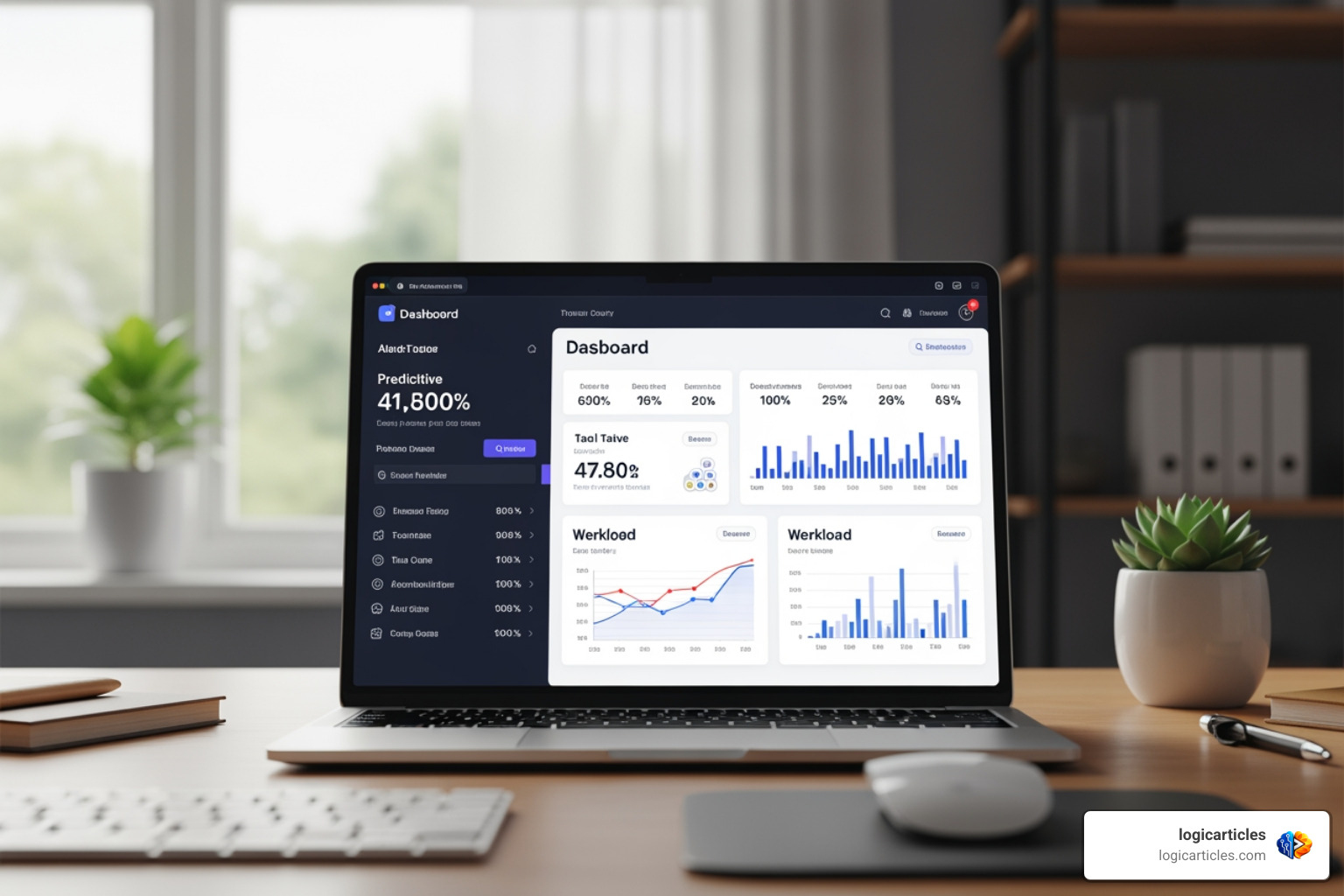
Modern tools allow managers to see “Workload Views.” This visualizes how many tasks are assigned to each team member. If one person has 40 hours of work scheduled for a 30-hour week, the software flags it, allowing you to redistribute tasks before anyone hits a breaking point.
What are the best task management tools for small teams?
For small, fast-moving teams, we recommend monday.com for its visual simplicity or Todoist Business for its incredibly low learning curve. If your team is tech-heavy, Linear or ClickUp are the way to go.
Conclusion
At logicarticles, we believe that productivity shouldn’t be a struggle. The goal of using the best task management software isn’t to fill every second of your day with work; it’s to give you the clarity to know exactly what needs to be done so you can finish early and enjoy your life.
Whether you choose the minimalist path of Todoist, the AI-powered future of Motion, or the visual world of monday.com, the most important step is to pick one and stick with it. Stop the “app-hopping” cycle and start building the habits that lead to real progress.
1 thought on “Best Task Management Software in 2026 (Tested) – 12 Apps That Actually Boost Productivity”