Why Adding Your Business to Zaubee Matters for Local SEO

If you want to add a business to Zaubee, here is the fastest way to do it:
- Go to zaubee.com and search your business name
- If a listing already exists, claim it by contacting business@zaubee.com
- If no listing exists, email business@zaubee.com with your business name, address, phone number, website, and photos
- Wait for manual processing and confirmation
- Once live, claim and optimize your profile
Your business needs to be found online. That sounds obvious — but most small business owners focus only on Google and forget about the dozens of other directories that feed local search results.
Zaubee is one of those directories. It is a free online business listing platform that draws over 114,000 unique visitors daily. It has a Moz Domain Authority of 33, which means a listing there creates a real citation signal that search engines notice.
Here is the catch: Zaubee does not make it easy.
There is no simple “add your business” button. Listings are often created automatically through data scraping — sometimes with wrong addresses, outdated phone numbers, or photos you never approved. And with a Trustpilot score of just 2.1 out of 5, plenty of business owners are frustrated.
But that does not mean you should ignore it. A free citation on a directory with real traffic is still worth having — as long as the information is accurate.
This guide walks you through exactly how to add, claim, fix, or remove your Zaubee listing in five straightforward steps.

What is Zaubee and How Does It Work?
At its core, Zaubee is an online business directory designed to help customers find local businesses, read reviews, view photos, and get directions. Think of it as a digital yellow pages that operates on a global scale, serving thousands of users seeking local services every day.
According to technical site audits, the platform has a global Alexa rank of 213,033 and commands an estimated worth of over $800,000, driven largely by daily ad revenues and its massive database of scraped business profiles. You can learn more about its technical structure via this Zaubee / Find Local Business and Services near you – Zaubee analysis page.
Zaubee works by aggregating data. Rather than relying solely on business owners to manually submit their information, Zaubee uses automated web scrapers to gather public records, licensing databases, and existing search engine listings. This is why many business owners suddenly discover they already have a Zaubee profile without ever signing up.
While this aggressive data harvesting helps Zaubee build a massive index of over 45,000 clients and process over 15,000 TB of traffic per month, it also introduces a major issue: inaccuracy. Scraped data is frequently outdated, leading to mismatched phone numbers, incorrect physical addresses, or profiles for businesses that closed years ago.
For active business owners, this means you must take a proactive approach. If Zaubee has scraped your data, you need to verify it. If your business is missing entirely, adding it manually ensures you capture the local search traffic that Zaubee attracts while keeping your brand’s public information pristine.
Zaubee vs. Major Directories: Pros, Cons, and Local SEO Impact
To understand where Zaubee fits into your broader digital marketing strategy, we have to look at its SEO weight. With a Moz Domain Authority (DA) of 33 out of 100, Zaubee sits in the mid-tier of business directories. It does not carry the massive authority of a Google Business Profile or Yelp, but it is strong enough to act as a valuable “local citation.”
In local SEO, search engines like Google cross-reference your business’s Name, Address, and Phone number (NAP) across hundreds of websites to verify that your business is real and active. If your NAP is identical on Google, Yelp, Bing, and Zaubee, Google gains confidence in your location and is more likely to rank you higher in local map packs.
However, Zaubee has a few unique quirks and limitations compared to major platforms. To help you scale your business’s reach efficiently, we have compiled a quick breakdown of how Zaubee stacks up against the heavy hitters. If you are looking to expand your digital footprint further, check out our guide on the Best Startup Growth Tools For 2026.
| Directory | Domain Authority (DA) | Management Style | Syncing Capabilities | Main Strengths |
|---|---|---|---|---|
| Google Business Profile | 100/100 | Direct Dashboard | High (API & Direct Sync) | Primary local search driver, direct map integration. |
| Yelp | 93/100 | Direct Dashboard | High (Yext, Uberall, etc.) | High consumer trust, active review community. |
| Bing Places | 94/100 | Direct Dashboard | Medium (Imports from Google) | Powers voice search (Alexa) and Bing maps. |
| Zaubee | 33/100 | Manual (Email-based) | None (Manual only) | Free citation link, captures secondary search traffic. |
The most important takeaway here is manual management. Unlike modern platforms that allow you to sync your listings using API tools, Zaubee requires hands-on attention. Approximately 33% of relevant managed businesses have a verified listing on Zaubee, meaning the rest are either unverified, inaccurate, or completely missing out on this free SEO signal.
Zaubee Add Business: 5 Easy Steps to List Your Company
Because Zaubee does not feature a standard “Add Listing” button on its homepage, many business owners assume it is impossible to submit their details manually. Fortunately, you can successfully navigate the Zaubee Add Business process by following a specific, structured pathway.
By maintaining strict NAP consistency and preparing your digital assets beforehand, you can secure a clean, optimized listing that supports your overall SEO goals. Let’s explore the five proven steps to get listed in 2026. For a deeper dive into this process, you can read the Zaubee Add Business: 5 Proven Steps to List Fast in 2026 guide.
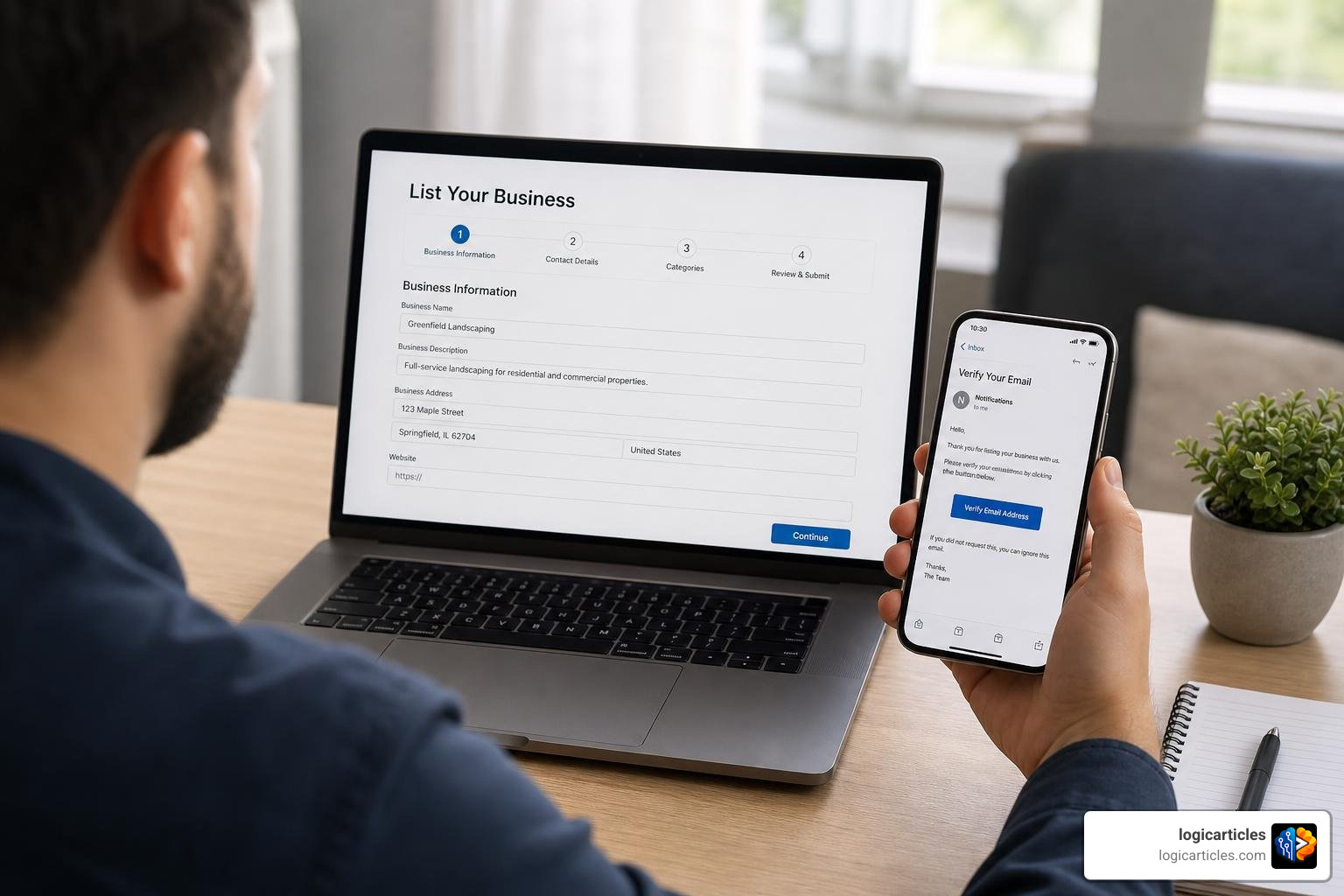
Step 1: Search for Your Existing Profile Before Using Zaubee Add Business
Before you try to create a new profile, you must check if Zaubee’s automated scrapers have already built one for you. If you skip this step and immediately request a new listing, you risk creating duplicate profiles. Duplicate listings confuse search engine crawlers, split your review equity, and can actually harm your local SEO rankings.
- Head over to zaubee.com.
- Locate the search bar on the homepage.
- Type in your exact business name and hit search.
- If your business name is common, filter the search by adding your city or zip code.
If your business appears in the search results, do not try to add it again. Instead, take note of the URL; you will need to claim and correct this existing profile rather than starting from scratch. If nothing shows up, you have a green light to proceed with a fresh submission.
Step 2: Prepare Your Business Information Package
Because Zaubee’s submission process relies heavily on manual verification by their support team, you want to get your submission right on the first try. Back-and-forth emails will only delay your listing.
Prepare a text document containing the following exact details:
- Official Business Name: Ensure this matches your Google Business Profile and legal registration perfectly.
- Physical Address: Include suite numbers, city, state, and zip code. If you are a service-area business operating from home, specify whether you want your physical address hidden.
- Phone Number: Use your primary local business line (avoid toll-free numbers if you want strong local SEO signals).
- Geographic Coordinates: Providing your exact latitude and longitude helps Zaubee’s system map your business accurately.
- Website URL: The clean, direct link to your homepage.
- High-Resolution Logo: A square image format works best.
- Business Photos: Gather 3 to 5 high-quality photos of your office, storefront, or completed projects to make your profile look established.
Step 3: Submit Your Request to Zaubee Add Business Support
Since Zaubee lacks an automated frontend submission portal, you must send your prepared business package directly to their support team via email.
Draft an email to business@zaubee.com with the subject line: New Business Listing Request – [Your Business Name].
In the body of the email, clearly present the information package you compiled in Step 2. Keep the tone professional, structured, and easy to read. Attach your logo and business photos directly to the email.
Because Zaubee’s team manually reviews these requests to prevent spam and fraudulent listings, it may take several business days to receive a response. Be patient, and keep a record of the exact date and time you sent the email.
Step 4: Claim and Verify Your Live Listing
Once the support team processes your request, they will publish your listing and notify you via email. Alternatively, if you found an existing, scraped profile during Step 1, you will need to claim it to gain administrative control.
To claim an existing profile:
- Navigate to your business profile on Zaubee.
- Look for a “Claim this Listing” or “Do you represent this business?” link on the page.
- Click the link and follow the prompts.
- You will be asked to verify your association with the business, usually by responding to an email sent to your official domain address (e.g., info@yourwebsite.com) or completing a phone verification step.
Once verified, you will be granted access to the Zaubee management dashboard, allowing you to edit details, upload new media, and monitor user interactions.
Step 5: Optimize Your Profile for Maximum Visibility
Simply getting listed is only half the battle; you need to optimize your profile so it actually attracts eyeballs. A complete, keyword-rich profile sends stronger signals to search engines and looks far more professional to potential customers.
First, write a detailed business description. Do not just list your services; weave in local keywords naturally (e.g., “premier plumbing services in Austin, TX”). Second, make sure you upload fresh photos regularly, as profiles with visual content receive significantly higher engagement. Finally, encourage your loyal customers to leave reviews on your Zaubee profile to build immediate trust and social proof.
If you are looking for more ways to streamline your digital operations while scaling your marketing efforts, check out our handpicked list of Startup Tools To Scale Fast In 2026.
Managing, Updating, and Removing Your Zaubee Listing
Managing your presence on Zaubee is an ongoing task. Because the platform does not sync with third-party listing managers like Yext or Uberall, any updates to your business hours, phone numbers, or physical location must be performed manually. We recommend setting a recurring quarterly reminder to audit your directory profiles and ensure your information remains accurate across the web.
But what if you want out?
Due to privacy concerns, inaccurate scraped data, or business closures, many owners find themselves wanting to delete their Zaubee profiles entirely. This is a common pain point: many users complain that Zaubee lists residential addresses as commercial locations or displays outdated contact numbers, leading to unwanted spam calls.
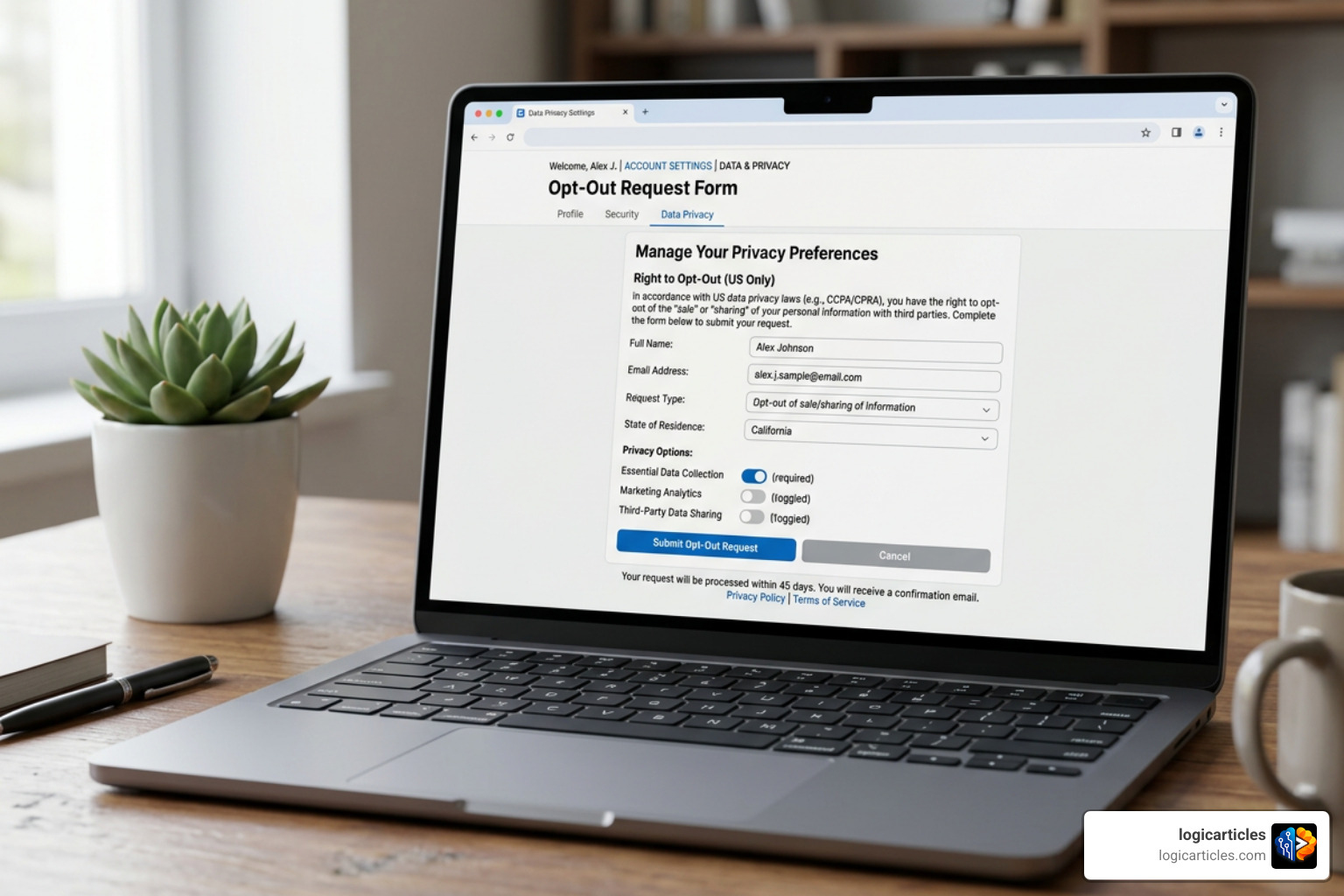
Because Zaubee is classified as a data broker, removing your listing can be tricky. There is no automated “delete profile” button in the dashboard. If you need to opt out or remove your personal data from the platform, you must submit a formal removal request.
For a step-by-step breakdown on how to navigate this, refer to the Remove Yourself from Zaubee – Free Opt-Out Guide | Optery . Additionally, reviewing the Zaubee Profile, Reviews & Listing Guide can provide deeper insights into managing manual updates and handling stubborn listings.
Frequently Asked Questions about Zaubee
Managing online directories can feel like a maze. To help you make sense of it all, we have compiled answers to the most common questions business owners ask about Zaubee.
Is Zaubee a legitimate platform?
Yes, Zaubee is a legitimate, active business directory. It is operated by Zaubee Internet Private Limited, an India-based company officially incorporated in 2018.
However, its legitimacy does not mean it is free of controversy. The platform has received a low TrustScore of 2.1 out of 5 on Trustpilot, with many users filing complaints regarding unauthorized listings and non-responsive support. You can read detailed user reviews and complaints on the Zaubee.com Reviews | File a Complaint portal.
While it is a real company, we recommend treating it as a secondary, auxiliary citation source rather than a primary marketing channel.
Why is my business listed on Zaubee without my consent?
Zaubee relies heavily on automated data scraping. Their software crawls search engines, government registries, and other public business directories to build profiles automatically.
While this helps Zaubee populate its directory quickly, it often results in outdated or incorrect listings. If you find your business listed without your consent, you can either claim the profile to correct the details or submit a formal removal request.
How long does it take to add a business to Zaubee?
Because Zaubee relies on a manual review process for new submissions and claims, processing times can vary. On average, it takes anywhere from 3 to 10 business days for their support team to review your email request and publish the listing. If you do not see your listing live after two weeks, send a polite follow-up email to business@zaubee.com with your original request details.
Conclusion
Adding your business to Zaubee is a smart, free way to build local citations, improve your search footprint, and secure a valuable backlink for your website. While the platform’s manual processes and automated scraping habits can be frustrating, taking control of your profile ensures that local customers always find accurate information.
Local SEO is all about consistency and visibility. By securing your spot on directories like Zaubee, you lay a solid foundation for long-term search success.
If you are ready to take your digital presence to the next level with cutting-edge software and automation, explore our curated resources on the logicarticles AI Tools Directory to find the perfect solutions for your business.