How Vehicle Software Updates Work — And Why It Matters More Than Ever
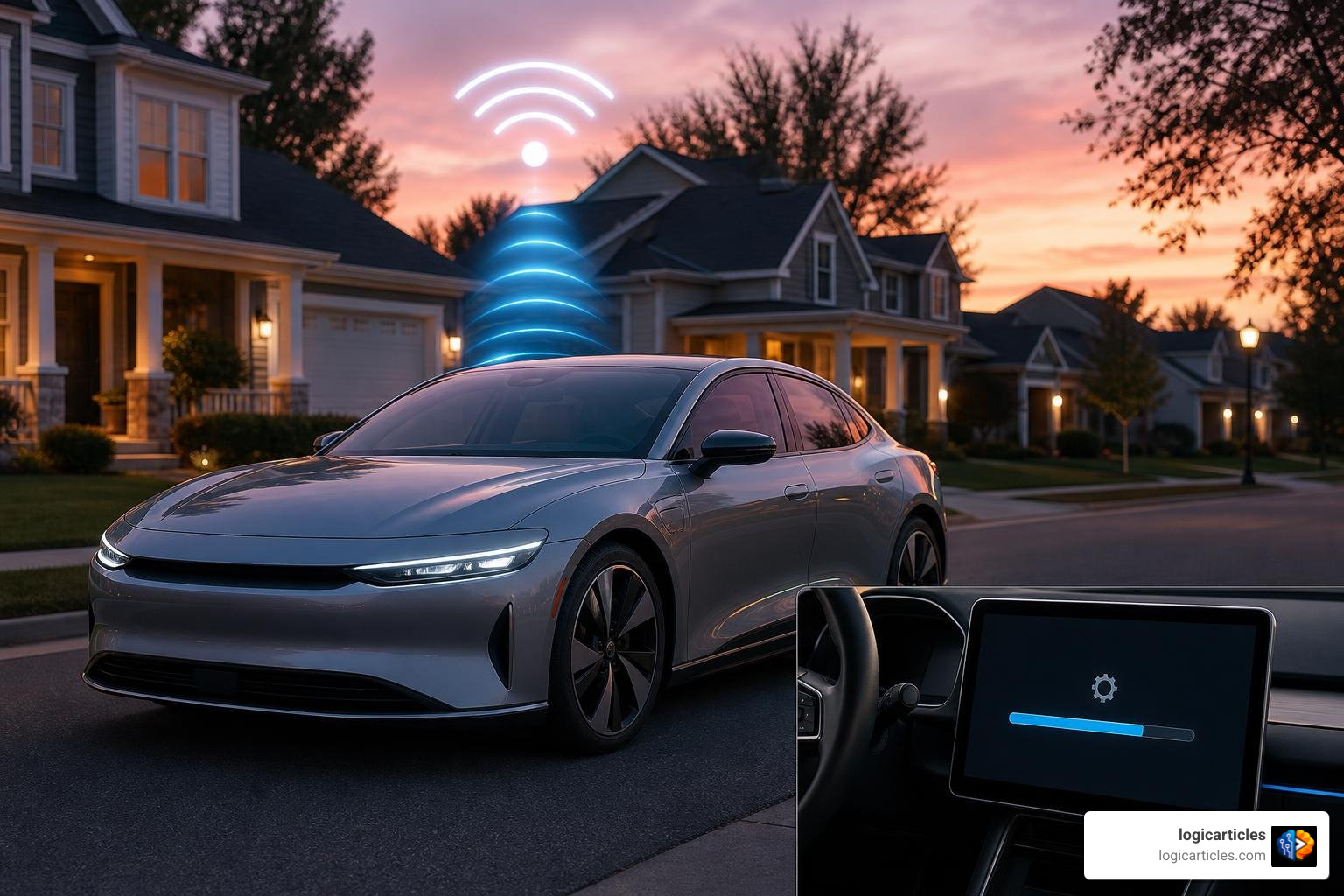
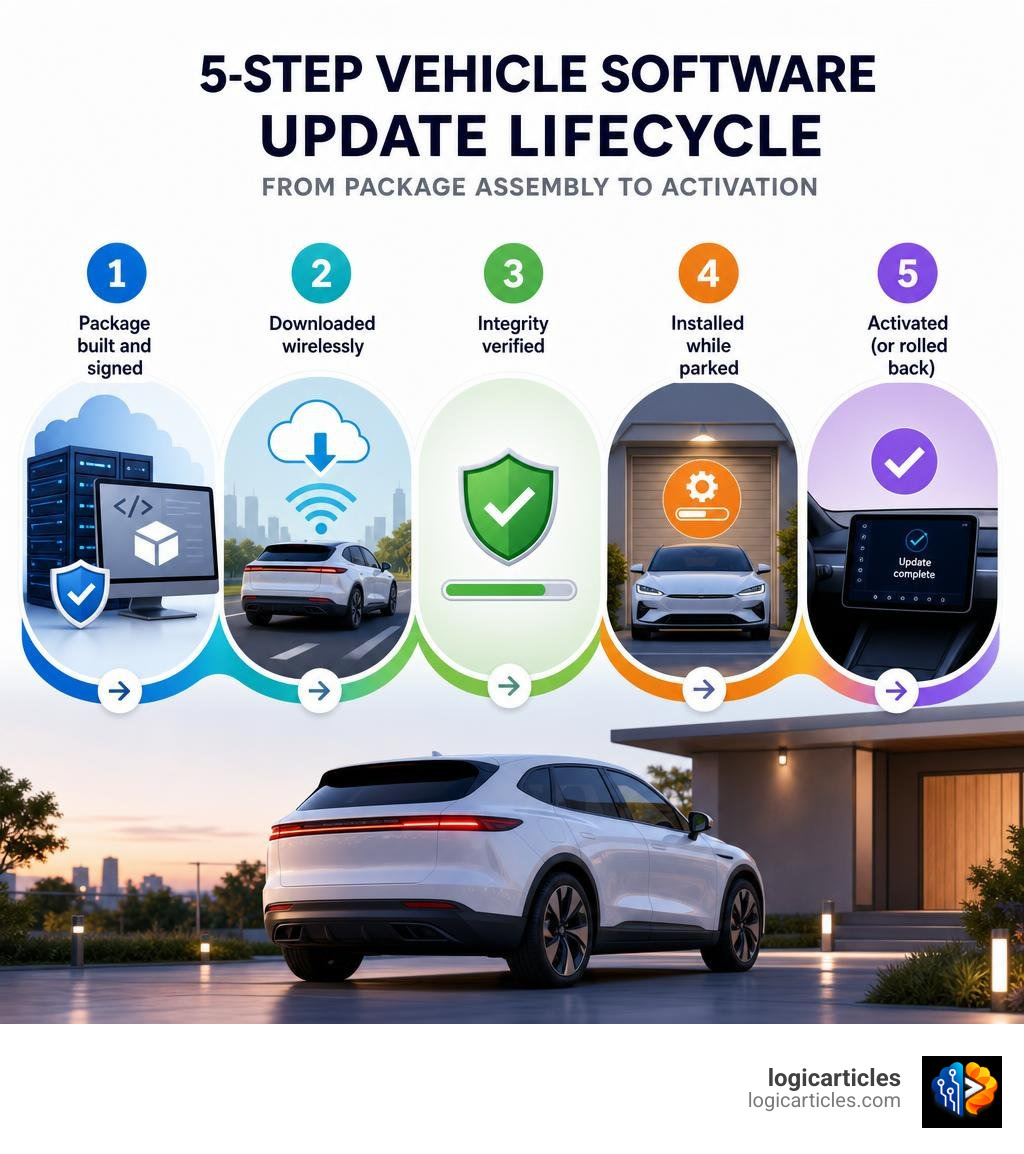
How do vehicle software updates work? Here’s the short answer:
- Package built and signed — The automaker assembles and cryptographically signs a software package on secure servers.
- Downloaded wirelessly — Your car downloads it in the background over cellular or Wi-Fi, while you drive normally.
- Integrity verified — The vehicle checks the digital signature to confirm the update is legitimate.
- Installed while parked — The car immobilizes itself and installs the update, typically in 20 minutes to 3 hours.
- Activated (or rolled back) — The new software goes live, or the car reverts to its previous version if something goes wrong.
Think of it like updating your phone — except the “app” controls your brakes, battery, or infotainment screen.
Modern vehicles run on millions of lines of code. That code powers everything from your navigation system to your engine management and advanced driver assistance features. And like any software, it needs to be patched, improved, and occasionally fixed.
Not long ago, getting a software fix meant a trip to the dealership. Today, most vehicles from model year 2017 and newer can receive updates wirelessly, right in your driveway — no appointment needed.
But there’s more to it than just hitting “install.” A failed update in October 2025 caused some Jeep owners to suddenly lose power while driving. Understanding how these updates work — and what to do before one runs — can genuinely keep you safer.
How Do Vehicle Software Updates Work? The Shift to OTA
For decades, buying a car meant purchasing a “frozen” physical product. Once you drove it off the lot, the features, engine tuning, and dashboard layout remained exactly the same until the day you sold it. If a bug popped up, or if a safety recall was issued, you had to schedule a physical appointment at a local dealership, wait in a lobby drinking stale coffee, and let a technician plug a physical tool into your onboard diagnostics (OBD) port.
Today, we are in the era of the software-defined vehicle (SDV). An SDV is a vehicle that relies on powerful, centralized software to control its core mechanical and digital functions. Rather than staying static, these cars evolve over time.
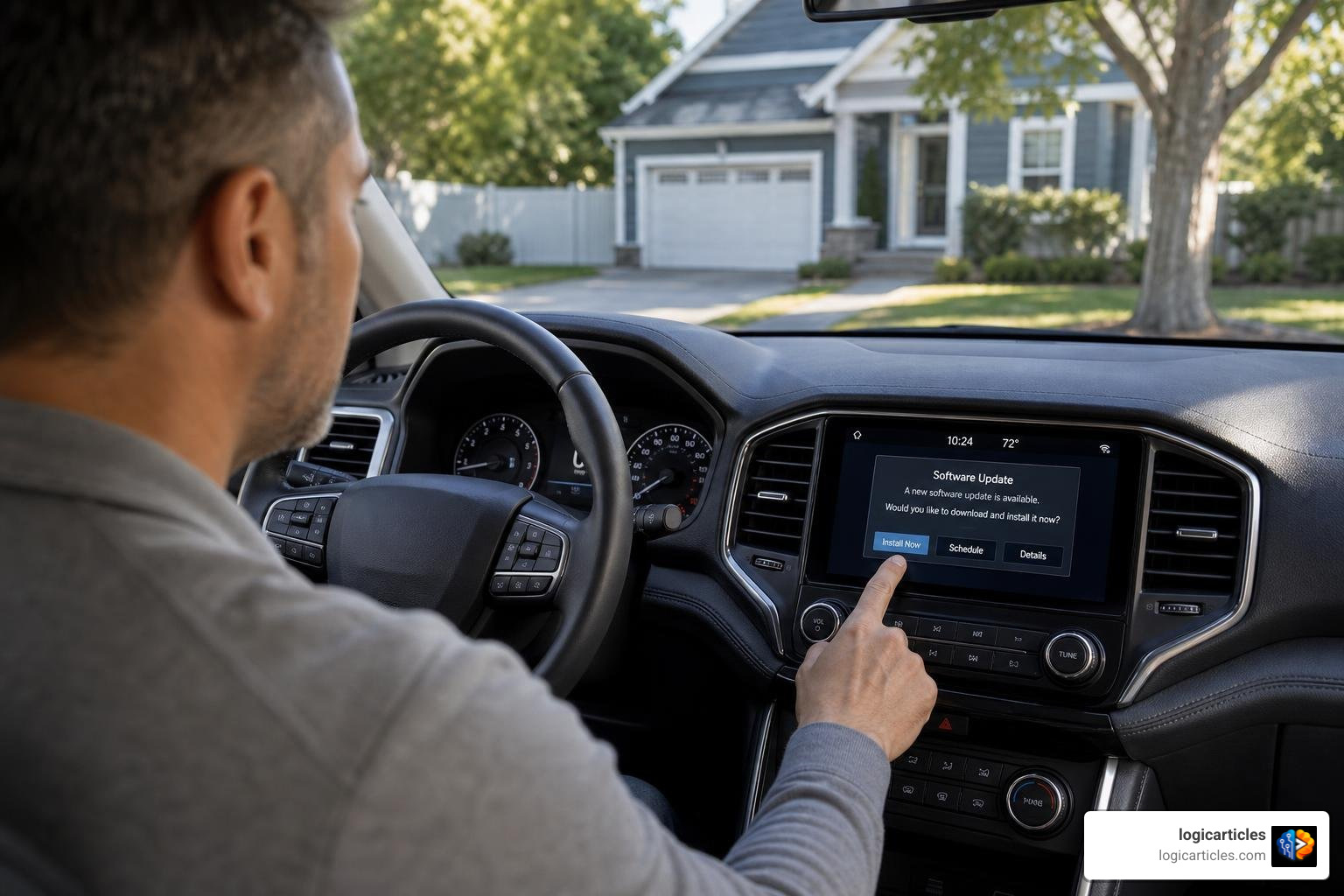
Through Over-the-Air (OTA) updates, automakers can remotely push software packages directly to your car via the internet. This shift has completely transformed vehicle maintenance, allowing manufacturers to optimize battery management systems, improve advanced driver assistance systems (ADAS), and instantly patch security vulnerabilities.
To understand how this works conceptually, it helps to look at the differences between firmware vs software. While software typically refers to user-facing applications (like your navigation map or Spotify app), firmware is the low-level code written directly to physical hardware chips that controls safety-critical components like your transmission or steering.
By utilizing secure, wireless pipelines, automakers can deploy both types of code seamlessly. As explored in the industry guide on How OTA Updates Power Software-Defined Vehicles, this capability effectively prevents vehicle depreciation, turning your car from a rapidly aging mechanical asset into an evolving digital platform.
How Do Vehicle Software Updates Work for Infotainment vs. ECUs?
When we talk about vehicle updates, we are actually looking at two entirely different domains within the car’s digital architecture:
- Software-over-the-Air (SOTA): These updates target non-safety-critical systems, primarily your infotainment system. SOTA updates might add new streaming apps, refresh the visual layout of your touchscreen, or update your built-in GPS maps.
- Firmware-over-the-Air (FOTA): These are much deeper, highly critical updates that flash new code directly to your vehicle’s Electronic Control Units (ECUs). ECUs are the tiny onboard computers responsible for physical operations: engine timing, anti-lock braking (ABS), airbag deployment, and battery thermal management.
SOTA updates are relatively simple to perform, but FOTA updates require extreme precision and strict validation because they directly affect how your car drives. To handle these complex updates, modern vehicles have transitioned away from slow, legacy Controller Area Network (CAN) wiring to high-speed automotive Ethernet. This allows the car’s primary communication gateway to distribute large, complex binary files to multiple ECUs in parallel, dramatically cutting down on installation times.
How Do Vehicle Software Updates Work Under Global Standards?
Because a buggy vehicle update can have life-or-death consequences, the entire process is strictly regulated by international automotive engineering standards. Automakers do not simply “push code” whenever they feel like it.
First and foremost is ISO 24089:2023, the international standard dedicated specifically to road vehicle software update engineering. As detailed in the INTERNATIONAL STANDARD documentation, this framework regulates the update lifecycle across four distinct levels:
- Organizational Level: Establishes corporate governance, auditing, and continuous improvement processes.
- Project Level: Manages the development, interoperability, and integrity of specific update campaigns.
- Infrastructure Level: Secures the cloud servers and distribution networks used to package and transmit updates.
- Vehicle Level: Ensures the car itself can safely process, verify, and write the new code.
Additionally, global regulations like UNECE R156 mandate that manufacturers maintain a certified Software Update Management System (SUMS) to ensure tracebility and cybersecurity. In China, the national standard GB 44496-2024 (which became active on January 1, 2026, and was further refined via GB 44496-2024/XG1-2026 on January 28, 2026) outlines the GB 44496-2024 General technical requirements for software update of vehicles. This standard strictly defines the testing methods, safety requirements, and user instruction guidelines that manufacturers must follow for both wireless (OTA) and offline (local OBD) updates.
The 5-Step Process of a Vehicle Software Update
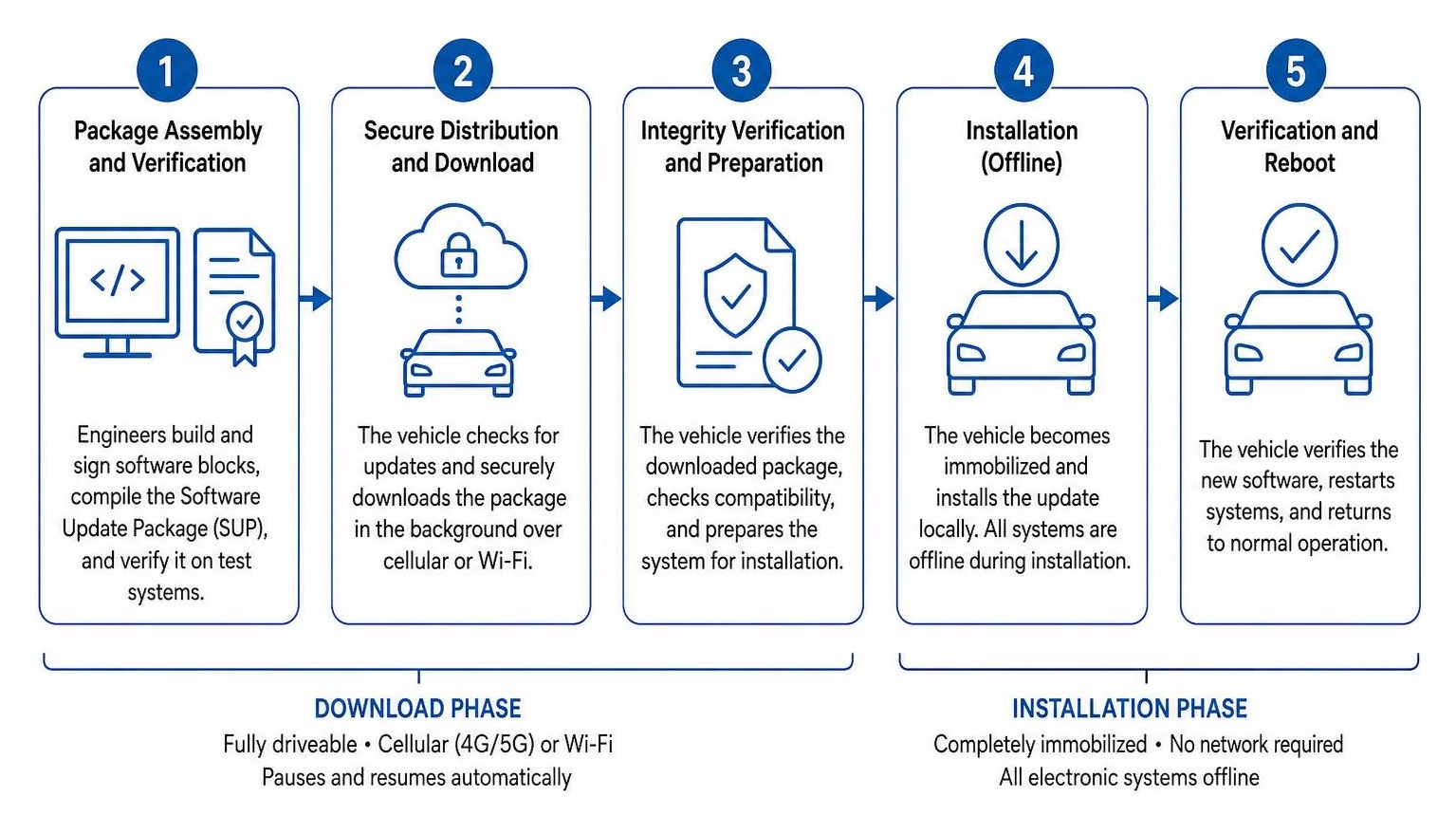
To better understand how do vehicle software updates work in practice, let’s break down the journey of an update from the manufacturer’s engineering lab to your car’s physical microchips. The process is divided into two distinct operational phases: the background download phase and the active installation phase.
| Phase | Vehicle Usability | Network Connection | System Behavior |
|---|---|---|---|
| Download Phase | Fully driveable | Cellular (4G/5G) or Wi-Fi | Pauses and resumes automatically across driving trips |
| Installation Phase | Completely immobilized | None required (local file execution) | All electronic systems, door locks, and safety chimes are offline |
Step 1: Package Assembly and Verification
Before an update ever reaches the airwaves, engineers must identify the target vehicle configurations. Because car manufacturers offer different trims, engine options, and regional hardware, an update package must be tailored precisely to a vehicle’s specific VIN (Vehicle Identification Number).
Software suppliers write and sign individual Binary Software Blocks (BSBs). The automaker then compiles these blocks into a comprehensive Software Update Package (SUP). This package undergoes rigorous verification on hardware-in-the-loop (HIL) simulators to ensure the new code will not conflict with existing vehicle systems. To learn more about how these testing pipelines are managed, check out our software testing strategies compared 2026 guide.
Step 2: Background Downloading and Connectivity
Once the update package is finalized, the manufacturer’s Campaign Management server targets eligible vehicles. Your car communicates with these servers using an onboard Telematics Control Unit (TCU) or a Vehicle Mobile Gateway (VMG).
According to the ISO/TR 24935:2025 – Vehicle Software Update OTA Using Cellular Network technical report, these updates are safely transmitted over mobile cellular networks (like 4G or 5G) or via a home Wi-Fi connection. The download occurs entirely in the background while you drive. If you enter an underground parking garage or lose cellular service, the VMG automatically pauses the download and resumes it on your next trip without losing progress or corrupting the file.
Step 3: Cryptographic Security and Integrity Checks
Cybersecurity is the most critical element of the transmission process. To prevent malicious actors from intercepting an update and sending dangerous code to your steering or braking systems, automakers use highly advanced cryptographic protocols.
When the SUP arrives at the vehicle’s gateway, it must pass a multi-level verification check:
- The gateway verifies the digital signature of the entire package using public-key cryptography.
- Individual ECUs verify the digital signatures of their specific Binary Software Blocks.
- Cryptographic keys are securely managed using the Uptane framework, a specialized security standard designed specifically for automotive OTA updates.
As highlighted in the technical overview of Over-the-Air (OTA) update: Everything you need to know about air updates | Avenga, these security measures prevent version rollback attacks (where a hacker tries to force your car to run older, vulnerable software) and unauthorized package reuse.
Step 4: Installation and Vehicle Immobilization
Once the package is downloaded and verified, your infotainment screen will display a prompt asking for your consent to install the update. This is where the vehicle transitions from normal operation to complete immobilization.
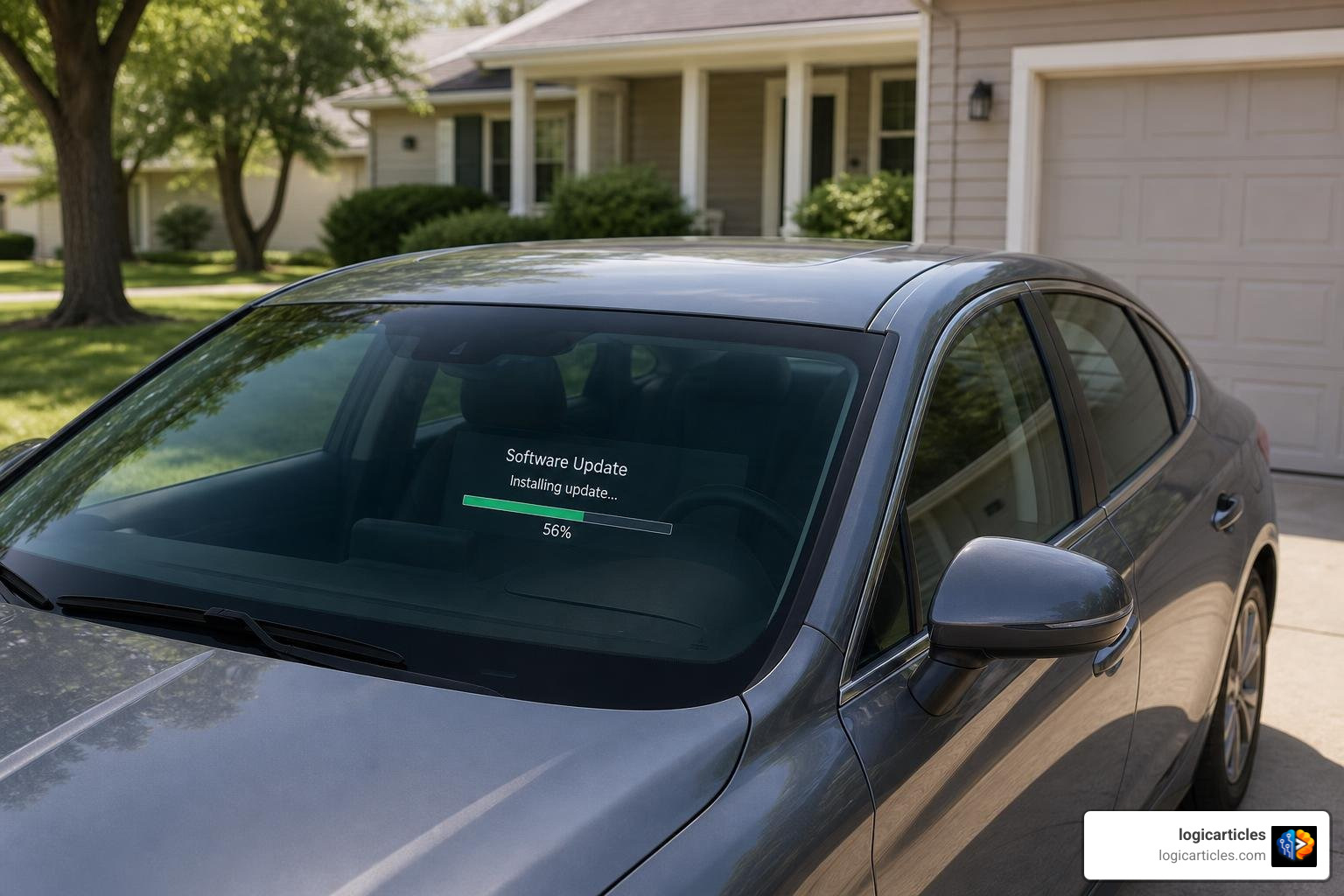
To minimize downtime, many modern ECUs utilize dual-bank memory. The car writes the new software to an inactive memory bank while you are driving. However, to actually activate the new software, the vehicle must be parked, turned off, and locked.
During this active installation phase, the car is completely disabled. You cannot drive it, and critical safety features — including electronic door locks, electric windows, and emergency connected services — are temporarily offline. Depending on the manufacturer, this installation can take as little as 20 minutes (common for General Motors vehicles) or up to three hours (for certain Volkswagen models).
Step 5: Activation and Fail-Safe Recovery
Once the installation is complete, the car’s primary gateway instructs the ECUs to switch their active pointers to the newly updated memory bank. The vehicle then boots up with the new software active.
But what happens if the power cuts out or a file gets corrupted mid-installation? To prevent your car from becoming a multi-ton driveway ornament (a process known as “bricking”), ECUs are equipped with a redundant flash bootloader. If the system detects an installation failure or an unexpected error, the bootloader triggers an automatic fail recovery operation, rolling the vehicle back to its last known stable software version. If you ever run into connectivity issues during the initial check phase, our guide on what to do when an error occurred while checking for a software update can help you troubleshoot the problem.
Safety Precautions and Prerequisites for Drivers
While modern OTA updates are highly automated, they are still complex procedures that require a stable physical environment. To avoid installation failures and ensure the safety of everyone in and around the vehicle, drivers should follow these essential precautions:
- Park in a Safe, Secure Location: Never initiate an update if your car is parked on a busy street, blocking a driveway, or in an area with zero cellular reception (like a deep underground garage). If an update stalls, you may need a strong signal to resume it, or in worst-case scenarios, a tow truck must be able to access the vehicle.
- Do Not Leave Occupants or Pets Inside: Because electronic windows, door locks, and climate control systems are disabled during installation, you must never leave children, passengers, or pets inside the vehicle while an update is running.
- Check Your Battery Charge: Writing data to microchips requires a steady, uninterrupted supply of electrical power. For Volkswagen electric vehicles, the high-voltage battery must have a charge of 50% or more before the system will even allow you to start an OTA update. For gas-powered cars, ensure your standard 12V battery is healthy.
- Avoid Charging Your EV During Updates: If you drive an electric vehicle, do not plug it into a charger or attempt to charge it while a software installation is active. Doing so can cause communication conflicts between the charging port and the battery management ECU, leading to an update failure.
- Do Not Interfere with the Vehicle: Once you press “Start” on the update screen, walk away. Do not open or close the doors, do not try to turn the ignition on, and do not press any physical buttons. Even opening a door can trigger a sensor that interrupts the ECU flashing process.
For a deeper dive into real-world safety cases, including how a driver of a Volvo XC90 experienced a braking system malfunction after an OTA update in May 2025, consult the comprehensive guide on OTA Car Software Updates: Are They Safe and How Do They Work? – Consumer Reports.
Frequently Asked Questions about Vehicle Software Updates
As cars become increasingly reliant on digital code, many drivers have practical questions about how these updates affect their ownership experience and their wallets.
Are vehicle software updates free?
It depends on the type of update. By federal law, any software updates designed to resolve official safety recalls must be provided completely free of charge on vehicles up to 15 years old. General maintenance updates, performance “refinements” (like fixing an audio bug), and minor system enhancements are also typically free.
However, some premium upgrades — such as unlocking advanced driver assistance features, performance boosts, or major navigation map updates — may require a one-time purchase or an active subscription. Additionally, if your vehicle does not support OTA updates, or if you let your telematics subscription lapse, some automakers may charge a dealership service fee to perform the update manually.
Can I drive my car during a software update?
You can drive your car normally during the download phase, as the data is saved silently in the background. However, you absolutely cannot drive, start, or even sit inside the vehicle during the installation phase. Because the vehicle’s electronic control units are being reprogrammed, the engine or electric motors are completely disabled, and safety-critical functions like brakes and power steering are offline.
What happens if a vehicle software update fails?
If an update fails mid-installation, you do not need to panic. Modern automotive architectures are built with redundant bootloaders. If the car detects a corrupted file or an interrupted installation, it will automatically roll back to the previous, stable software version. In most cases, you can simply try the download again. If the vehicle is completely unresponsive (bricked) after a failed update, you will need to contact your manufacturer’s roadside assistance to have a technician reset the system or tow it to a local dealership.
Conclusion
The automotive landscape has changed forever. The days of static, unchangeable cars are behind us, replaced by software-defined vehicles that get smarter, safer, and more capable while parked in our driveways overnight.
Understanding how do vehicle software updates work is no longer just for tech enthusiasts — it is a fundamental part of modern car ownership. By respecting the installation process, taking simple safety precautions, and keeping your vehicle’s battery charged, you can ensure your car remains a secure, reliable, and cutting-edge machine for years to come.
Want to learn more about how advanced digital technologies are reshaping our daily lives? Explore our AI Tools at logicarticles to stay ahead of the curve!