The Hidden Cost of Not Having the Best Knowledge Base Software

Choosing the best knowledge base software for your team can save hours of lost work every single week.
Here’s a quick look at the top options in 2026:
| Tool | Best For | Starting Price |
|---|---|---|
| Slite | Small to mid-size teams | $8/user/month |
| Notion | Flexible internal wikis | $10/user/month |
| Confluence | Technical teams & enterprises | $5.50/user/month |
| Document360 | Customer-facing documentation | Custom |
| Guru | Internal knowledge + AI search | $25/seat/month |
| Zendesk | Customer support teams | $55/agent/month |
| Document360 | Documentation-heavy teams | Custom |
Think about the last time you searched for a file and came up empty. Then you either asked a colleague or built the document from scratch.
You weren’t alone.
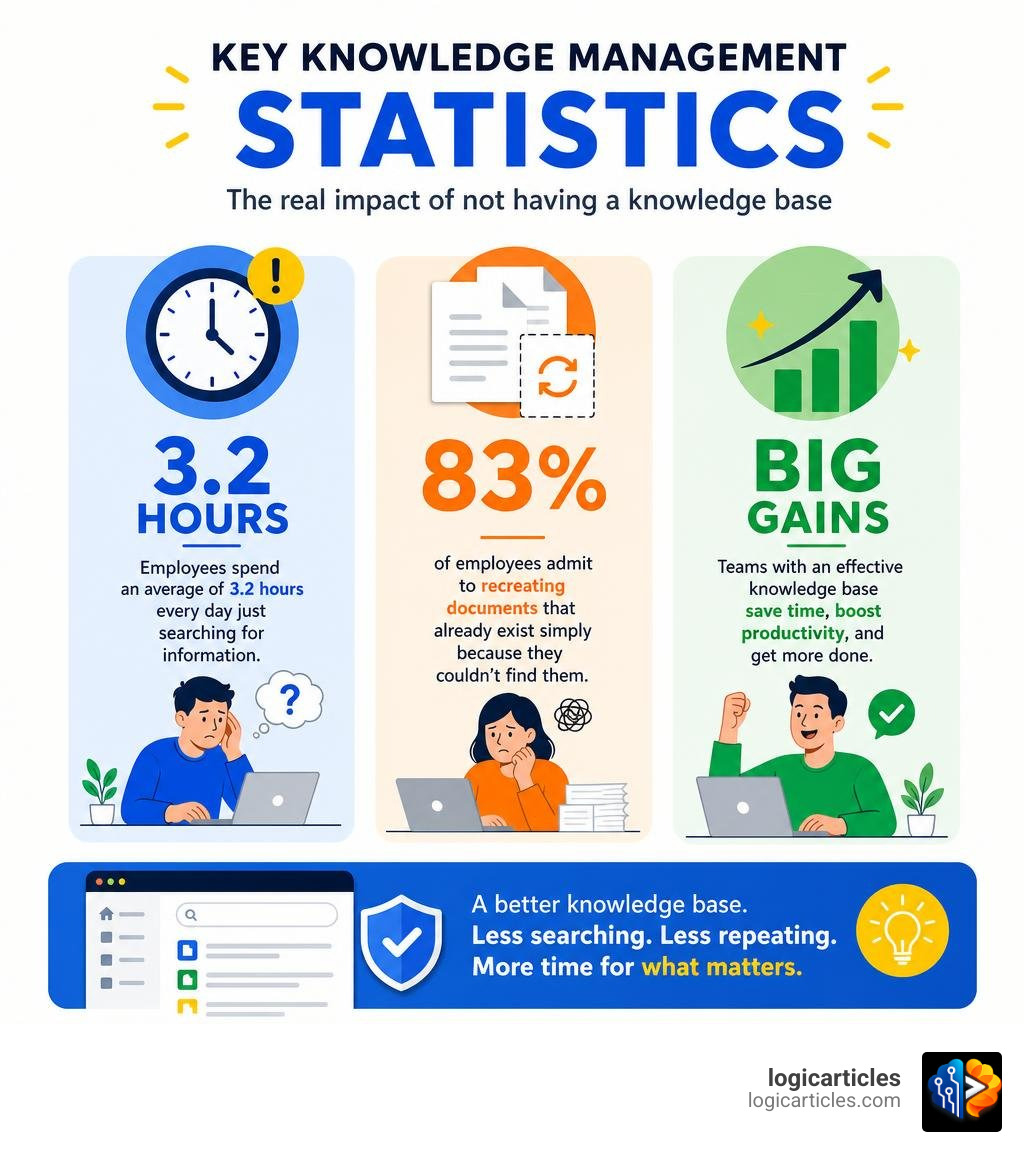
Employees spend an average of 3.2 hours every day just searching for information. That’s nearly one full workday per week — gone. And 83% of employees admit to recreating documents that already exist simply because they couldn’t find them.
This isn’t a people problem. It’s a systems problem.
Without a proper knowledge base, teams drown in scattered files, outdated docs, and repeated questions. The right software fixes that — by giving everyone a single, searchable place to find what they need, fast.
What is Knowledge Base Software and Why Do You Need It?
At its core, knowledge base software acts as a centralized digital filing cabinet that delivers answers, rather than just storing files. Unlike a standard shared folder in Google Drive or Dropbox, a true knowledge base structures your information with deliberate hierarchies, explicit ownership, and powerful search capabilities.
When organizations implement the right knowledge management tools, they report productivity gains of up to 25%. In fact, when these technologies are fully utilized, overall workspace productivity can rise by as much as 50%. The reality is that 63% of search problems directly affect workforce potential. When employees struggle to locate standard operating procedures (SOPs), company policies, or historical project briefs, progress stalls.
By adopting a dedicated platform, we move away from unstructured chaos and toward a system of structured delivery. This is a critical component of modern workspace efficiency. To understand where this fits into your broader operational toolkit, you can read more about what defines these systems in our guide on What is Productivity Software?.
Internal vs. External Knowledge Bases
When choosing the best knowledge base software, it helps to understand the two main categories: internal and external.
- Internal Knowledge Bases: These are private hubs built exclusively for your employees. They house SOPs, onboarding materials, HR policies, and technical documentation. An internal wiki keeps everyone aligned, reducing the need for endless Slack messages and meetings. If you are looking to connect your documentation directly with daily action items, you might want to look into how these tools pair with the Best Task Management Software in 2026 Tested.
- External Knowledge Bases: These are public-facing self-service portals designed for your customers. They contain FAQs, product guides, setup tutorials, and troubleshooting steps. A well-maintained external knowledge base can deflect customer support tickets by up to 70%, allowing your support agents to focus on complex cases while customers get instant, 24/7 answers.
Key Features to Look For in the Best Knowledge Base Software
Choosing the right tool requires looking past marketing buzzwords and evaluating features that directly impact daily use. Here is what actually matters:
- Search Accuracy and Speed: A knowledge base is only as good as its search bar. The tool must offer instant, reliable search results, matching not just exact keywords but also the intent behind a user’s query.
- Intuitive Content Editor: If writing and updating articles is a chore, your team won’t do it. Look for editors that support clean markdown, drag-and-drop media, and collaborative real-time editing.
- Granular Permissions and Access Control: You must be able to control who sees what. High-quality tools let you set read/write permissions at the article, category, or workspace level.
- Content Verification Workflows: Information goes stale quickly. The best platforms include verification features that prompt subject matter experts to review and update articles on a set schedule (e.g., every 90 days).
- Analytics and Insights: To keep your knowledge base healthy, you need data. Analytics help you identify what users are searching for, where they are coming up empty-ended, and which articles are no longer useful.
To see how these capabilities fit into the broader landscape of modern machine learning and automation, explore our breakdown of the AI Tools You Should Know in 2026.
The Role of AI in the Best Knowledge Base Software
Artificial intelligence has completely transformed how we interact with company documentation. Instead of manually clicking through folders, modern AI search allows users to ask questions in plain natural language and receive a synthesized, accurate answer pulled directly from existing documents.
AI features in 2026 go far beyond basic search. Platforms now offer:
- Generative AI Creation: Drafting a new SOP from a few bullet points in seconds.
- Semantic Understanding: Finding the correct policy even if the user uses completely different terminology than the original author.
- Auto-Tagging and Categorization: Keeping the workspace organized without manual sorting.
- Gap Detection: Analyzing search trends and customer support logs to automatically suggest new articles that need to be written.
For teams looking to integrate advanced machine learning directly into their content workflows, utilizing specialized services like AI Knowledge can automate article expansion and maintain high-quality self-service portals effortlessly.
Integrations and Software Stack Management
A knowledge base cannot exist in a vacuum. If your team has to leave their daily communication tools to find an answer, adoption will plummet. Your chosen platform must integrate seamlessly with your existing stack, including Slack, Microsoft Teams, your CRM, and your helpdesk.
For example, when an agent is working on a customer ticket, the knowledge base should surface relevant troubleshooting guides directly inside the CRM. Likewise, team members should be able to query the knowledge base directly from Slack using simple slash commands. Managing these connections smoothly is vital to preventing tool sprawl. For a deeper look at optimizing your business applications, read our guide on Software Stack Management in 2026.
Comparing the Best Knowledge Base Software Options in 2026
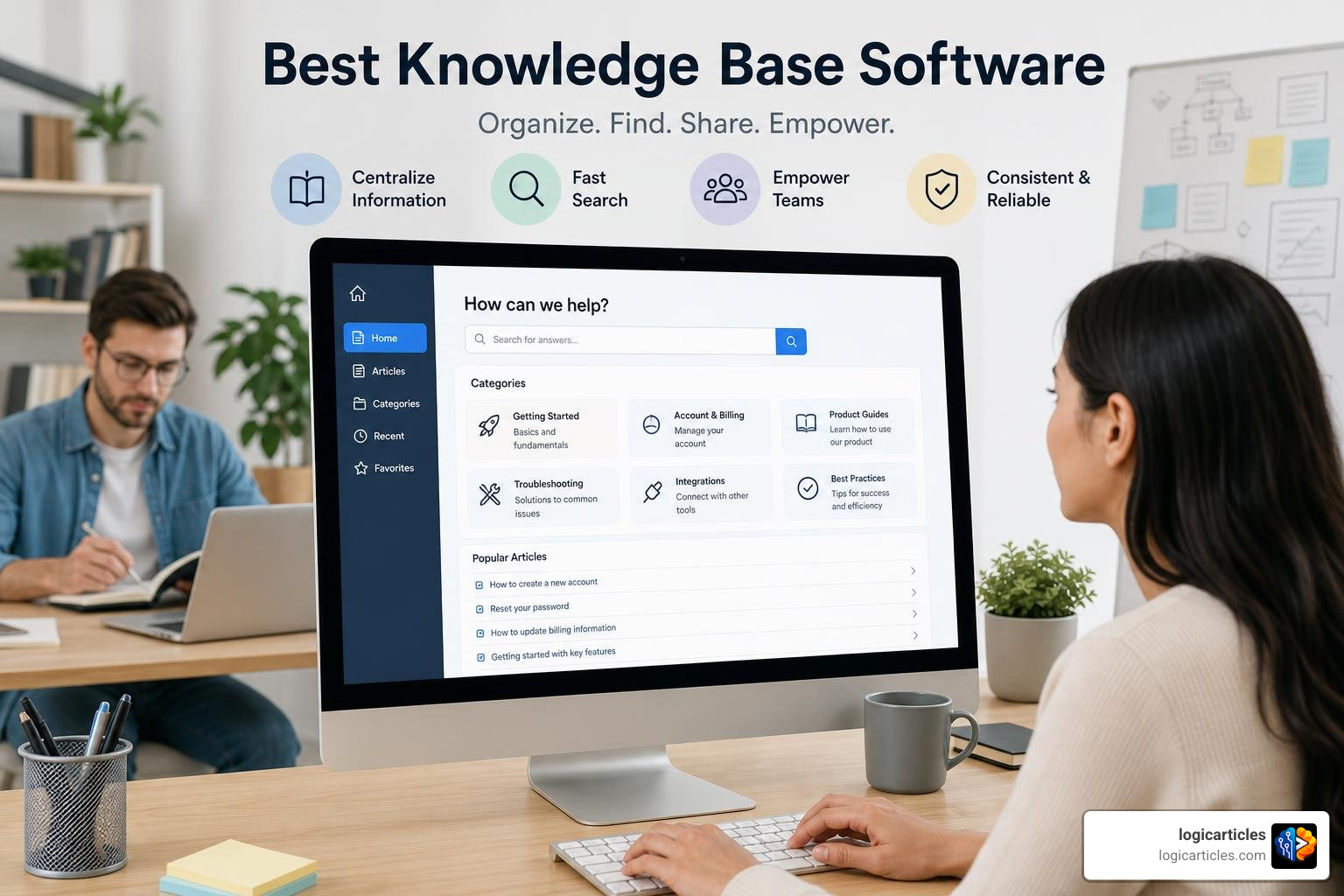
Let’s dive deep into how the top-tier knowledge base platforms perform in real-world scenarios.
Slite
Slite is an opinionated, highly focused knowledge base tool designed specifically for team collaboration and asynchronous decision-making. Unlike all-in-one tools that try to manage your entire life, Slite focuses on doing one thing exceptionally well: keeping your team’s collective mind organized. It features a beautifully clean UI, fast search, and integrated AI capabilities that help synthesize long documents into quick summaries. It is our top recommendation for teams that want a distraction-free, dedicated wiki.
Notion
Notion is a highly flexible workspace that lets you build custom databases, wikis, and project boards from scratch. It is incredibly popular because of its blank-slate approach. However, this flexibility can be a double-edged sword. Without strict administrative governance, Notion workspaces can quickly degrade into disorganized information graveyards as a company scales past 100 employees. It is excellent for startups that want to customize their workflows but requires dedicated ownership to keep clean.
Confluence
For technical, engineering, and product teams, Confluence remains an industry staple. Developed by Atlassian, it features deep, bi-directional integrations with Jira, making it easy to link technical documentation directly to project tickets and issues. Confluence is highly structured and built to handle massive enterprise workloads. To learn more about how it connects teams and files, check out Confluence | AI Workspace for Knowledge & Collaboration .
Document360
Document360 is a heavy-duty platform optimized for technical writing and customer-facing product documentation. It offers advanced features like a multi-version editor (Markdown, WYSIWYG, and block), multi-stage approval workflows, and extensive localization options. If your primary goal is to build a highly polished, public-facing help center with complex technical guides, Document360 is a fantastic choice.
Zendesk
Zendesk is a customer service giant, and its built-in knowledge base module is tailored specifically for support teams. It allows agents to quickly convert resolved support tickets into draft knowledge base articles with a single click. While it lacks some of the flexible collaboration features of Slite or Notion for internal team wikis, it is unmatched if your primary focus is ticket deflection and agent efficiency.
Best Knowledge Base Software for Small Teams vs. Enterprises
Your company’s size and growth stage will heavily dictate which software is right for you.
- Small Teams & Startups: If you are a small team, your priority is speed, ease of adoption, and low administrative overhead. You want a tool that gets out of the way so you can focus on building your business. Tools like Slite or Notion are perfect here. They require minimal setup and offer highly intuitive interfaces. To explore more tools that can help your business scale early on, take a look at our list of the Best Startup Growth Tools for 2026.
- Large Enterprises: For massive organizations, security, compliance, and complex governance are non-negotiable. You need robust permission structures, single sign-on (SSO), and compliance certifications like SOC 2, ISO 27001, and HIPAA.
For enterprise-level support environments, RightAnswers: Enterprise AI Knowledge Management | Upland Software offers KCS V6-certified solutions designed to support up to 150,000 agents with pre-built IT troubleshooting libraries. Additionally, organizations focusing on AI-first infrastructures can leverage platforms like Scogo – The IT Platform for AI-First Enterprises to unify enterprise IT knowledge delivery.
Custom and AI-Native Alternatives
If standard off-the-shelf software doesn’t fit your exact workflow, there are modern custom and AI-native paths you can take.
For businesses that want complete control over the layout, design, and user portal without writing code, you can Build a Custom Knowledge Base | Softr . Softr allows you to connect your existing databases (like Airtable or Google Sheets) and transform them into beautiful, branded client portals or internal directories in minutes.
On the other hand, if you want to bypass traditional folder structures entirely and rely on pure machine intelligence, you can turn to Knowz — AI-Powered Enterprise Search | Find Answers Instantly . Knowz acts as an “Enterprise Knowledge OS,” connecting to over 100 third-party apps to build a unified, permission-aware company brain that answers complex questions instantly.
Frequently Asked Questions about Knowledge Base Software
What is the difference between a knowledge base and a database?
A database is designed for static data storage and structured query languages, primarily meant for machines or technical administrators to retrieve raw records. A knowledge base, however, is built for structured information delivery. It translates raw data and documents into human-readable, searchable articles, complete with context, categorization, and intuitive search interfaces.
Can a knowledge base reduce customer support tickets?
Yes. Providing a public-facing self-service portal allows customers to find answers to common queries (like billing issues, return policies, or basic setup steps) on their own time. Studies show that a well-organized external knowledge base can deflect up to 70% of inbound support tickets, freeing up live agents to handle more complex customer issues.
Why do most knowledge base implementations fail?
Most knowledge bases fail because they become “information graveyards.” This happens when there is a lack of clear content ownership, the user experience is too complicated for employees to contribute easily, or the search functionality is too weak to surface relevant answers. To succeed, a company must assign clear page owners, set regular content review cycles, and choose a tool that makes editing simple.
Conclusion

A knowledge base is not just a place to store files; it is a strategic asset. By centralizing your team’s collective intelligence, you eliminate the daily friction of information hunting, prevent the costly recreation of existing work, and empower both your employees and your customers to find answers independently.
To make your system work, start small:
- Choose a platform that matches your team’s technical comfort level.
- Assign clear owners to key categories.
- Establish a simple content governance workflow to keep articles fresh.
Ready to optimize your team’s workflow and boost overall output? Explore Productivity Resources to find more guides, tips, and software reviews designed to streamline your business operations.